The article explains how to toggle on or off the prompt to confirm closing a window with multiple tabs in Microsoft Edge, the default browser of Windows 11. Steps are provided for adjusting this setting in the browser’s menu interface and through the Windows Registry. The setting is on by default to prevent unintentional closing of multiple tabs.
Browsers
This informative text describes how to control the forward button visibility on the Microsoft Edge browser toolbar. By default, this button appears automatically when possible to navigate forward. However, it can be set to be consistently visible by navigating through the browser's settings: Settings>Appearance>Customize toolbar>Select which buttons to show on the toolbar>Always show.
The article provides a guide for activating or deactivating the "Always open favorites in new tab" feature in Microsoft Edge, starting with version 110. The feature, however, is not universally accessible yet. The post explains how to access this setting through the 'Settings' and then 'Appearance' page and use a toggle button to enable or disable it.
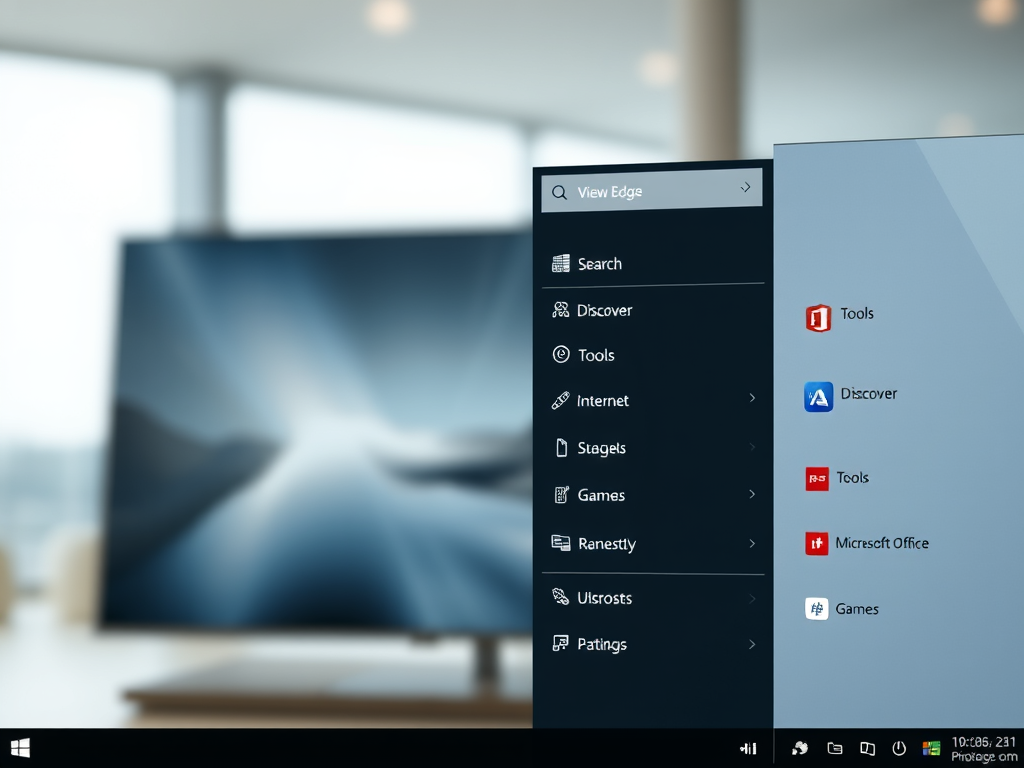
The article provides a guide on adding or removing a sidebar in the Microsoft Edge browser, which is the default browser in Windows 11. Quick access features like Search, Discover, Tools, Internet Speed Test, Games, and Microsoft Office icons can be included on the sidebar. The sidebar can be managed via the Settings menu within the browser, or using the Windows Registry.
The article provides a guide on how to activate or deactivate downloading updates over metered connections in the Microsoft Edge browser. Microsoft Edge will only update on non-metered networks by default, however, this can be changed in settings or via the Windows Registry. The steps for both methods are detailed in the text.
The post provides a guide on backing up and restoring everything in the Microsoft Edge browser on Windows systems. The backup includes all settings, favorites, profiles, and extensions but excludes passwords stored in Edge. These are encrypted and stored online. The guide offers detailed steps on how to locate the Edge folder, copy it to a new system, and restore browser preferences via the Windows registry.
The post outlines steps to set DuckDuckGo as the default search engine in various browsers (Microsoft Edge, Google Chrome, Firefox, etc.) in Windows 11. Stating that DuckDuckGo provides privacy protection, it presents instructions to install different browsers on Windows 11 and configure DuckDuckGo as the default search engine, differentiating steps for Chromium-based browsers and Firefox.
The post provides a step-by-step guide for exporting passwords from Microsoft Edge to a .CSV file, which can then be imported into other third-party password managers. The article also suggests that while useful, Microsoft Edge's built-in password manager may not be the most secure option available.
The post provides a guide on how to export passwords from Google Chrome's built-in password manager. This feature allows stored passwords to be migrated to third-party password managers or kept as a record for later use. The steps involve accessing the settings, selecting 'Autofill', then 'Passwords', and finally 'Export passwords'. Users must authenticate themselves with their Windows password to complete the process.
The post provides a guide on how to download, install, and use Google Chrome on Windows 11, as well as setting it as the default browser. Although Microsoft Edge comes pre-installed on Windows 11, users preferring Google Chrome on other devices can easily transition their browser preferences and stored data over to Windows 11.
This piece provides a detailed guide on installing Google Chrome on Ubuntu Linux, a beginner-friendly, open-source operating system. Installation can be done either via Chrome's download page or through the command line console. Google Chrome is not included in Ubuntu's default repositories so it must be manually downloaded and installed.