How to Turn On or off Set Time Automatically in Windows 11
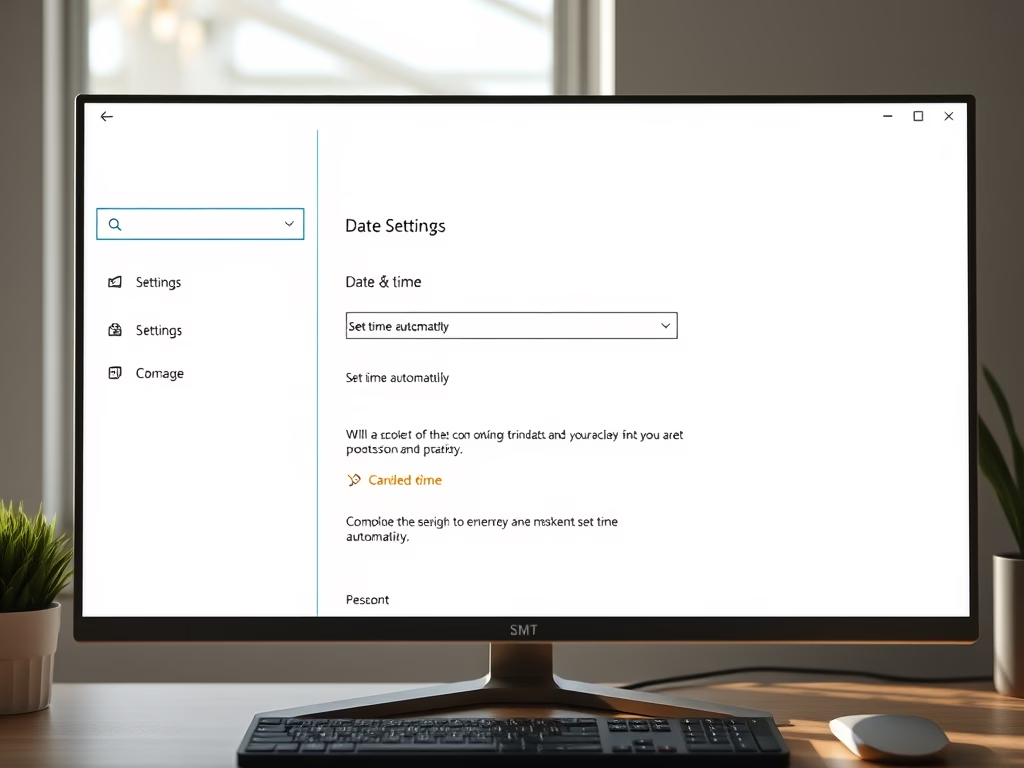
This guide explains how to enable or disable the automatic time setting feature in Windows 11. Users can adjust this through the Settings menu, requiring administrator access. Additionally, advanced users may edit the Registry for more control. Accurate timekeeping is vital for file organization and scheduling.
Updated Oct 2026
Read more →