You can turn the “Show frequent sites on Windows taskbar” feature on or off in Microsoft Edge on Windows 11 to control whether your most visited websites appear on your…
You can turn automatic upgrades to passkeys on or off in Microsoft Edge to manage how your old logins transition to this newer, more secure method. Passkeys are a passwordless…
You can import your favorites and passwords from a file into Microsoft Edge to consolidate your browsing data. Importing means transferring your saved website links (favorites/bookmarks) and login credentials (passwords)…
You can import your favorites and passwords into Microsoft Edge from other browsers like Chrome, Firefox, and Internet Explorer by using Edge’s built-in import tool. This process allows you to…
You enable or disable the Favorites bar in Microsoft Edge by adjusting a setting within the browser’s Appearance menu. The Favorites bar, also known as the bookmarks bar, lets you…
You perform a hard page refresh in Microsoft Edge on Windows 11 to force the browser to download the latest version of a webpage directly from the server, ignoring cached…
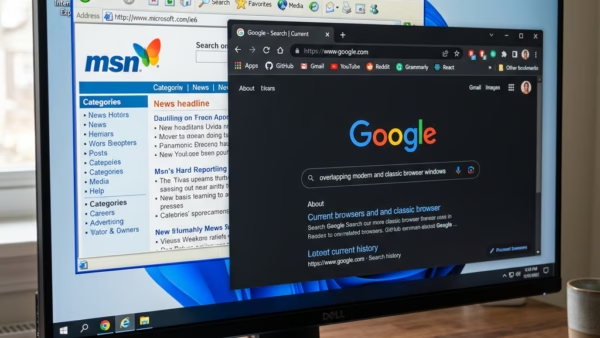
You can turn on Internet Explorer Mode in Microsoft Edge to access older websites and applications that require it. Internet Explorer Mode is a built-in feature of Microsoft Edge that…
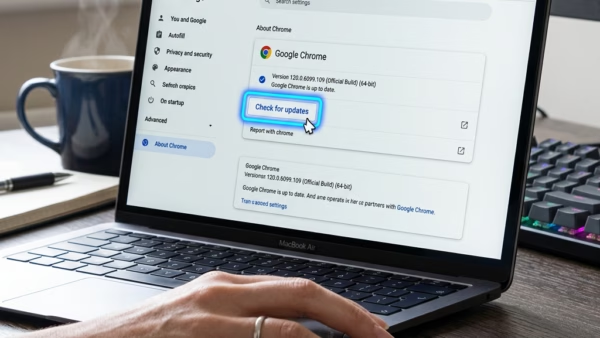
You get the latest Microsoft Edge update in Windows 11 by checking for updates directly within the browser itself. Microsoft Edge is a web browser developed by Microsoft that is…
You create a new profile in Microsoft Edge to keep your browsing data separate for different users or purposes. Microsoft Edge profiles allow you to maintain distinct sets of bookmarks,…
You can make text bigger in Microsoft Edge by adjusting the browser’s zoom level, either for individual websites or globally. Zooming allows you to enlarge or shrink content on web…
You can stop Microsoft Edge from starting automatically in Windows 11 through the Task Manager or Windows Settings. Microsoft Edge is the default web browser for Windows 11, and sometimes…
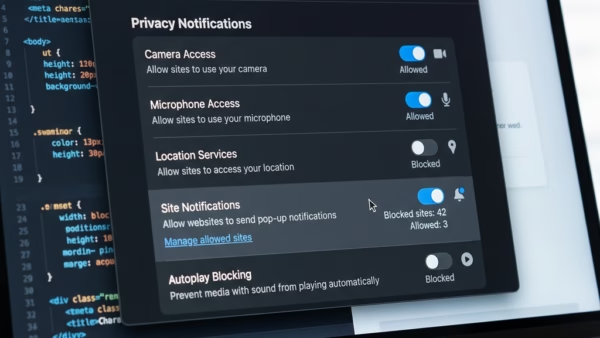
You can manage website notifications in Microsoft Edge by accessing the browser’s settings to control which sites can send you alerts and how those alerts appear. Website notifications are pop-up…
You can view and delete your browsing history in Microsoft Edge by accessing the “History” menu within the browser’s settings. Browser history, also known as browsing data, is a record…
You can temporarily allow cookies in Microsoft Edge by adjusting your site permissions for specific websites. Cookies are small files websites store on your computer to remember your preferences and…
Microsoft Edge’s InPrivate mode lets you browse the web privately, preventing your browsing history, cookies, and site data from being saved on your device after you close all InPrivate windows.…