Phone notifications in Windows 11 let you see text messages, app alerts, and call notifications on your computer screen without picking up your phone. The feature works through the Phone…
3,007 tutorials · page 54 of 251
Phone notifications in Windows 11 let you see text messages, app alerts, and call notifications on your computer screen without picking up your phone. The feature works through the Phone…
The Windows 11 microphone privacy settings are in Settings › Privacy & security › Microphone. One master switch there, called Microphone access, controls audio input for the whole PC. Turning…
Step 2Stop the Telemetry Service To stop the Connected User Experiences and Telemetry service, find it in the long list of services. Then stop it and change its startup type…
Turning off automatic app restart in Windows 11 stops your computer from reopening your last used programs when you sign back in. Normally, Windows saves a list of your open…
Windows 11 Inking and Typing Personalization is a built-in feature that saves your custom words, writing habits, and local dictionary data to improve text suggestions and handwriting recognition. Turning off…
Windows time drift is when your computer clock loses the correct time and runs minutes or even hours fast or slow. Your PC depends on two time sources. The first…
Promotional suggestions in Windows 11 are built-in ads and tips. Microsoft uses them to recommend extra services such as OneDrive storage or Microsoft 365. Windows uses signals like which apps…
Personalized recommendations in Windows 11 are the tips, suggested items and promotional messages that Microsoft shows in the Start menu, the Settings app, File Explorer, the lock screen and notifications.…
Pairing Bluetooth hearing aids with Windows 11 lets you stream calls, music and video straight to your ears. Windows treats them much like wireless headphones, but it also has accessibility…
Full screen optimizations is a built-in Windows 11 feature that runs games and apps in a borderless window instead of traditional exclusive full screen mode. Because the app is really…
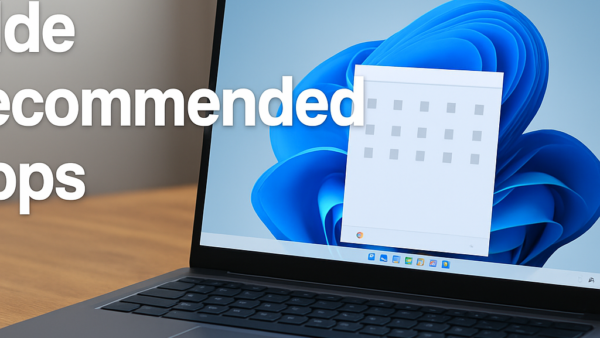
Recommended apps in the Windows 11 Start menu are suggested software and recent files that Microsoft shows automatically to help you pick up where you left off. The feature uses…
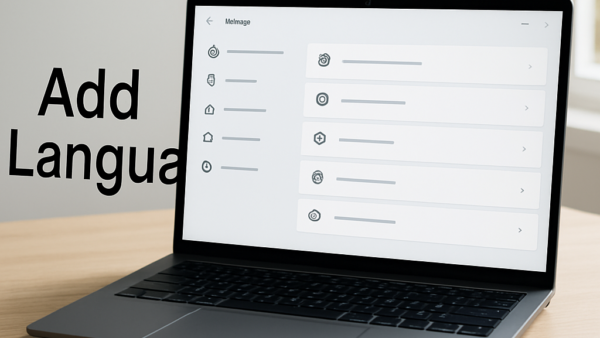
Adding a secondary language keyboard layout in Windows 11 lets you type in another language without changing the display language of your computer. Windows keeps the two apart. The display…
One email when we publish a guide worth your time — new Windows features, the fixes that actually work, and a heads-up when Microsoft breaks something. Unsubscribe in one click.