“`html Windows Security scans for harmful software and blocks dangerous apps without requiring extra purchases. Lock down your device by turning on real-time virus protection and account sign-in rules. Getting…
Every guide we’ve published, newest first. Filter by topic, or use search if you already know what broke.
3,212 tutorials · page 35 of 268
“`html Windows Security scans for harmful software and blocks dangerous apps without requiring extra purchases. Lock down your device by turning on real-time virus protection and account sign-in rules. Getting…
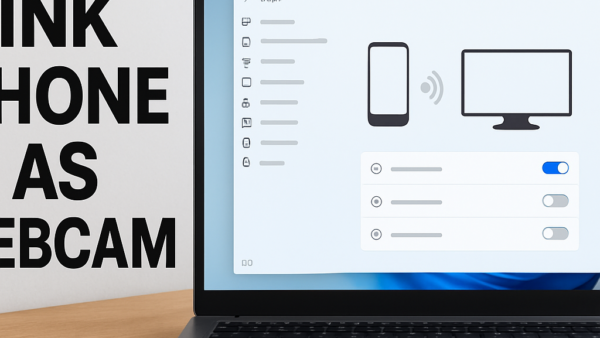
Phone Link in Windows 11 lets you read text messages, make phone calls, and view mobile photos directly on your computer screen. Microsoft builds this app right into Windows 11…
Windows Security is a built-in app in Windows 11 version 23H2 and later that protects your PC from viruses, hackers, and online threats without needing extra software. Press the Start…
The status bar in Windows 11 File Explorer is a small strip at the bottom of the window that displays item counts, file sizes, and image dimensions at a glance.…
Narrator is a built-in screen reader in Windows 11 that reads text on your screen out loud and describes events like error messages. You can turn Narrator on or off…
Windows 11 touchpad gestures let you control your laptop screen using two, three, or four-finger taps and swipes instead of a physical mouse. These built-in shortcuts help you switch between…
Ubuntu Linux is an open-source operating system that uses text-based commands to manage software, user accounts, and system security. Administering an Ubuntu system involves updating packages, managing file permissions, and…
Customizing Ubuntu Desktop lets you change the look, feel, and layout of your screen using built-in settings and extensions. Ubuntu 24.04 and recent versions include tools to swap out themes,…
Managing storage in Windows 11 lets you find what fills your hard drive and delete unwanted files to reclaim gigabytes of space. Storage Sense (a built-in tool that cleans up…
Managing Microsoft Edge settings and profiles lets you control privacy options like tracking prevention, block unwanted cookies, and keep your personal and work accounts separate in Windows 10 and Windows…
Fullscreen optimizations in Windows 11 help games run faster by letting titles take over your display directly instead of sharing screen resources with background apps. This built-in feature boosts frame…
Windows 11 accounts control who uses your PC and what they can change across your system. You can choose between Administrator profiles with full access and Standard profiles with limited…
One email when we publish a guide worth your time — new Windows features, the fixes that actually work, and a heads-up when Microsoft breaks something. Unsubscribe in one click.