How to Find Your Downloads Folder in Windows 11
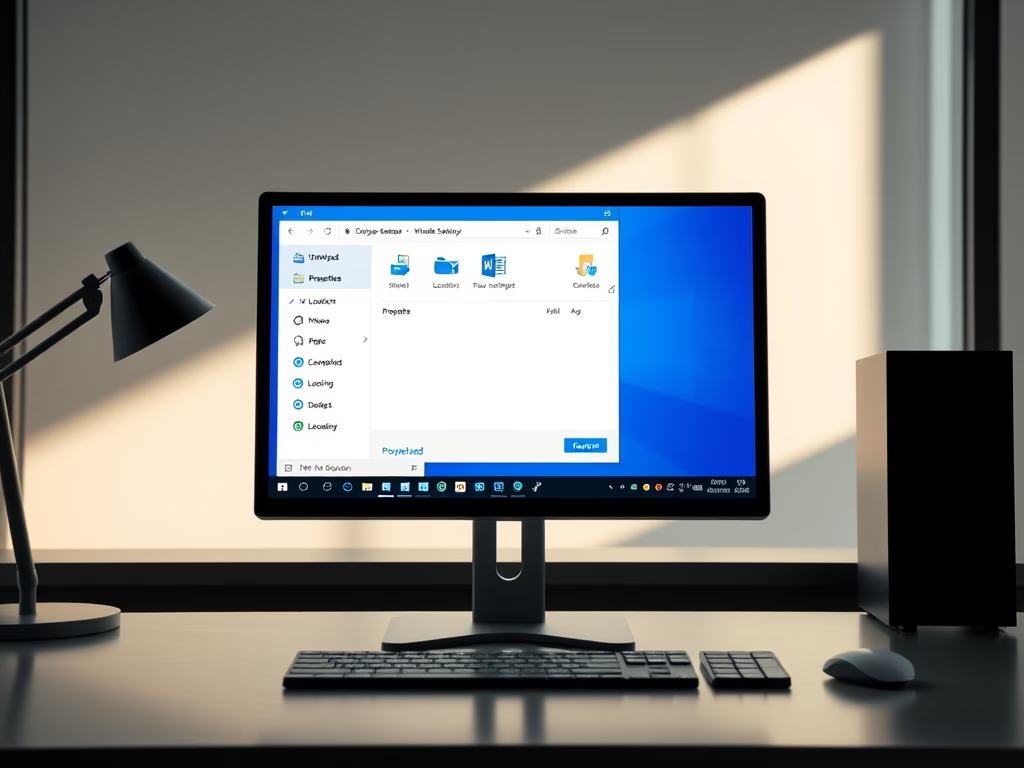
The post provides guidance for students and new users on how to find and use the Downloads folder in Windows 11. This is the default location where files downloaded from the internet are stored. Users can access this folder through the File Explorer or create a shortcut to it on the Start menu. Browsers offer the option to change this default location, requiring confirmation prior to each download. Users can also move the Downloads folder to other locations based on preference.
Updated Oct 2026
Read more →