Skip to content
Follow
📚

Tutorials

Every guide we’ve published, newest first. Filter by topic, or use search if you already know what broke.

3,281 tutorials · page 261 of 274

Windows 3 min read
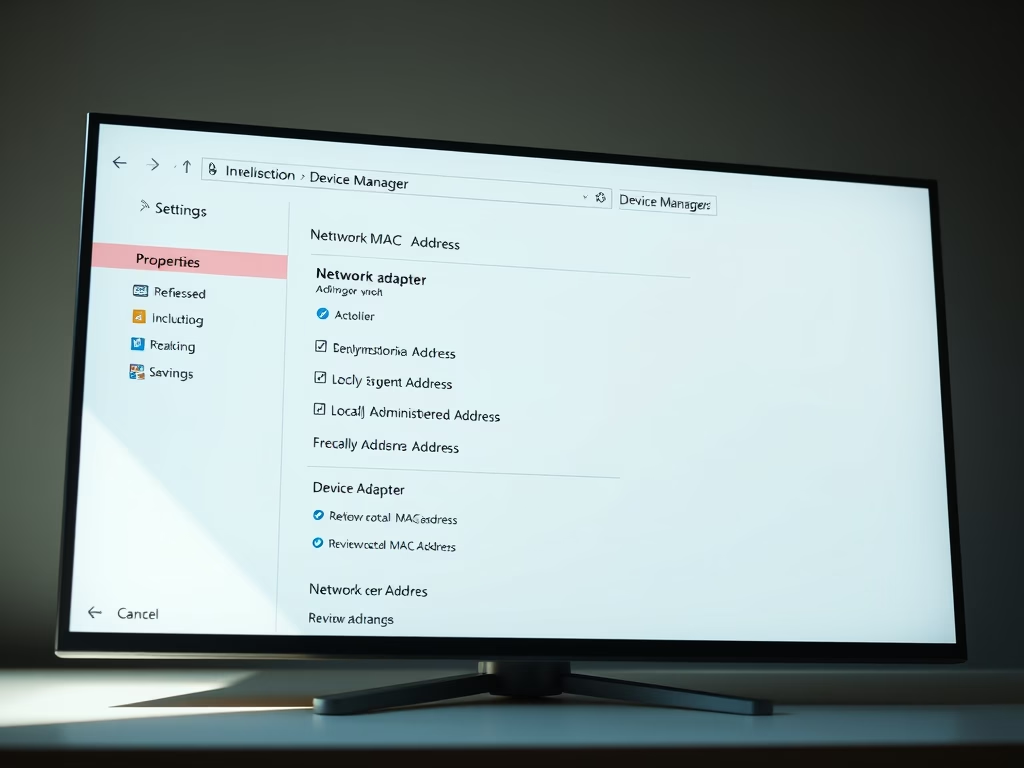
How to Change MAC Address on Windows 11

This content provides a guide on how to change or spoof the MAC address of a device on Windows 11. MAC addresses help identify network devices, and while they cannot be altered physically, users can change them virtually to resolve network issues. The article includes step-by-step instructions on how to navigate the Windows 11 system settings to perform this task.

Updated Oct 2026 Read more →

Windows 4 min read
How to Schedule Automatic Maintenance on Windows 11

The post instructs Windows 11 users on how to schedule automatic system maintenance tasks including updates, security scanning, and system diagnostics. While these tasks are usually done at 2 AM, the timing can be changed if one's PC is not usually on at this time. There's no option to stop these tasks, as they help the system function effectively.

Updated Oct 2026 Read more →

Windows 5 min read
How to Update Microsoft Store Apps on Windows 11

This post advises students and new users on updating Microsoft Store apps on Windows 11, promoting its significance in addressing bugs/security vulnerabilities and improving overall app security. Two types of apps - Microsoft Store apps and traditional apps - can be installed on Windows. The post provides guidelines for manually updating Microsoft Store apps from settings and enabling automatic updates for convenience and better system protection.

Updated Oct 2026 Read more →
Windows 4 min read
How to Upgrade from Windows 11 Home to Pro

This text outlines how to upgrade from Windows 11 Home Edition to Pro. It provides two options for acquiring a Windows 11 Pro license: purchasing a retail key from a vendor, or buying one directly from Windows activation settings. Benefits of Pro include BitLocker encryption, Hyper-V virtualization, a built-in remote desktop server, and joining a domain in an active directory. It also explains the step-by-step upgrade process within the Windows Settings app.

Updated Oct 2026 Read more →
Windows 5 min read
How to Exclude Files from Microsoft Defender on Windows 11

The article provides step-by-step instructions on adding exclusions to Microsoft Defender on Windows 11. It emphasizes that exclusions can enhance system performance but warns they could invite threats since Microsoft Defender won't scan excluded files for malware. The process involves opening the Windows Security app, navigating to Virus & Threat Protection settings, and selecting files, folders, file types, or processes to exclude from scans.

Updated Oct 2026 Read more →
Windows 5 min read
How to Reset File Explorer Folder View in Windows 11

This post instructs how to reset File Explorer's folder views on Windows 11. File Explorer has five folder templates that can be individually customized and reset. By opening File Explorer, selecting Options from the toolbar's ellipses, clicking Reset Folders on the View tab, and confirming the change, the File Explorer folder views will revert to the default.

Updated Oct 2026 Read more →
Advertisement
Windows 4 min read
How to Stop Skype from Starting Automatically on Windows 11

This content provides instructions on how to disable Skype from starting automatically on Windows 11. There are various methods depending on how Skype was installed - via the Microsoft Store or traditionally. The options include disabling the auto start in the app`s settings, from the Task Manager, or within the Skype app itself.

Updated Oct 2026 Read more →
Windows 3 min read
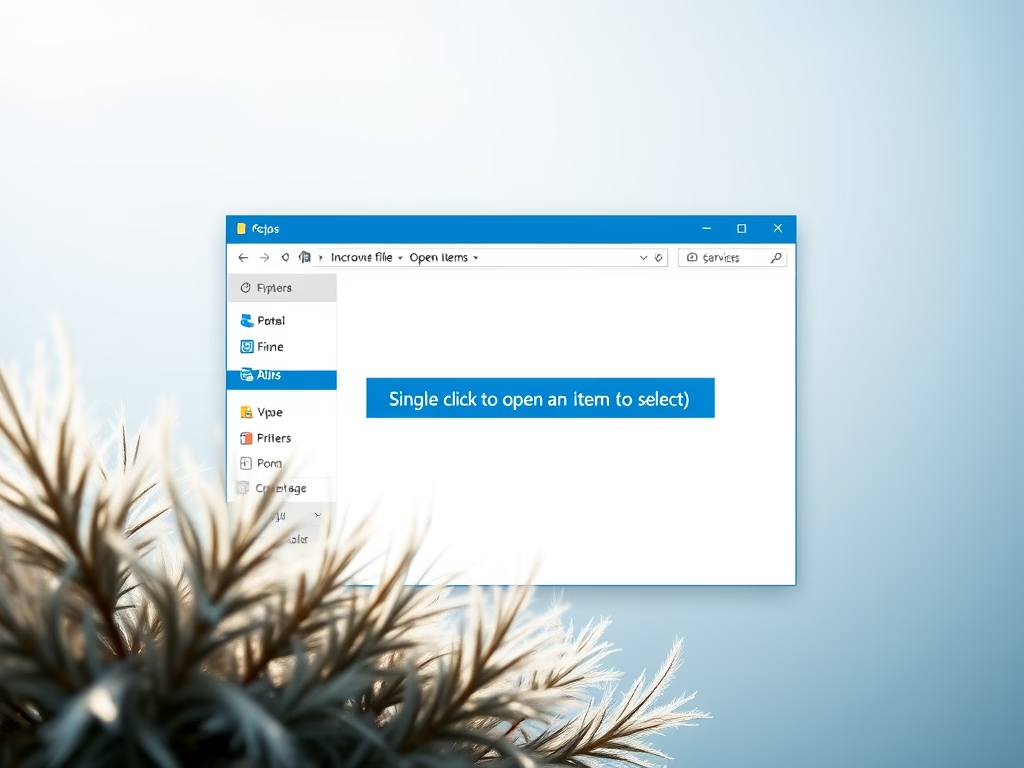
How to Enable Single Click to Open Items in Windows 11

The post instructs on enabling single-click item opening in Windows 11, which by default requires a double-click. The steps involve opening File Explorer, selecting Options from the toolbar, and under the General tab, choosing the option for single-click opening. For selecting an icon without opening it, hovering the mouse over it momentarily will do.

Updated Oct 2026 Read more →
Windows 5 min read
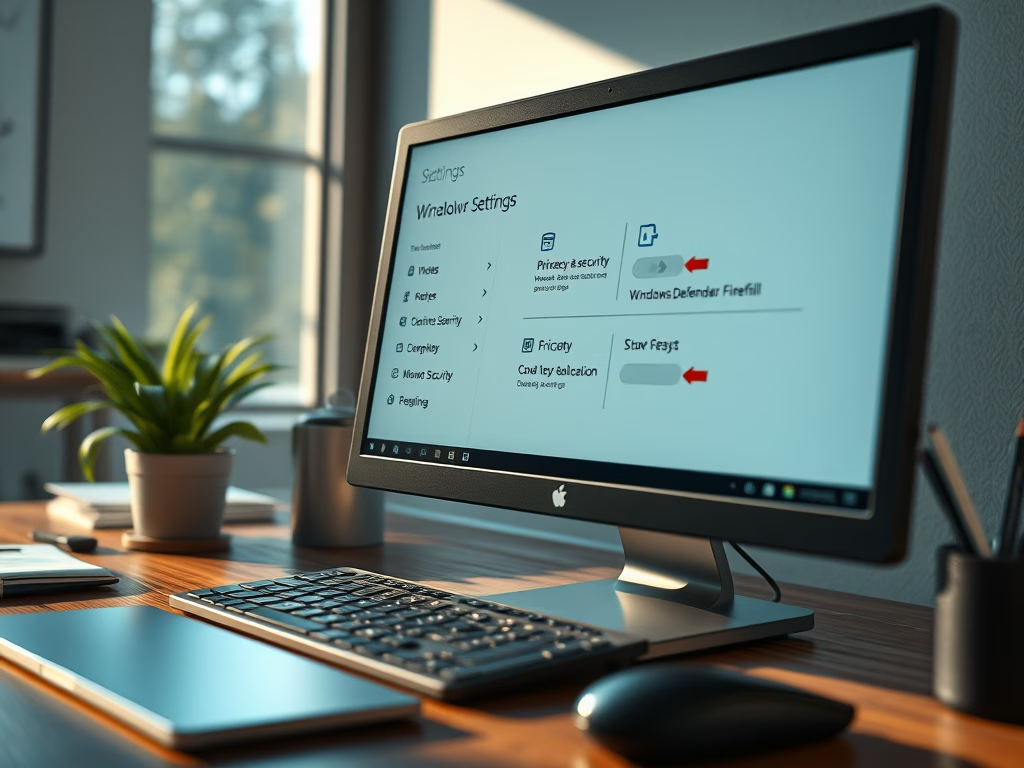
How to Disable Windows Firewall on Windows 11

The post instructs students and new users on how to disable Windows Defender Firewall on Windows 11 while highlighting the essential role it plays in device security. It notes that Windows Defender Firewall self-disables if commercial firewall software is installed. It also advises on allowing specific apps through the Firewall as a safer alternative to completely disabling it. Users are urged to keep the Firewall enabled unless it interferes with other security products.

Updated Oct 2026 Read more →
Windows 6 min read
Windows 11 System Requirements: What Your PC Needs

This post outlines the minimum system requirements for running Windows 11, which are similar to Windows 10 with a few additional features. Microsoft has released a PC Health Check app to determine if a PC meets the necessary specifications. These requirements include a compatible 64-bit processor, 4GB or more RAM, a storage device of 64GB or larger, and a DirectX 12 compatible graphics card, among others. If a device does not meet these standards, upgrading the system or obtaining a new one is advised.

Updated Oct 2026 Read more →
Windows 6 min read
How to Enable or Disable Touchscreen in Windows 11

This content provides a step-by-step guide to disable the touch screen feature on a Windows 11 device. It explains how users can navigate the system settings, device manager and the human interface devices category to disable the touchscreen function. To reactivate, users can follow the same process. Restarting the computer finalizes the process.

Updated Oct 2026 Read more →
Advertisement