How to Manage Tailored Experiences in Windows 11
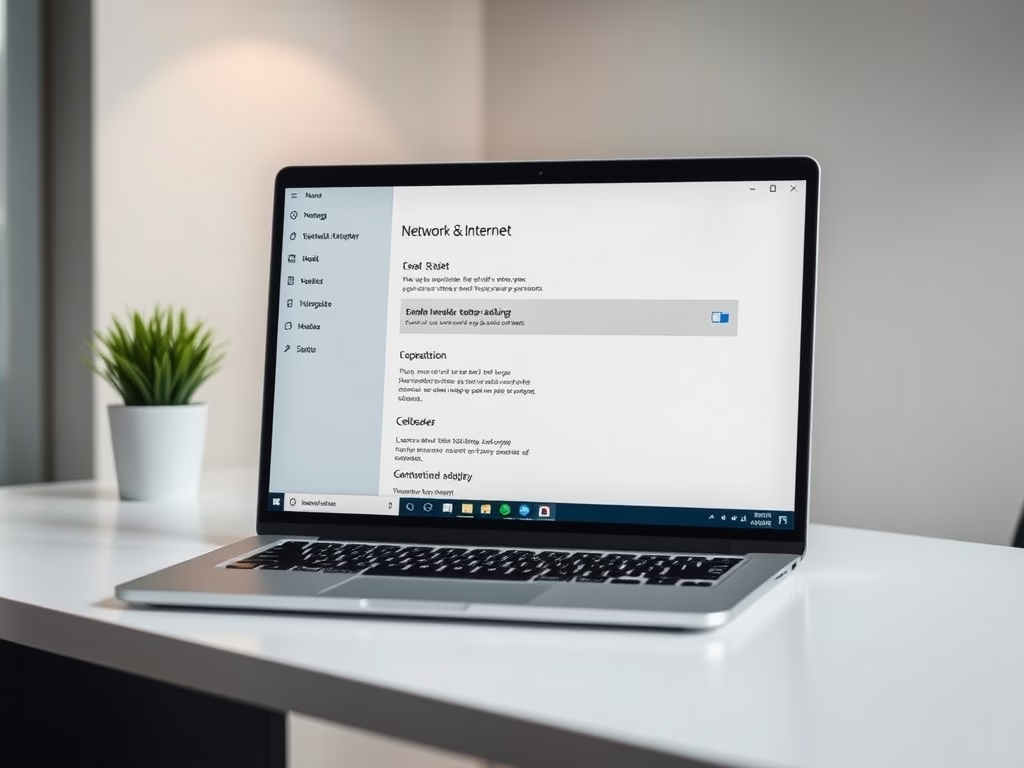
The post guides on controlling tailored experiences in Windows 11. Microsoft uses diagnostic data and feedback for security, updates, troubleshooting, and enhancing product experiences. Thus, tailored experiences use diagnostic data for personalized tips, ads and recommendations. The settings for enabling or disabling tailored experiences are located in Windows' system settings and can also be managed via the Local Group Policy Editor.
Updated Sep 2026
Read more →