Skip to content
Follow
🪟

Windows

2,600 tutorials · page 189 of 217

Windows 2 min read
How to Change Account Lockout Threshold in Windows 11

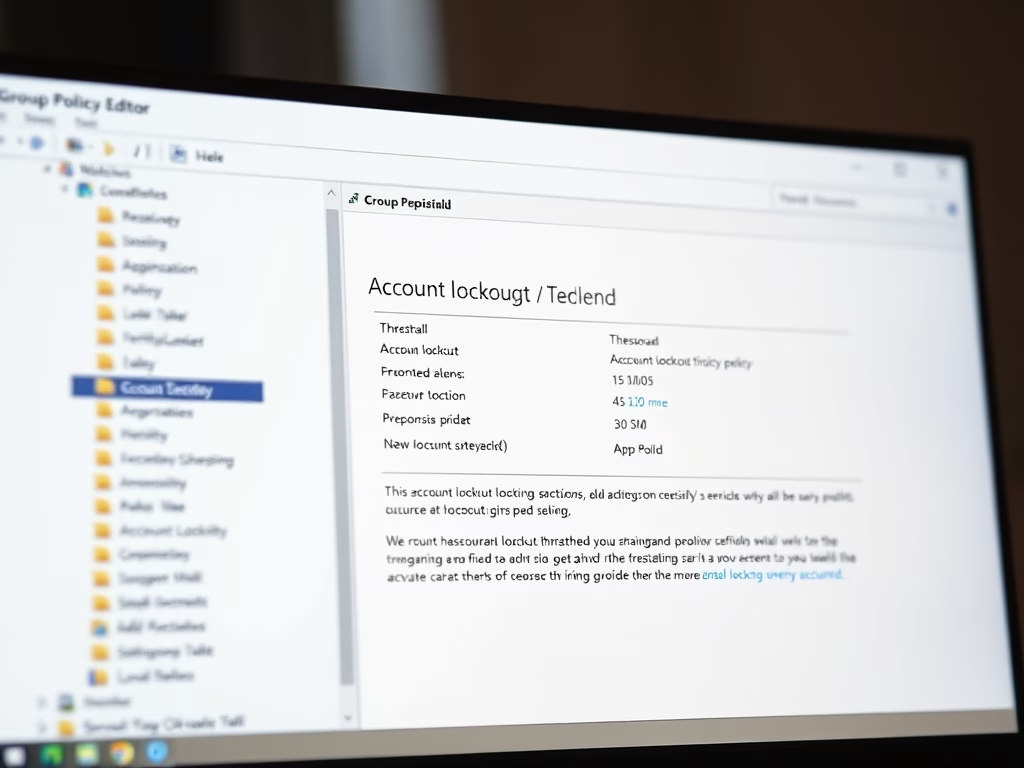
The post educates users on modifying the account lockout threshold in Windows 11. Windows 11 has implemented a new account lockout policy safeguarding against brute-force password attacks and by default, accounts lock after 10 failed login attempts. The policy can be altered via the Local Group Policy Editor or Windows Terminal, allowing flexibility in the number of failed login tries before an account locks.

Updated Sep 2026 Read more →

Windows 3 min read
How to Check WinSxS Folder Size in Windows 11

This guide illustrates the steps for students and new users to ascertain the size of the WinSxS folder in Windows 11. The WinSxS folder contains crucial components for system use and file repair. While File Explorer often inaccurately represents this folder's size due to hard-linked files, the DISM function provides a more precise measure. Users access this through the Windows Terminal and the “Dism.exe /Online /Cleanup-Image /AnalyzeComponentStore” command.

Updated Sep 2026 Read more →
Windows 6 min read
How to Calibrate HDR Display in Windows 11 for Video

This content is a guide on how to calibrate built-in display for HDR content in Windows 11. The calibration process allows users to balance details in the bright and dark parts of a scene. The article provides a step-by-step procedure in accessing Windows System Settings to tweak display settings and commence calibration of camera display to enhance HDR video quality.

Updated Sep 2026 Read more →
Windows 3 min read
How to Optimize HDR and SDR Brightness Settings in Windows 11

The post guides students and new users on how to adjust the brightness of High Dynamic Range (HDR) or Standard Dynamic Range (SDR) content in Windows 11. This process is crucial because displays interpret HDR and SDR signals differently, and results vary by make and model. Additionally, the tutorial covers the different steps of selecting the appropriate display settings, using slider controls for brightness balance, and locating the System Settings pane via multiple access points.

Updated Sep 2026 Read more →

Windows 2 min read
How to Check HDR Display Support in Windows 11

The post describes how to check high dynamic range (HDR) capabilities in Windows 11. Compared to standard dynamic range (SDR), HDR offers greater brightness, color, and detail. The hardware requirements for HDR video include certain specifications for the display, PC, and graphics card. To verify HDR compatibility, users must navigate through the System Settings pane to display capabilities. If supported, the details will confirm this compatibility.

Updated Sep 2026 Read more →
Windows 2 min read
How to Enable HDR Video on Windows 11 Battery

This post provides a guide on how to enable or disable high dynamic range (HDR) video on Windows 11 devices running on battery. HDR can reduce battery life, so it may be turned off by default when the device is running on battery. The post details the steps to change this setting via the System Settings pane in Windows 11.

Updated Jul 2026 Read more →
Advertisement
Windows 2 min read
How to Clear Activity History in Windows 11

The article presents a step-by-step guide on how to clear activity history in Windows 11. It outlines how Microsoft uses activity history data to enhance user experiences and suggests how to clear such data. Users can do this by navigating to System settings, selecting privacy, security, and activity history and clearing history. For history stored with Microsoft, users must visit the Privacy Dashboard.

Updated Jul 2026 Read more →
Windows 3 min read
How to Manage Activity History in Windows 11

The post instructs students and new users on how to manage the sending of their activity history to Microsoft in Windows 11. Activity history, including apps, services, files, and websites, is used by Microsoft for personalized experiences and suggestions. Users can choose to store this history locally or send it to Microsoft when signed into their Microsoft accounts. The post provides a guide on enabling or disabling this feature through the System Settings.

Updated Sep 2026 Read more →
Windows 3 min read
How to Enable USB Battery Saver in Windows 11

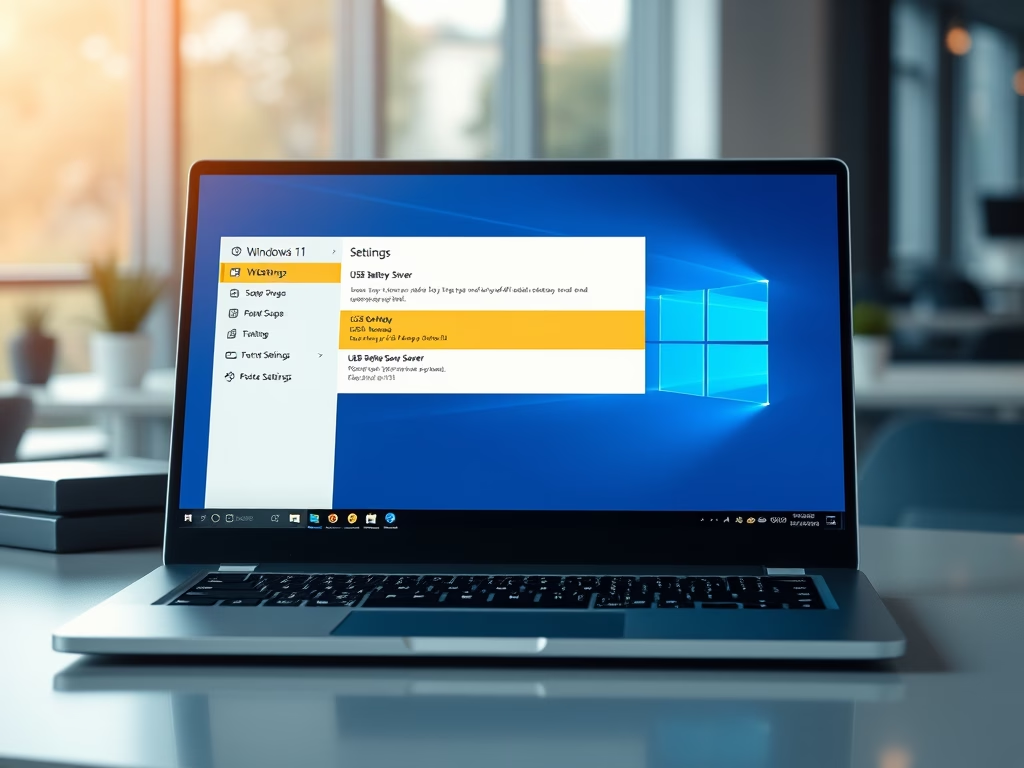
The content provides a guide on enabling or disabling the USB battery saver feature in Windows 11 to extend battery life. The feature works by stopping USB devices when the screen goes off. Instructions to access the feature are provided through either a keyboard shortcut or the device's Settings panel.

Updated Sep 2026 Read more →
Windows 3 min read
How to Enable or Disable Voice Clips in Windows 11

This article provides a guide on how to enable or disable the contribution of voice clips to Microsoft in Windows 11. Voice clips help Microsoft enhance its speech recognition technology, which can be refined with opt-in settings within Windows. The piece includes step-by-step instructions on how to access relevant settings to turn this feature on or off.

Updated Sep 2026 Read more →
Windows 3 min read
How to Enable Voice Typing Launcher in Windows 11

This post instructs students and new users on how to enable or disable the voice typing launcher in Windows 11. Voice typing utilizes Azure Speech services to convert spoken inputs into text and provides commands for quick text editing. The voice typing launcher allows quick access when entering text and its status can be changed in settings.

Updated Sep 2026 Read more →
Windows 2 min read
How to Enable Specialized Display in Windows 11

This text explains how to use the Specialized Display feature in Windows 11 Pro for Workstation or Windows 11 Enterprise, turning a monitor into a dedicated tool for specific purposes like gaming, medical imaging, or video monitoring. The feature can be enabled or disabled via the System Settings pane, under Display > Advanced Display settings.

Updated Sep 2026 Read more →
Advertisement