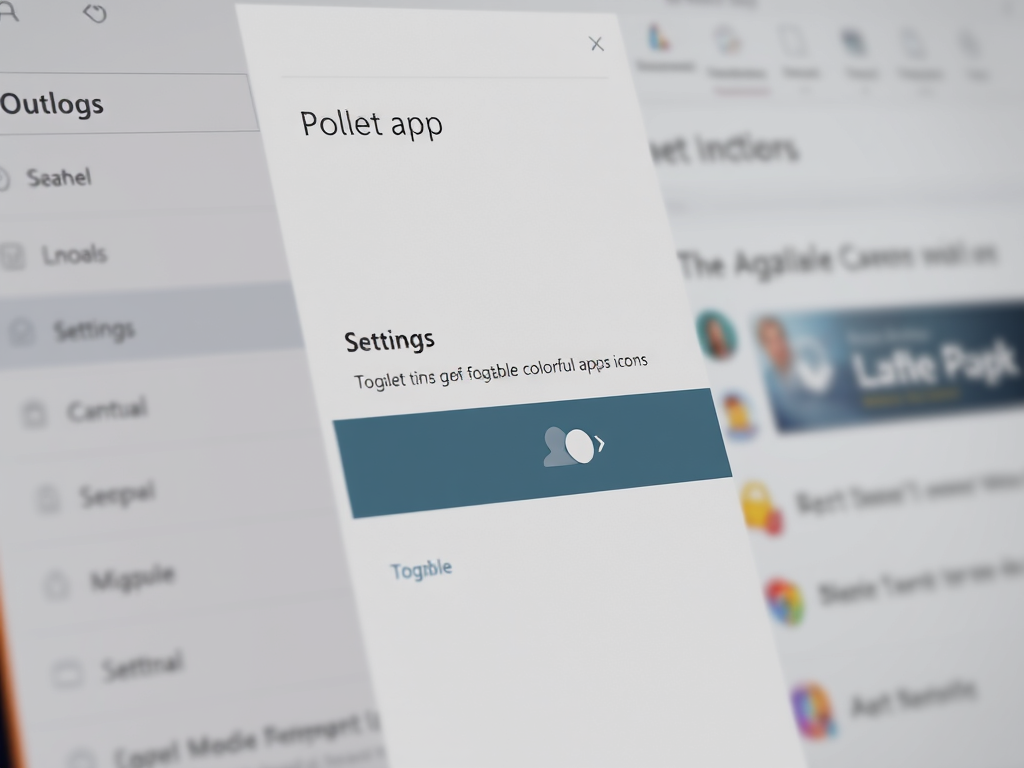
How to Enable or Disable Colorful Icons in Outlook App
The article outlines how to enable or disable colorful app icons in the redesigned Outlook app for Windows 11. Users can customize between colorful and dark gray icons to enhance performance. The process involves accessing the Settings menu, adjusting the Appearance section, and saving changes to personalize the Outlook experience efficiently.
Updated Oct 2026
Read more →