How to Show or Hide Attributes in Windows 11 Photos App

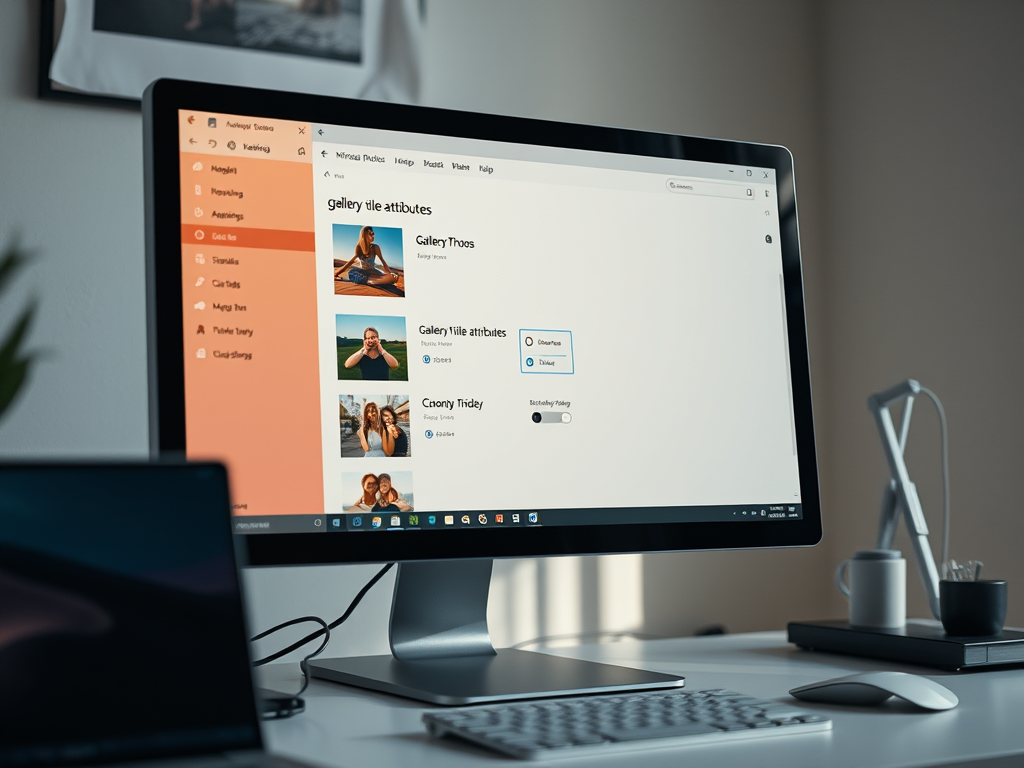
Gallery title attributes in the Windows 11 Photos app are the small text labels shown next to your image thumbnails. They can include location labels such as “This PC” or “OneDrive” that tell you where files live. If you turn them off, your photo library looks cleaner and you can browse without the extra text.
You change this from the Photos app’s own settings. You don’t need to touch any system files or edit the registry, and the whole thing takes a few seconds.
Open the Photos app, click the gear icon at the top of the window, then go to Personalization and switch “Show gallery title attributes” to Off to hide the labels under your thumbnails. Switch it back to On to restore them. Nothing about your photos changes, and no registry edits are needed.
How to Show or Hide Gallery Location Labels
The setting is a single switch inside the app. It controls whether the labels appear under each image in your gallery view. With it on, you can see where a picture came from or was taken without opening the file details every time. With it off, you see just the thumbnails.
- Open the Photos app from the Start menu . You should see your photo library.
- Click the Settings icon, the gear, at the top of the app window. The Settings page opens.
- Look for the Personalization section in the Settings menu.
- Find the option called Show gallery title attributes.
- Click the switch next to it. Set it to On to show the titles, or Off to hide them.
- Go back to your gallery. The labels under or beside your thumbnails should now appear or disappear to match the switch.
Photos updates through the Microsoft Store, so check for updates there. Menu names and layout can differ slightly between versions of the app.
To undo the change, go back to the same setting and flip the switch the other way. This only changes how the gallery is displayed. It doesn't move, rename or delete any of your photos.
Summary
If you want more detail about a picture, such as camera model, resolution and date taken, look at its file properties. In File Explorer, right-click the image and select Properties, then open the Details tab to see the metadata saved with the file.
Have a question about this guide?
Answered by AI from this guide. Good questions may be added to this page — please don't include personal details.
Did this guide fix your problem?

About the Author
Richard
Tech Writer, IT Professional
Richard is a writer at Geek Rewind who turns complex IT tasks into clear, step-by-step guides. He draws on years of hands-on experience in system administration and enterprise IT operations, focusing on Windows, Linux and WordPress: the problems people actually run into, and the fixes that work. His server and WordPress guides come from systems he runs himself. Richard builds and maintains the platform behind Geek Rewind, from its Ubuntu servers and Nginx configuration to its custom WordPress plugins. Many new tutorials start with readers' questions, and he's always glad to answer them in the comments.
No comments yet — be the first to share your thoughts!