To turn on HTTPS in Apache2 on an Ubuntu server, enable the ssl module, point the default-ssl site at a certificate and key, enable that site, and restart Apache. You…
Every guide we’ve published, newest first. Filter by topic, or use search if you already know what broke.
3,352 tutorials · page 12 of 280
To turn on HTTPS in Apache2 on an Ubuntu server, enable the ssl module, point the default-ssl site at a certificate and key, enable that site, and restart Apache. You…
To host several websites on one Ubuntu 26.04 server, create one Apache2 configuration file per site in /etc/apache2/sites-available/, then enable each one with a2ensite and reload Apache. This guide assumes…
SIM card settings for this PC are in Settings › Network & internet › Cellular on Windows 11. Open that page to switch cellular data on or off, choose which…
The taskbar keeps disappearing in Windows 11 most often for one of three reasons. Automatically hide the taskbar is turned on, a full-screen app is covering it, or Windows Explorer…
Resetting touchpad settings in Windows 11 returns tap, scroll, zoom and gesture options to the values Windows ships with. The quickest way is the Reset button on the Touchpad page…
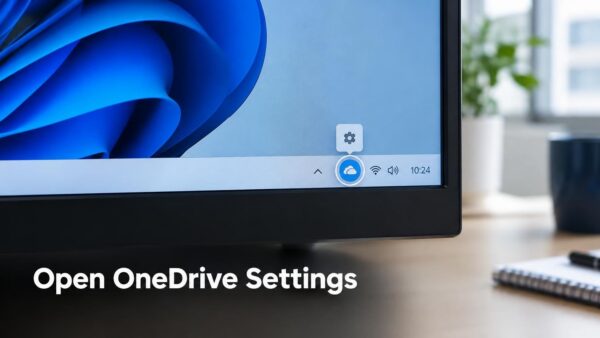
OneDrive settings open from the cloud icon at the right end of the Windows 11 taskbar. Select the icon, select the gear labelled Help & Settings, then select Settings. This…
Restart to update on idle is a Microsoft Edge feature you have to switch on yourself. It closes and reopens the browser while you are away from your computer, so…
Windows 11 can automatically save videos to a second drive once you change one setting in Storage and move the Videos folder. The setting is under Settings › System ›…
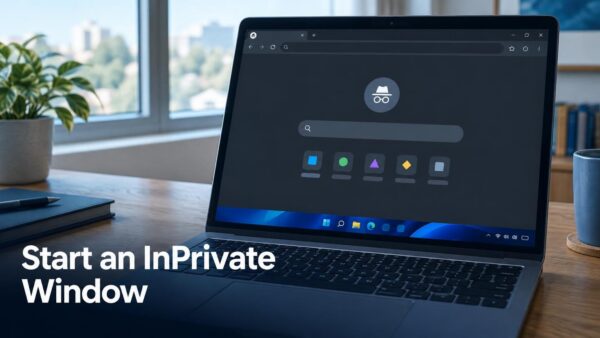
An InPrivate window in Microsoft Edge is a private browsing window that deletes your browsing history, cookies and site data once you close all InPrivate windows. To open one, press…
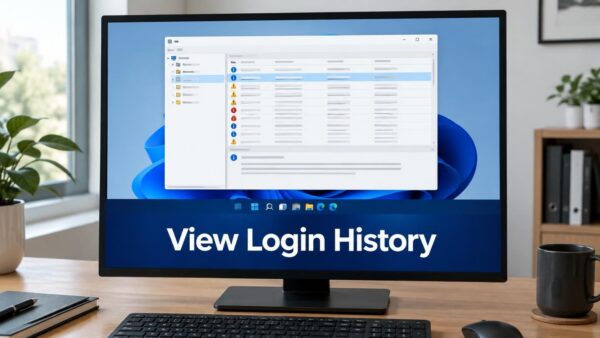
Windows 11 keeps a record of every sign-in on your PC, both successful and failed. You can read it in the Security log in Event Viewer. To see it, open…
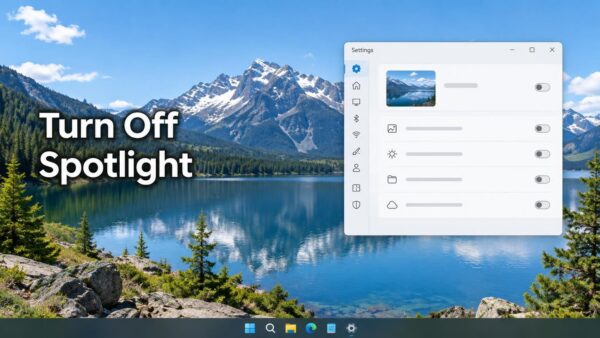
Windows Spotlight changes your desktop photo on a schedule. To stop it, switch the background to a picture, solid color or slideshow. To turn it off, follow these steps: Open…
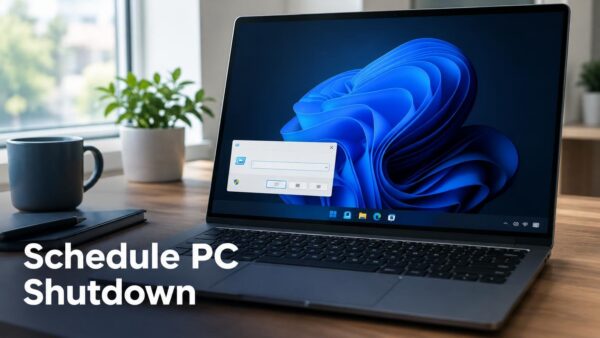
Power & sleep settings shut down the screen and put the PC to sleep, but they cannot switch Windows 11 off at a set time. To schedule a real shutdown,…
One email when we publish a guide worth your time — new Windows features, the fixes that actually work, and a heads-up when Microsoft breaks something. Unsubscribe in one click.