To change the mouse pointer size in Windows 11, open Settings › Accessibility › Mouse pointer and touch, then drag the Size slider. The change applies at once, with no…
3,007 tutorials · page 118 of 251
To change the mouse pointer size in Windows 11, open Settings › Accessibility › Mouse pointer and touch, then drag the Size slider. The change applies at once, with no…
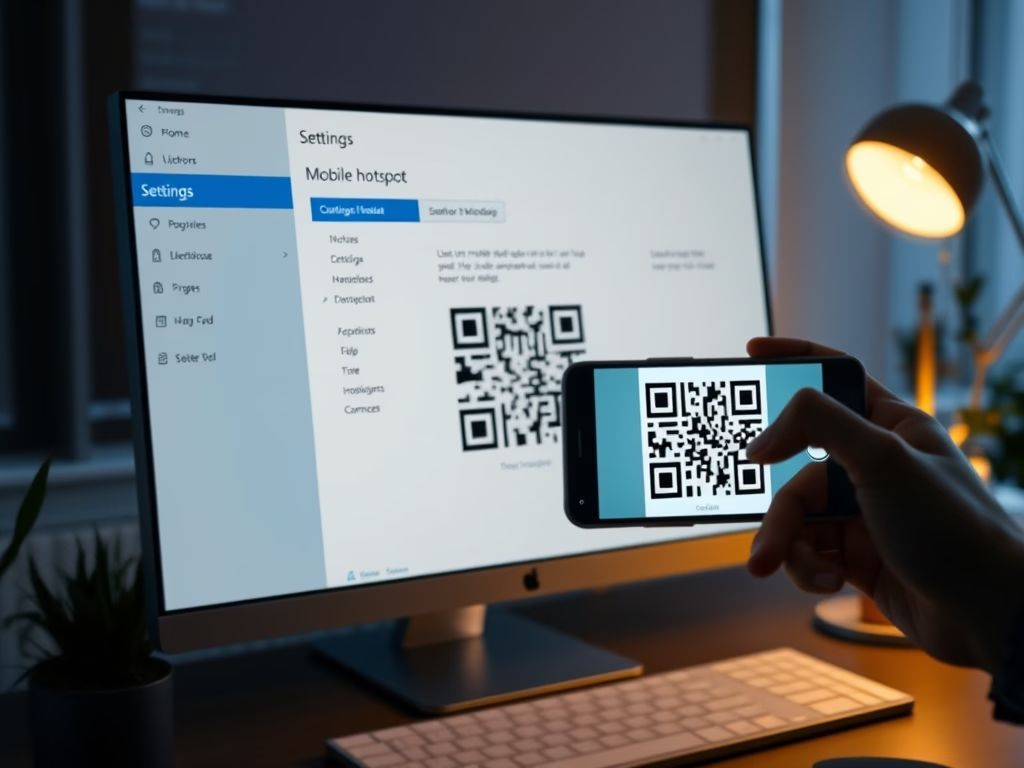
A Windows 11 mobile hotspot QR code lets you share your internet connection so other devices can join your network without typing a long password. According to Microsoft, the code…
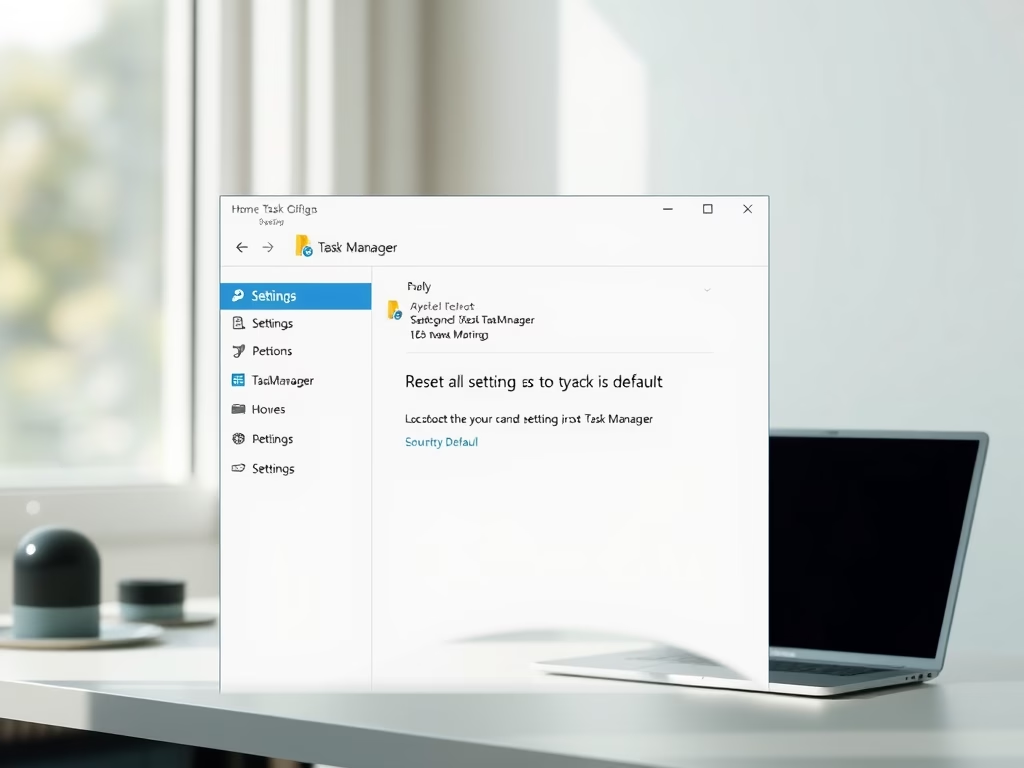
What is Task Manager? Task Manager is a built-in Windows 11 tool. It shows which programs and processes are running, how much CPU, memory, disk and network each one is…
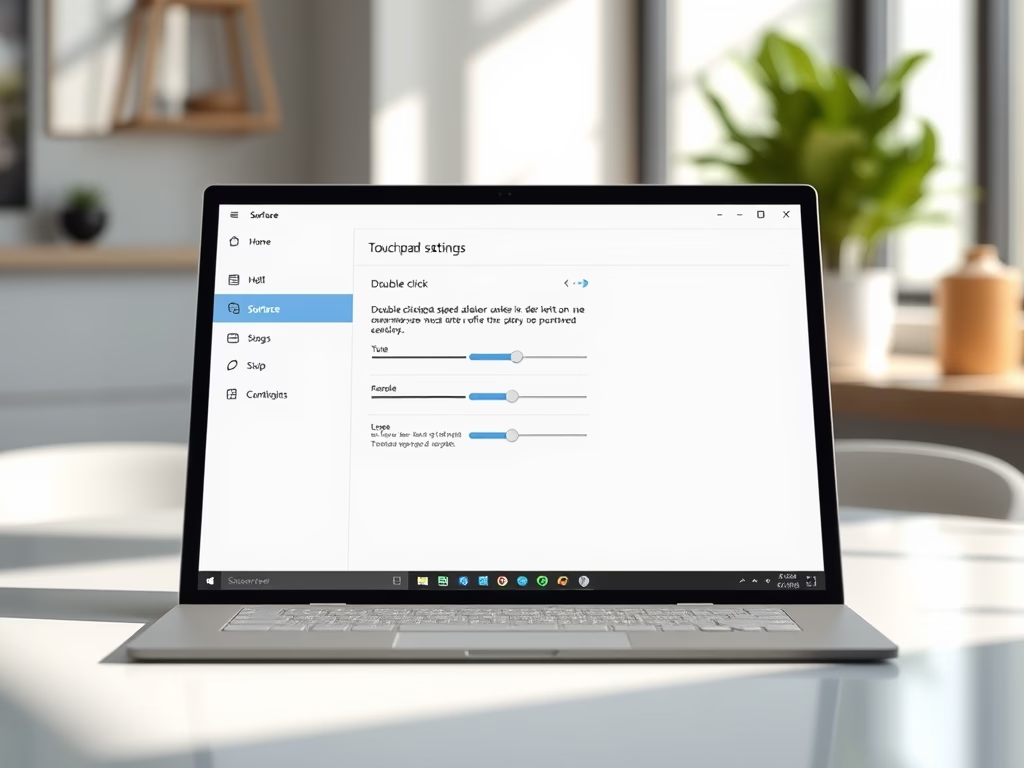
Touchpad double click speed on a Microsoft Surface running Windows 11 sets how much time you get between two taps on the Precision Haptic Touchpad before Windows stops counting them…
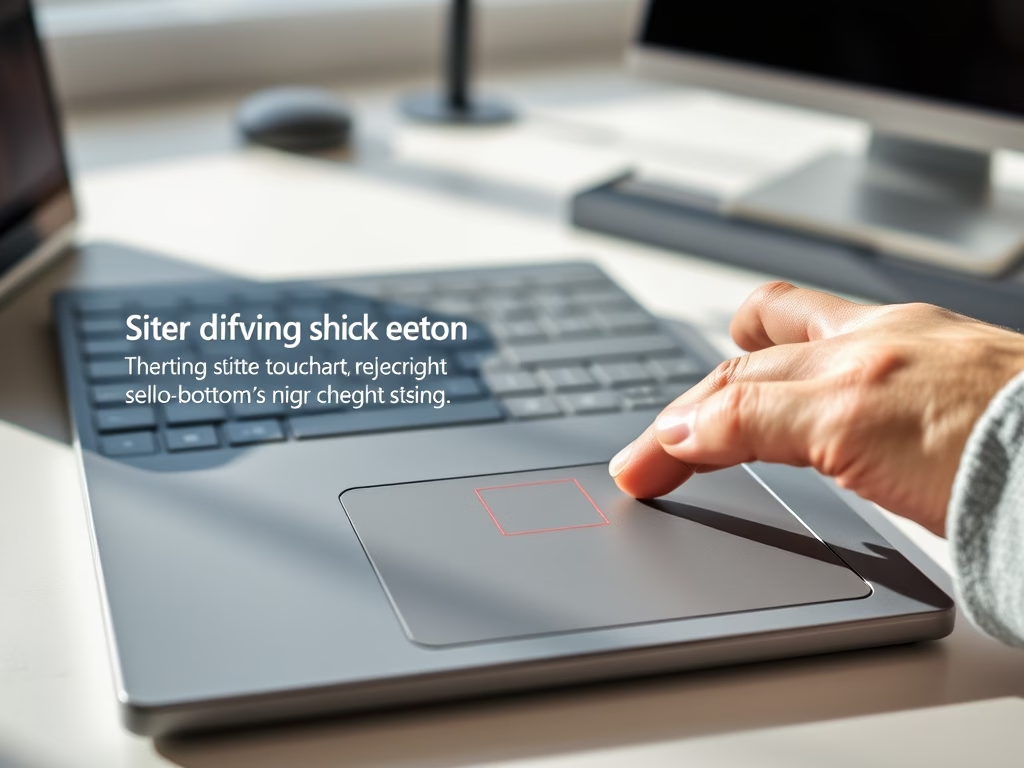
The touchpad right-click zone in Windows 11 sets how much of the bottom-right corner of your touchpad answers a single-finger press with a right-click. That opens context menus the way…
Adaptive Touch is a built-in feature on Microsoft Surface devices running Windows 11. It lets you adjust the click firmness and vibration feedback of your haptic touchpad. It applies to…
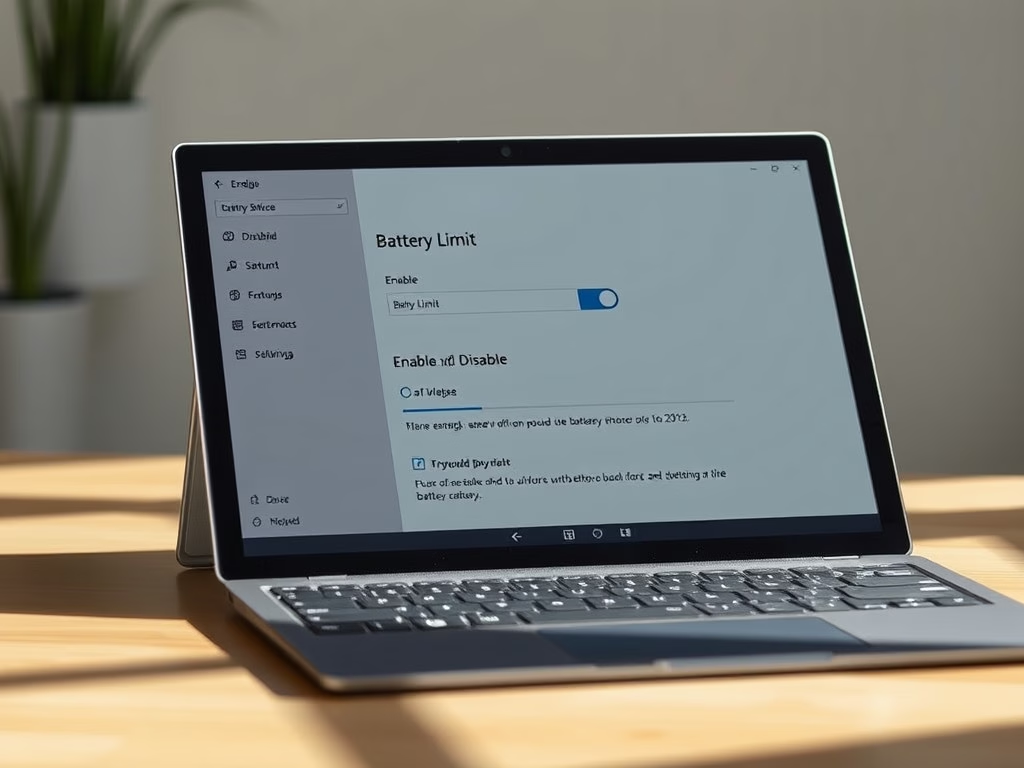
Battery Limit is a setting in Surface UEFI that you can turn on or off on supported Surface devices running Windows 10 or Windows 11. Turn it on to help…
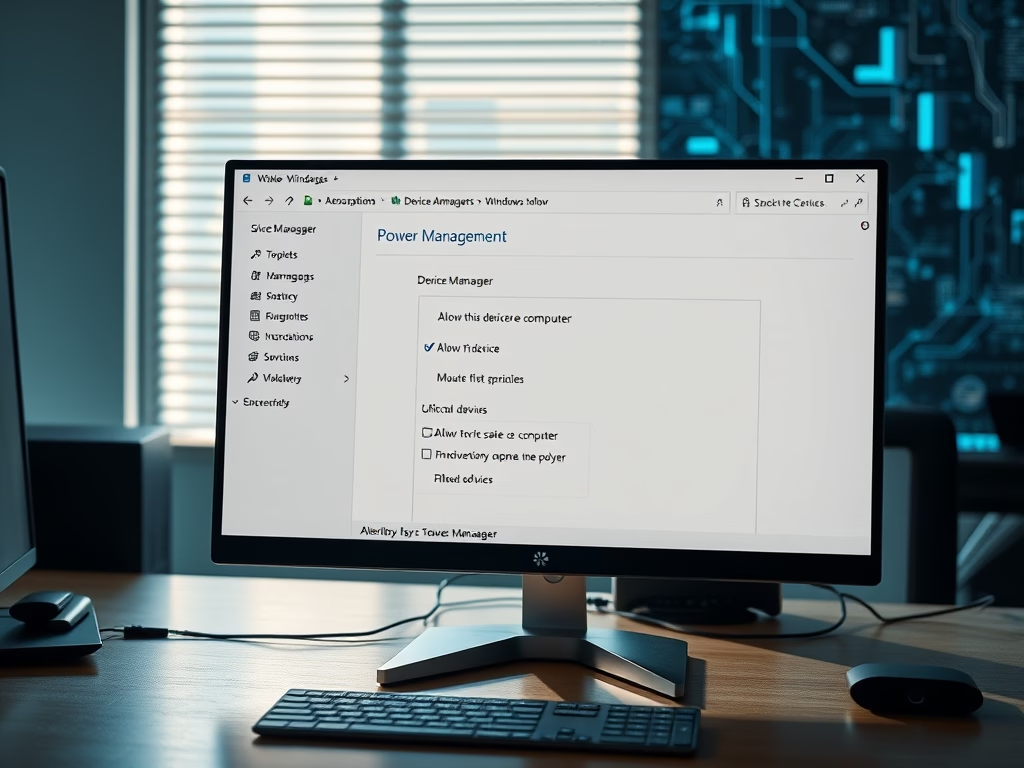
Windows 11 lets you choose which devices can wake your computer from sleep. A mouse click, a key press or incoming network traffic can then bring the PC back, and…
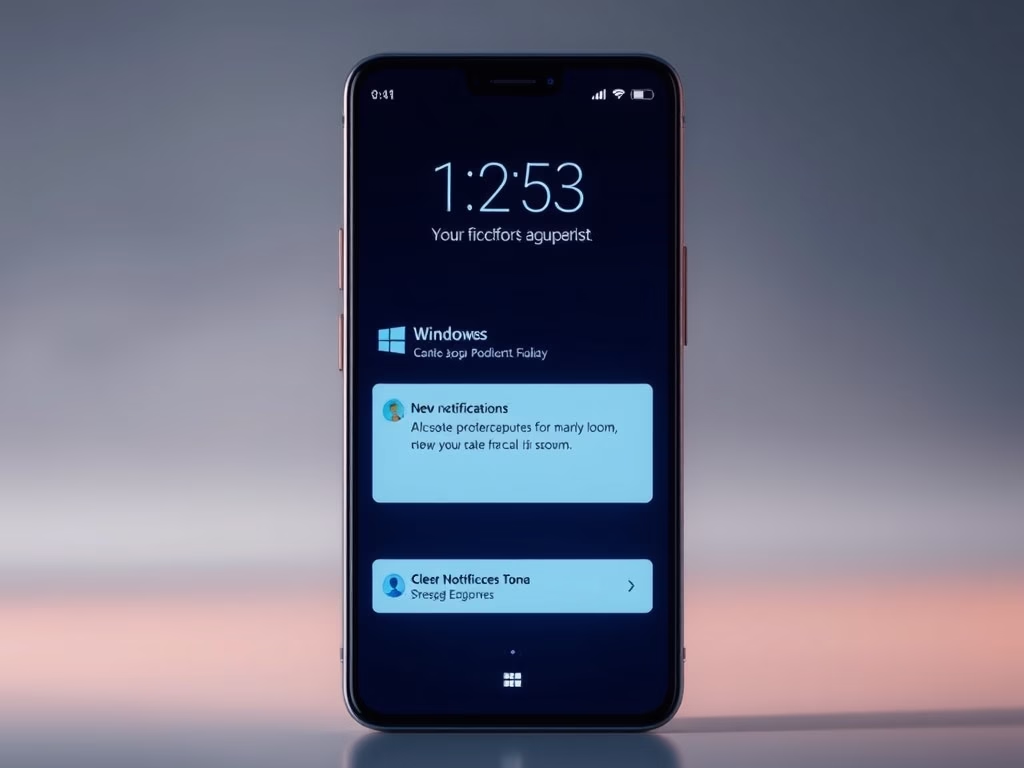
Lock screen notifications can expose private messages to anyone walking past your PC. This guide shows how to hide the preview text on Windows 11, so the lock screen shows…
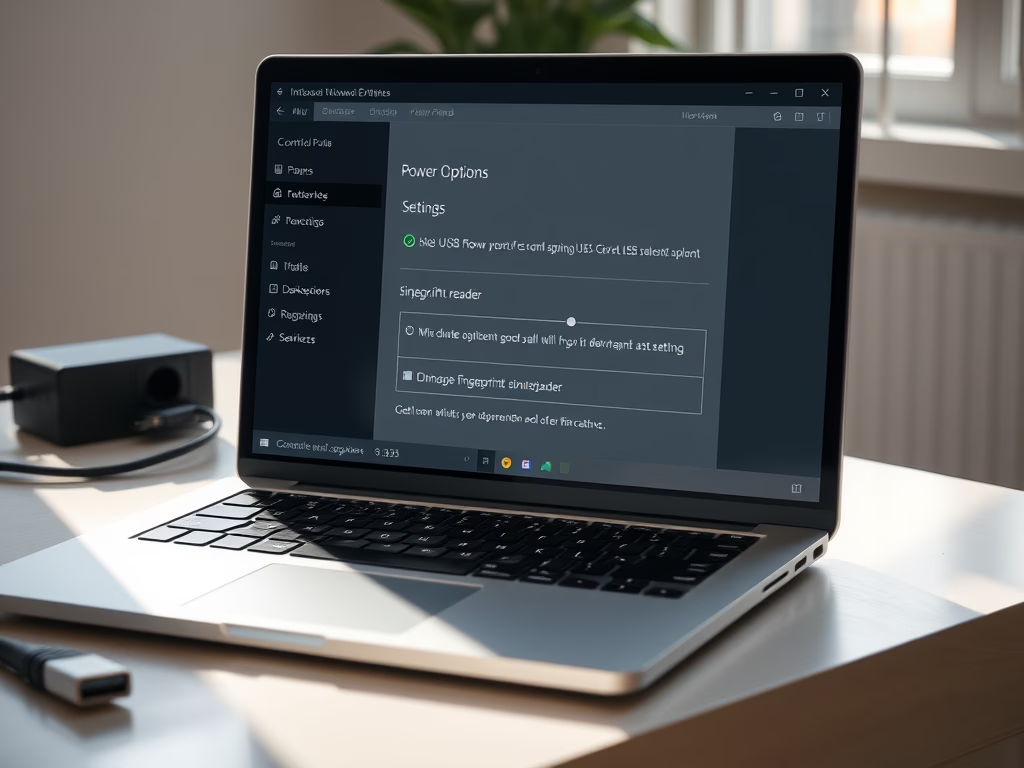
The USB selective suspend setting is in Control Panel › Power Options › Change plan settings › Change advanced power settings › USB settings. This guide shows how to turn…
Showing all open windows on Alt+Tab across virtual desktops in Windows 11 lets you see every running app, whichever desktop it sits on. By default, pressing Alt+Tab lists only the…
Windows 11 can show every open window on the taskbar, whichever virtual desktop it is running on. Virtual desktops split your apps into separate workspaces. By default, the taskbar only…
One email when we publish a guide worth your time — new Windows features, the fixes that actually work, and a heads-up when Microsoft breaks something. Unsubscribe in one click.