Microsoft Copilot is the AI assistant app built into Windows 11. When you close its window, it can either keep running in the background or shut down completely. If it…
Every guide we’ve published, newest first. Filter by topic, or use search if you already know what broke.
3,348 tutorials · page 117 of 279
Microsoft Copilot is the AI assistant app built into Windows 11. When you close its window, it can either keep running in the background or shut down completely. If it…
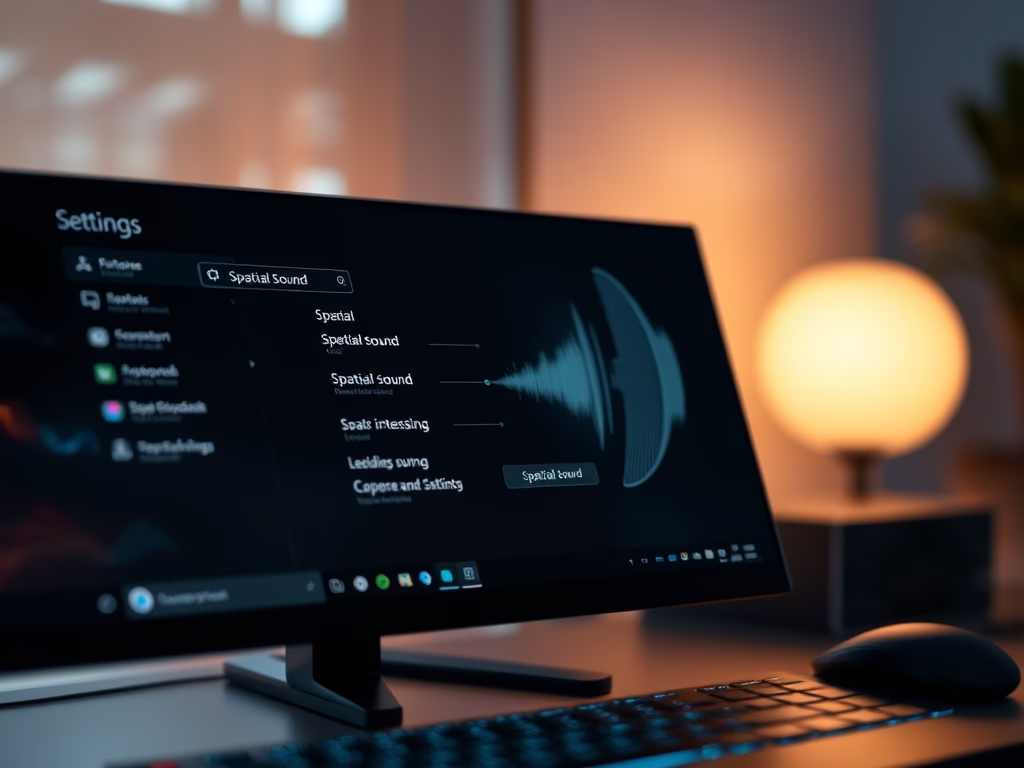
This tutorial shows how to enable or disable Spatial Sound in Windows 11. The change takes effect immediately, so you don’t need to restart. It applies to one output device…
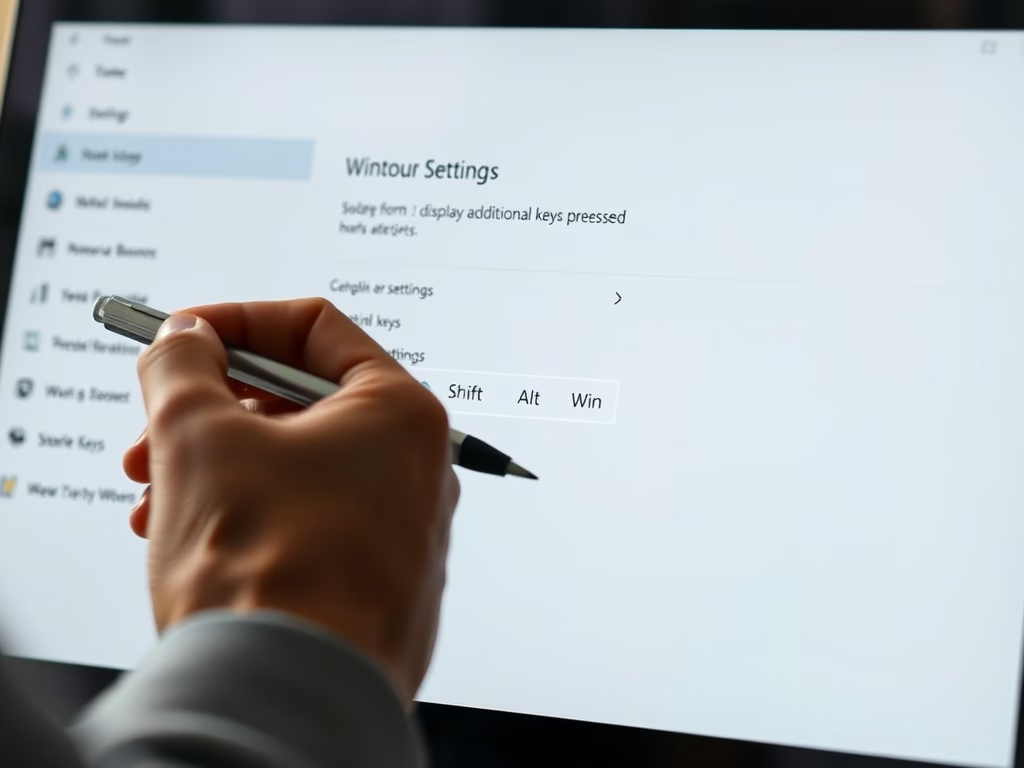
Windows 11 can show onscreen feedback when you press keyboard shortcuts while using a stylus. The pen settings usually appear only when Windows detects a pen. If yours connects over…
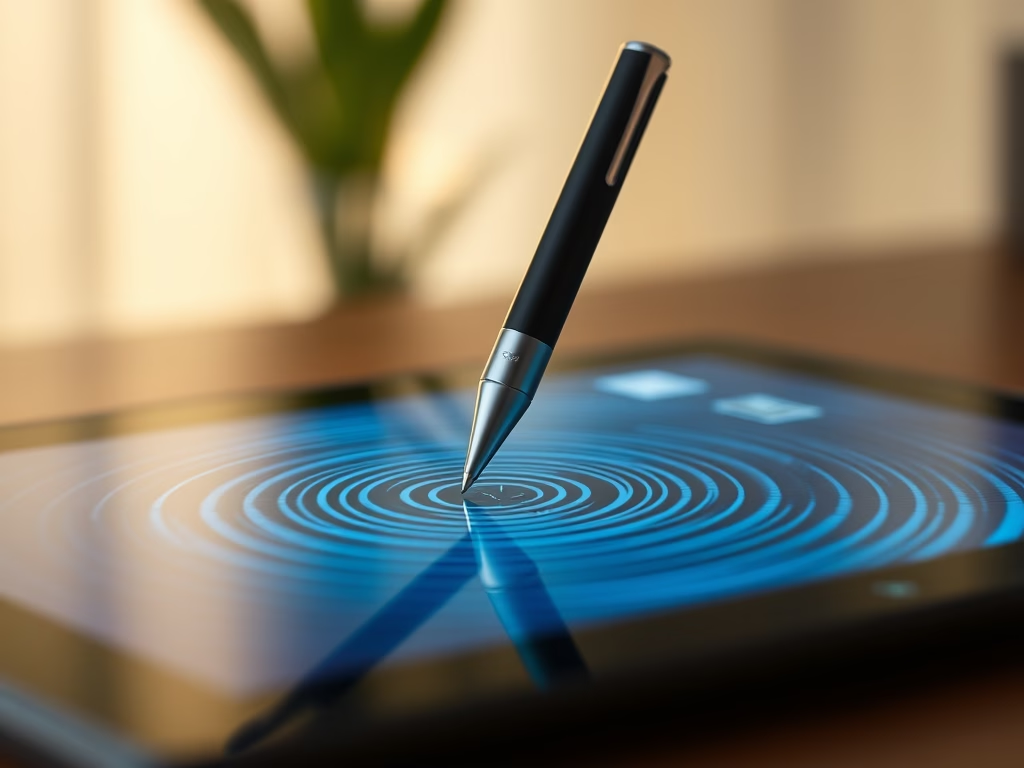
Pen visual effects in Windows 11 show a small circle animation and ripple on the screen whenever your stylus touches the display. These cues first arrived in Windows 11 build…
The pen cursor in Windows 11 is a small dot that appears on screen when you hold a stylus close to the display. Turn it off if the dot distracts…
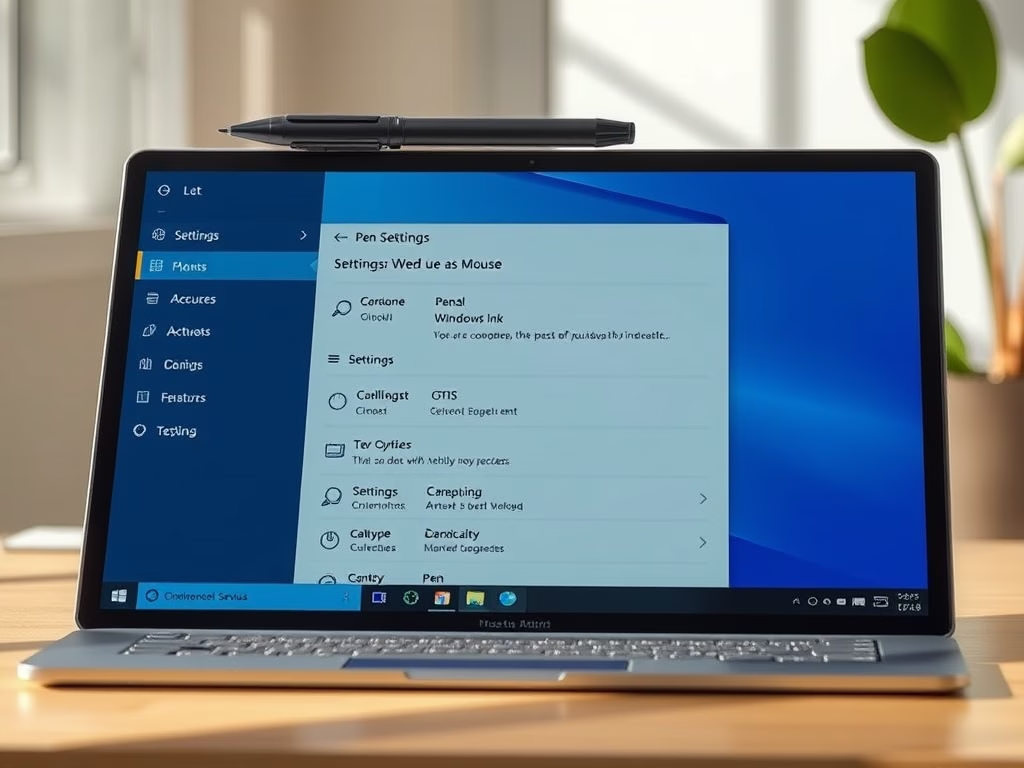
Use pen as mouse in Windows 11 makes your digital stylus behave like a standard pointer. You can then click small buttons, drag files and browse the web with a…
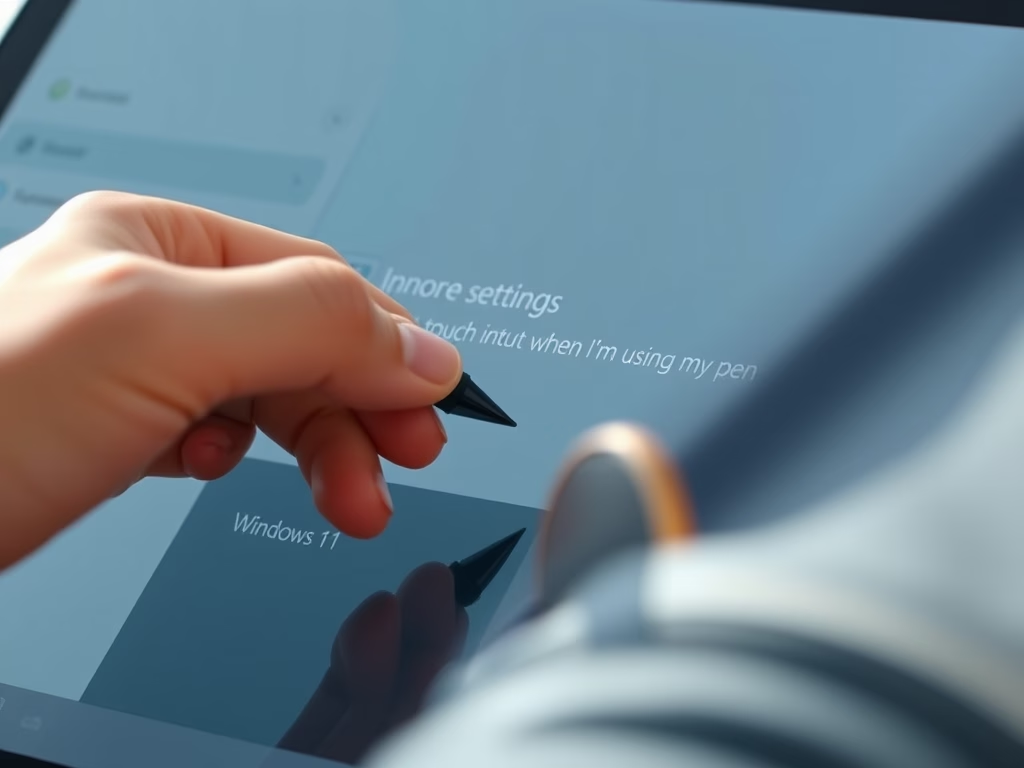
Ignore touch input when using a pen is a built-in Windows 11 setting that stops palm marks and stray finger taps from ruining your handwriting or sketches. When the pen…
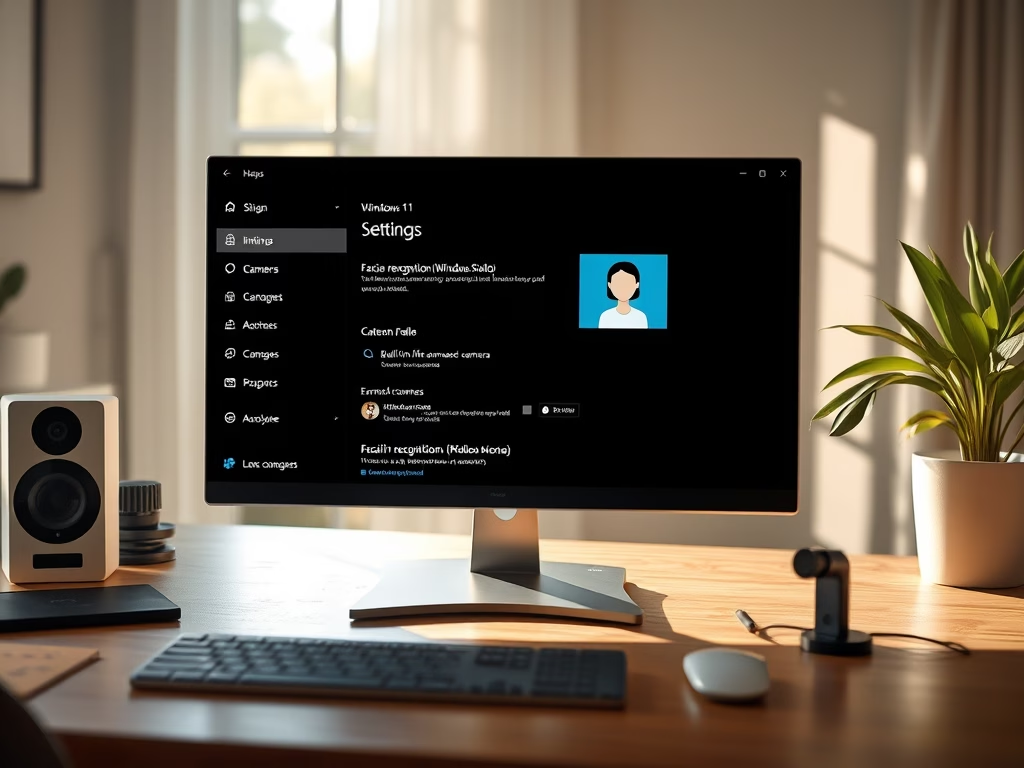
Windows 11 lets you choose which webcam handles Windows Hello facial recognition, so you can use the best sensor connected to your PC. Windows Hello is the built-in sign-in feature…
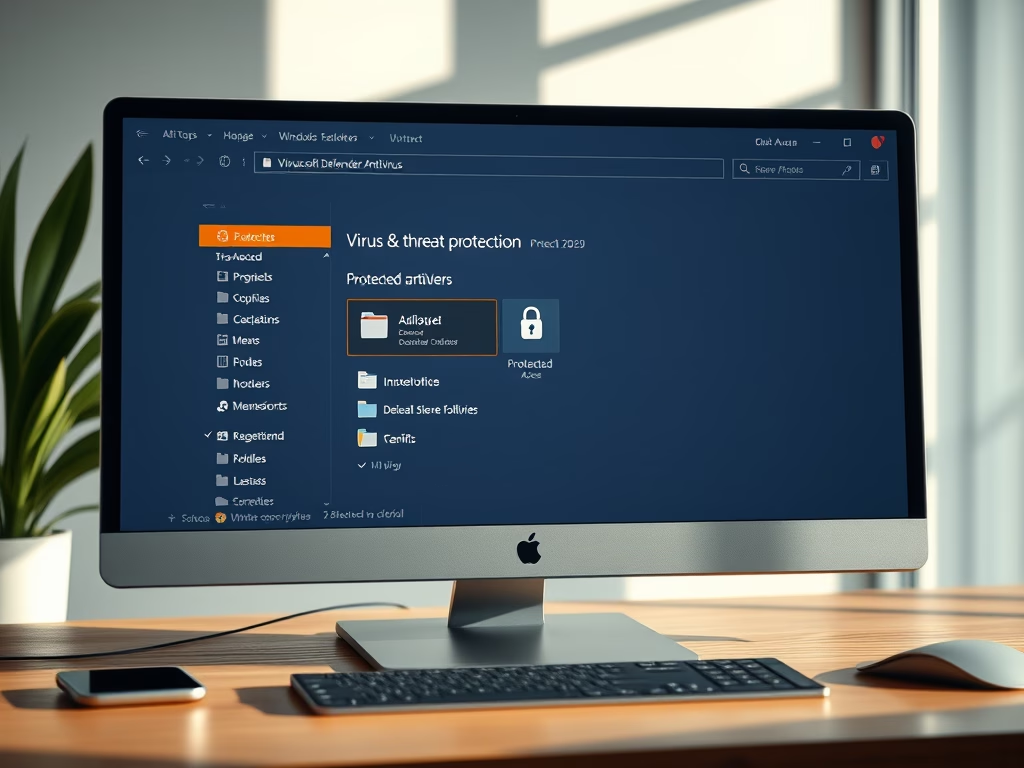
Controlled Folder Access in Windows 11 blocks ransomware and unknown apps from changing or deleting personal files stored on your PC. It is a built-in Microsoft Defender security feature. As…
HDR content brightness in Windows 11 controls how bright standard dynamic range (SDR) apps look on a high dynamic range (HDR) display. Set it well and your desktop stops looking…
Hardware-accelerated GPU scheduling (HAGS) in Windows 11 lets your graphics card manage its own video memory directly, instead of leaving that work to the CPU. It can improve game performance…
Notification Center in Windows 11 opens with Win+N. You choose which apps keep their alerts there under Settings › System › Notifications. To turn it on or off for an…
One email when we publish a guide worth your time — new Windows features, the fixes that actually work, and a heads-up when Microsoft breaks something. Unsubscribe in one click.