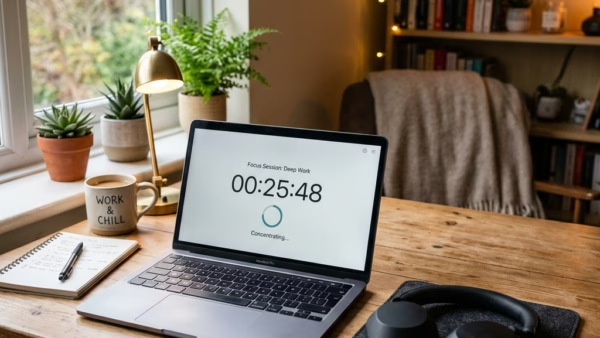
Linking Spotify to Focus Sessions in Windows 11 plays music in the background while you work and blocks screen distractions. Focus is a built-in tool inside the Windows Clock app.…
3,007 tutorials · page 115 of 251
Linking Spotify to Focus Sessions in Windows 11 plays music in the background while you work and blocks screen distractions. Focus is a built-in tool inside the Windows Clock app.…
This tutorial shows you how to turn the Drop Tray feature on or off in Windows 11. The setting belongs to your user account, so it does not change anything…
This tutorial shows you how to turn the “minimize the Xbox app to the system tray on close” option on or off for your account in Windows 11. The setting…
The Xbox app startup setting in Windows 11 controls whether the gaming platform opens automatically as soon as you sign in to your PC. When the app launches in the…
Task View hints for Xbox mode in Windows 11 are the on-screen button prompts that appear when you open Task View with Xbox mode active. This tutorial shows how to…
Xbox Mode in Windows 11 Task View adds a gaming button to the app switcher screen. That screen opens when you press the Win and Tab together. The button needs…
Xbox mode in Windows 11 is under Settings › Gaming › Xbox mode, where one toggle turns it on or off. It is a full-screen, console-style interface for games that…
This tutorial shows you how to turn on or off enhanced security and performance for batch and CMD files in Windows 11. The setting works the same on Windows 11…
Saving passwords in Microsoft Edge on Windows 11 stores your login details inside the browser, so you do not have to type them every time you visit a site. Edge…
To turn on password autofill in Microsoft Edge on Windows 11, open Settings › Passwords and autofill > Microsoft Password Manager › More settings and switch on Autofill passwords and…
You can manage guest browsing in Microsoft Edge with registry tweaks on Windows 10 and Windows 11. This guide shows how to turn the Browse as guest option on or…
Microsoft Edge can store your usernames and passwords so you do not have to type them every time you sign in. If you share a PC, or you simply have…
One email when we publish a guide worth your time — new Windows features, the fixes that actually work, and a heads-up when Microsoft breaks something. Unsubscribe in one click.