Windows 11 lets you tell it which hand you write with. Menus then open on the side your palm and wrist won’t cover while you sketch or take notes. Why…
Every guide we’ve published, newest first. Filter by topic, or use search if you already know what broke.
3,348 tutorials · page 113 of 279
Windows 11 lets you tell it which hand you write with. Menus then open on the side your palm and wrist won’t cover while you sketch or take notes. Why…
Enhance Pointer Precision in Windows 11 changes how far your cursor moves based on how fast you move the mouse. It works as mouse acceleration. Slow, careful movements give you…
The Mouse Keys icon appears in the notification area at the right end of the Windows 11 taskbar when the Mouse Keys accessibility feature is turned on. Mouse Keys lets…
To change the mouse pointer size in Windows 11, open Settings › Accessibility › Mouse pointer and touch, then drag the Size slider. The change applies at once, with no…
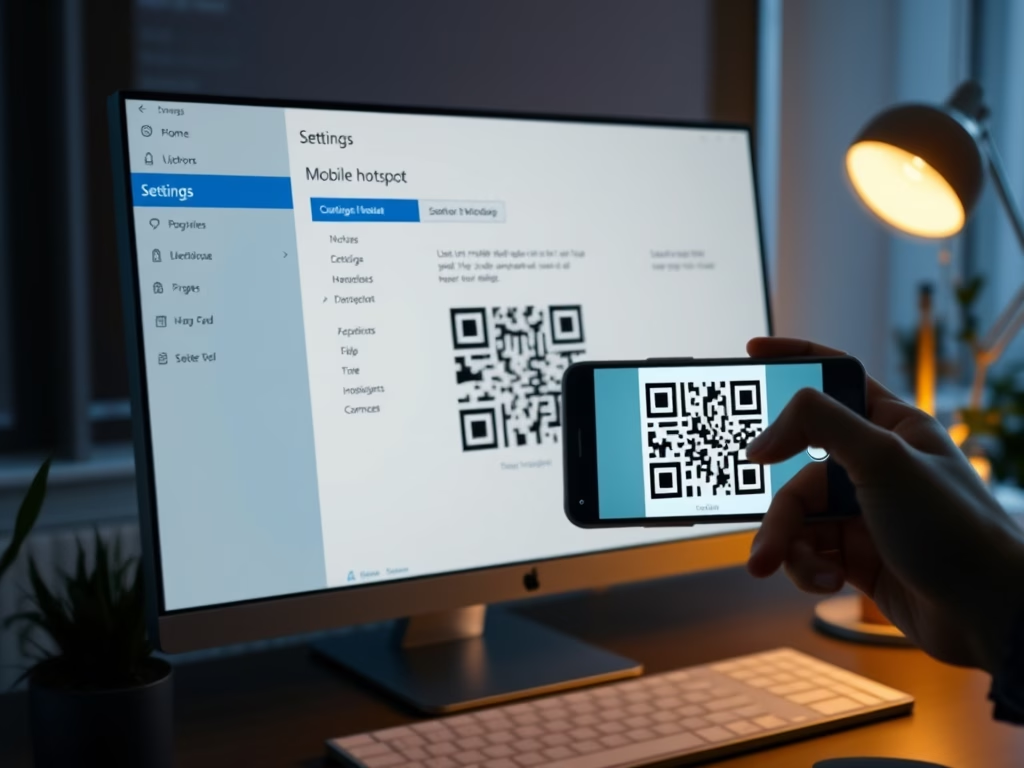
A Windows 11 mobile hotspot QR code lets you share your internet connection so other devices can join your network without typing a long password. According to Microsoft, the code…
Switching to a local account in Windows 11 means you sign in to your PC with an offline username and password instead of a cloud-connected Microsoft account. The PC stops…
What is Task Manager? Task Manager is a built-in Windows 11 tool. It shows which programs and processes are running, how much CPU, memory, disk and network each one is…
Touchpad double click speed on a Microsoft Surface running Windows 11 sets how much time you get between two taps on the Precision Haptic Touchpad before Windows stops counting them…
The touchpad right-click zone in Windows 11 sets how much of the bottom-right corner of your touchpad answers a single-finger press with a right-click. That opens context menus the way…
Adaptive Touch is a built-in feature on Microsoft Surface devices running Windows 11. It lets you adjust the click firmness and vibration feedback of your haptic touchpad. It applies to…
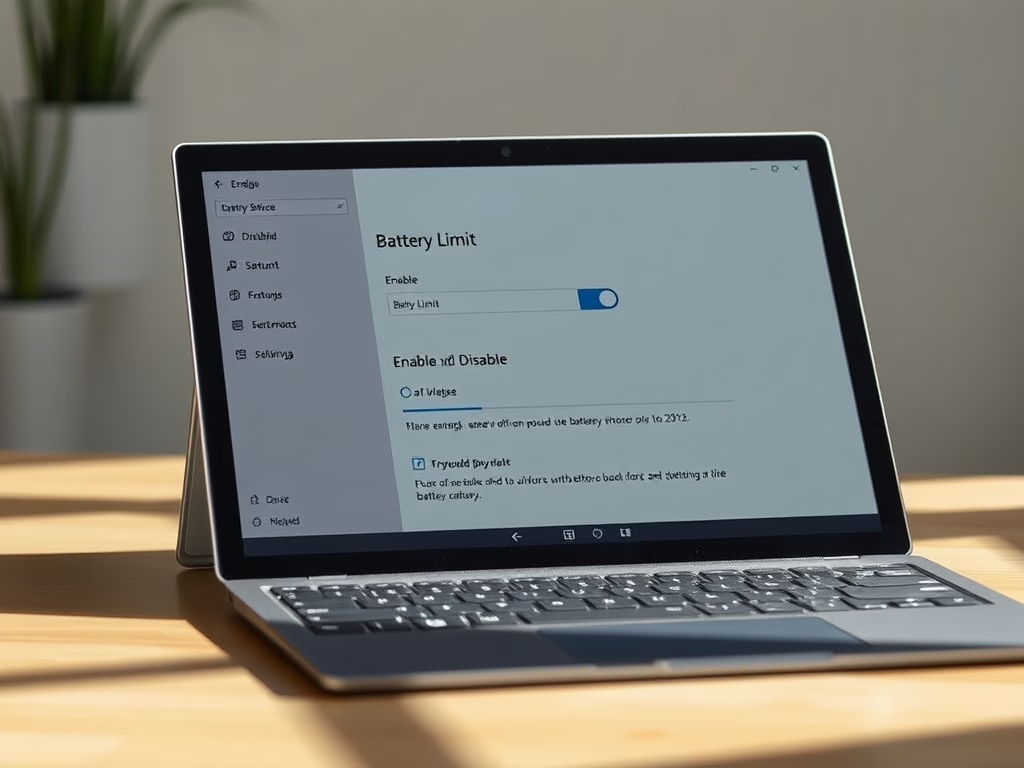
Battery Limit is a setting in Surface UEFI that you can turn on or off on supported Surface devices running Windows 10 or Windows 11. Turn it on to help…
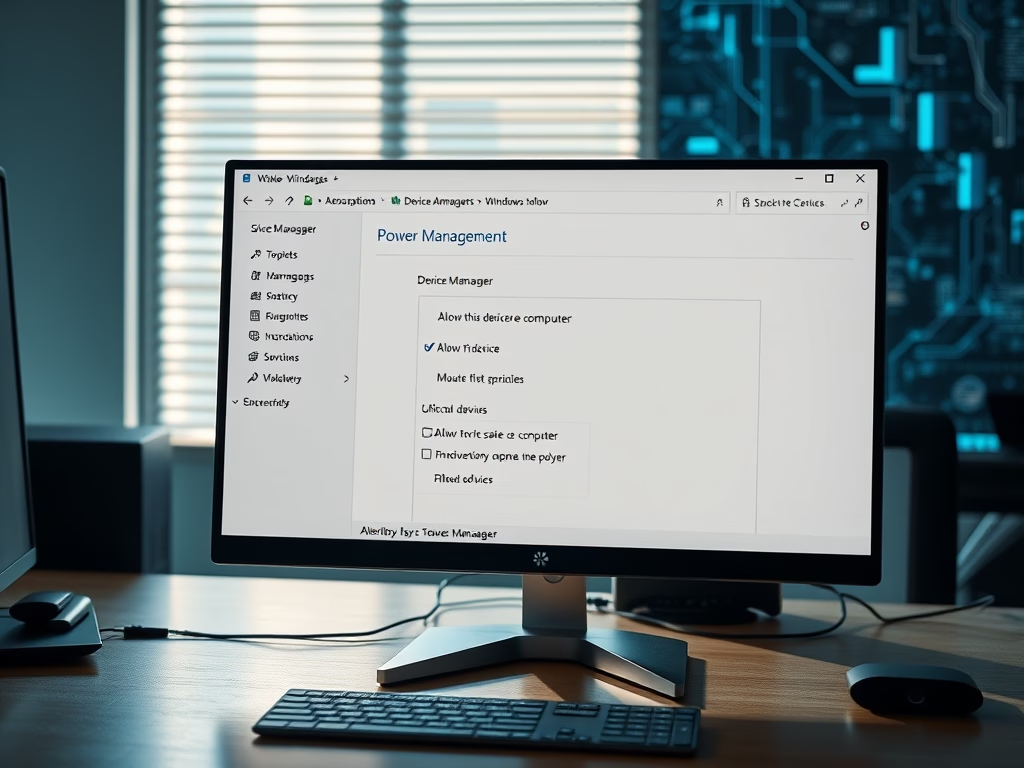
Windows 11 lets you choose which devices can wake your computer from sleep. A mouse click, a key press or incoming network traffic can then bring the PC back, and…
One email when we publish a guide worth your time — new Windows features, the fixes that actually work, and a heads-up when Microsoft breaks something. Unsubscribe in one click.