Edge can read an export file and bring your bookmarks and saved logins into the browser in one go. It accepts an HTML file for favorites and a CSV file…
3,007 tutorials · page 101 of 251
Edge can read an export file and bring your bookmarks and saved logins into the browser in one go. It accepts an HTML file for favorites and a CSV file…
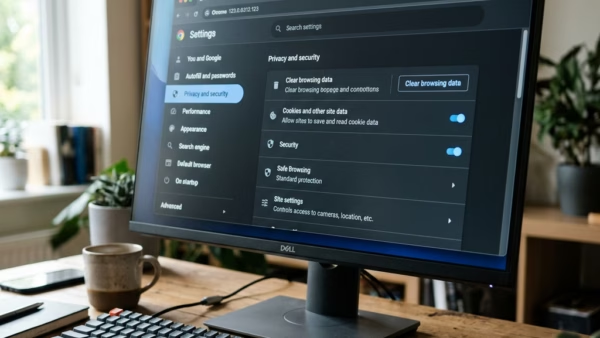
Importing favorites and passwords in Microsoft Edge moves your saved website links and login details from another browser, such as Chrome or Firefox, into Edge. The built-in tool usually finishes…
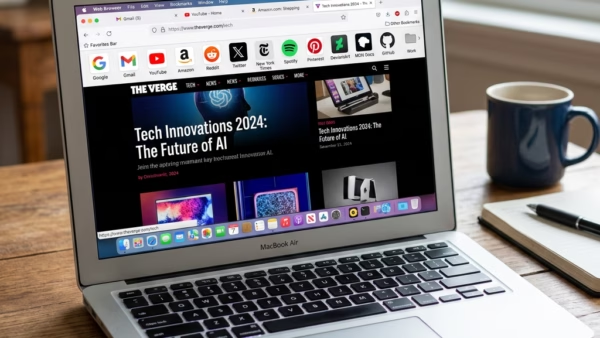
The Favorites bar sits right below the address bar in Microsoft Edge and holds links to the sites you use most. It has three display options: always visible, hidden entirely,…
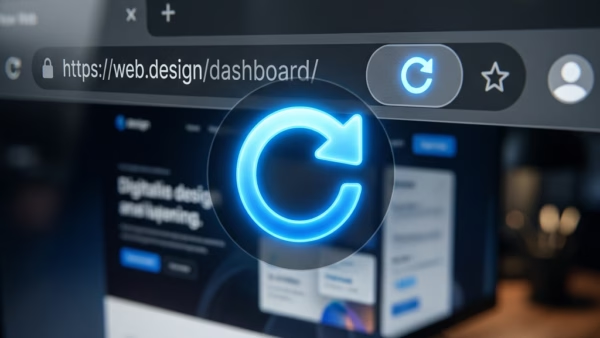
A hard page refresh in Microsoft Edge on Windows 11 forces your browser to ignore its saved cache and download the newest files for a website. A standard reload uses…
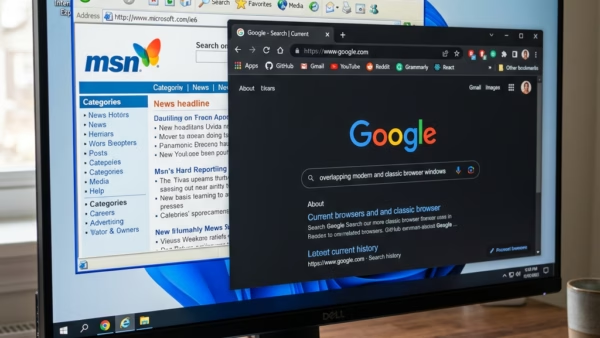
Internet Explorer mode inside Microsoft Edge runs old business tools and legacy websites that require Internet Explorer 11 to load correctly. It uses the older rendering engine inside Edge, so…
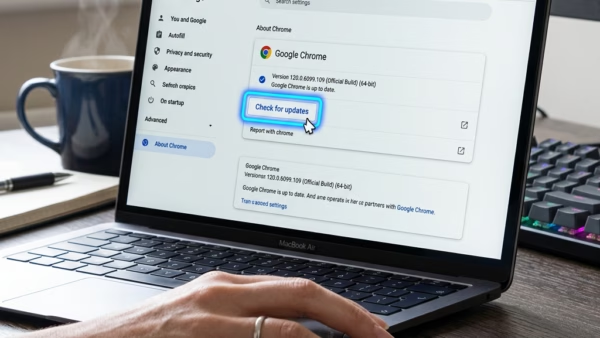
Microsoft Edge, the web browser built into Windows 11, gets a new major version about every 4 weeks. Each one brings new features and security fixes to your PC. Most…
A Microsoft Edge profile is a separate space inside the browser. It keeps its own bookmarks, saved passwords, history, extensions and settings. In Microsoft Edge, you can run several profiles…
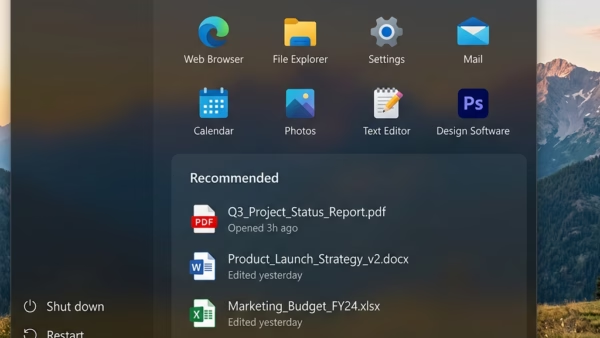
The “Recent” section (formerly called “Recommended”) at the bottom of the Windows 11 Start menu shows your latest documents, pictures and files by default. Anyone standing behind you, or watching…
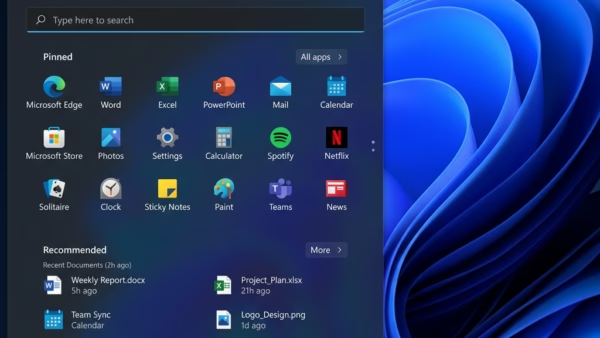
The Pinned section is the block of app icons at the top of the Windows 11 Start menu. It holds the apps you chose to keep within reach, so you…
Hiding your account name and profile picture on the Windows 11 Start menu keeps your personal details off the screen each time you open the menu. It helps when you…
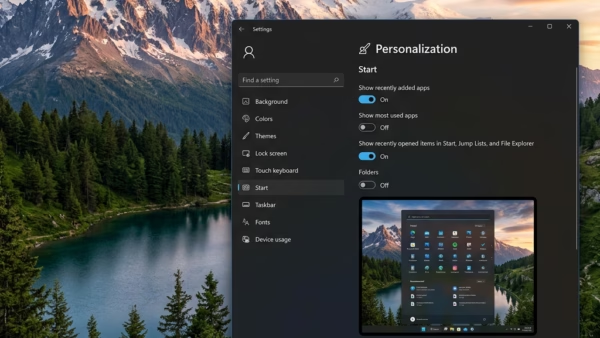
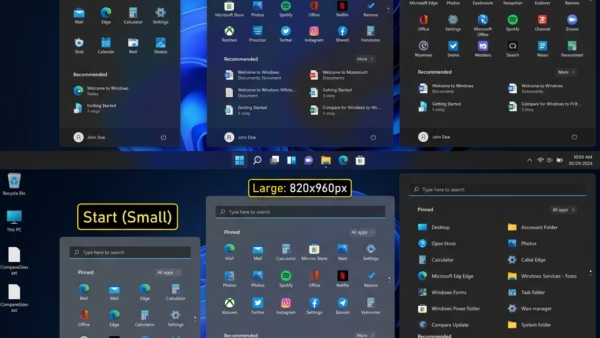
To change Start menu size in Windows 11, open Settings › Personalization › Start and choose an option under Start menu size. This new setting controls how much room the…
Microsoft Edge has two ways to make text bigger, and they behave differently. Page zoom scales everything on the page: text, images and layout. The font size setting changes only…
One email when we publish a guide worth your time — new Windows features, the fixes that actually work, and a heads-up when Microsoft breaks something. Unsubscribe in one click.