How to Enable Mouse Pointer Indicator in Windows 11
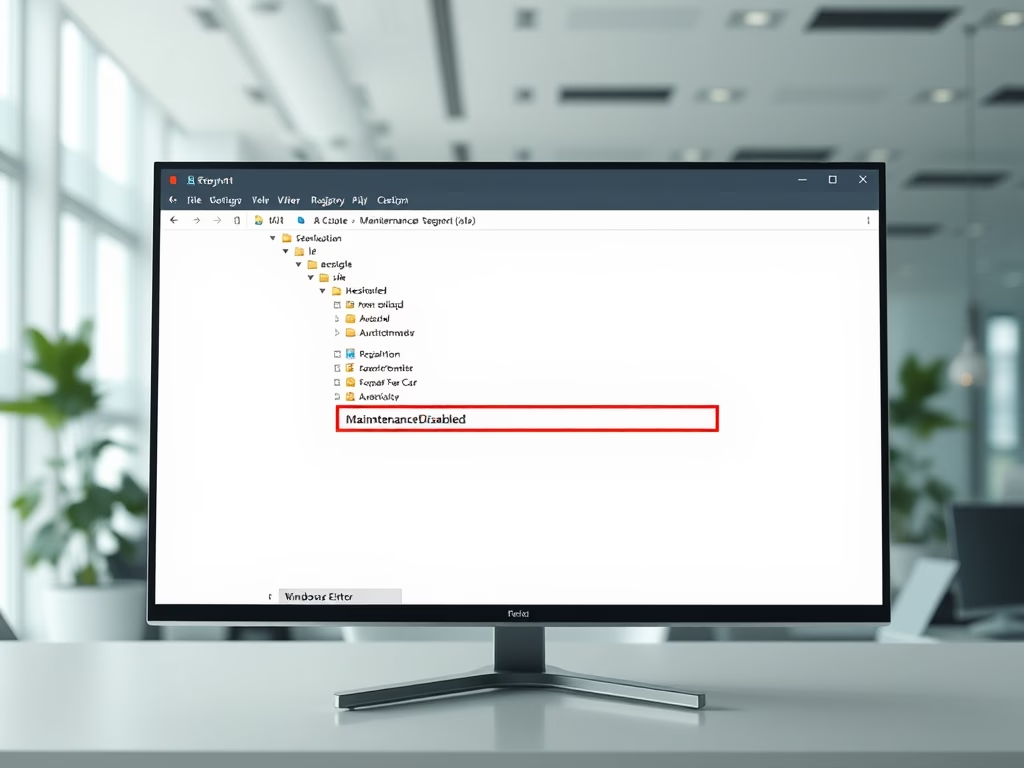
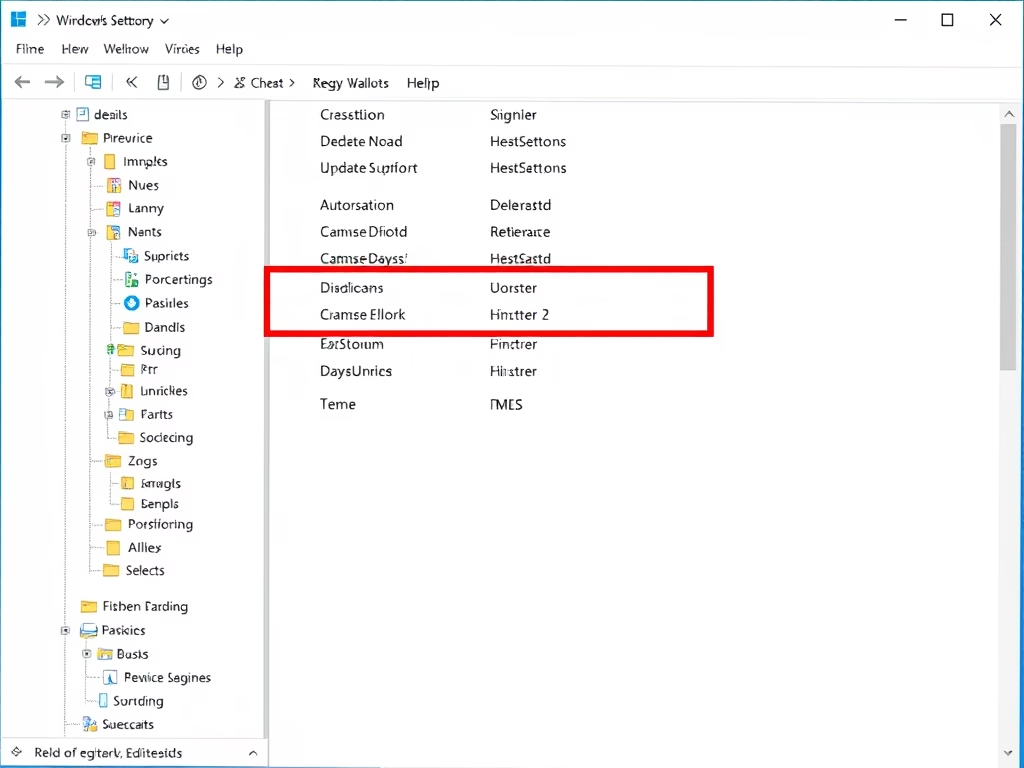
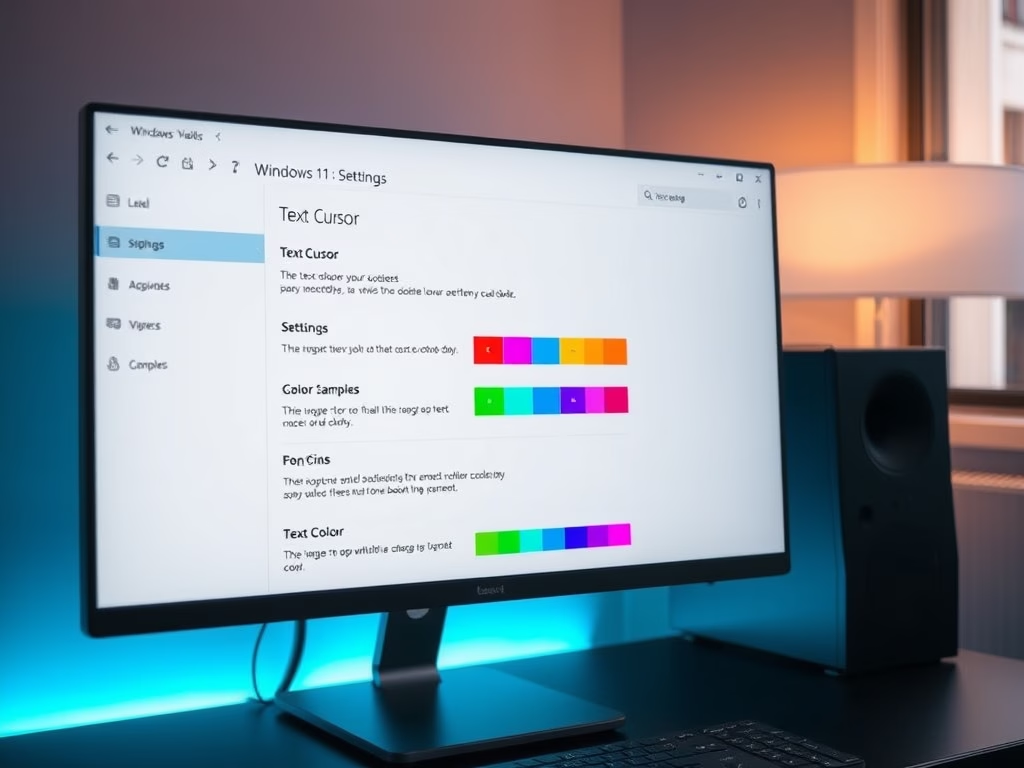
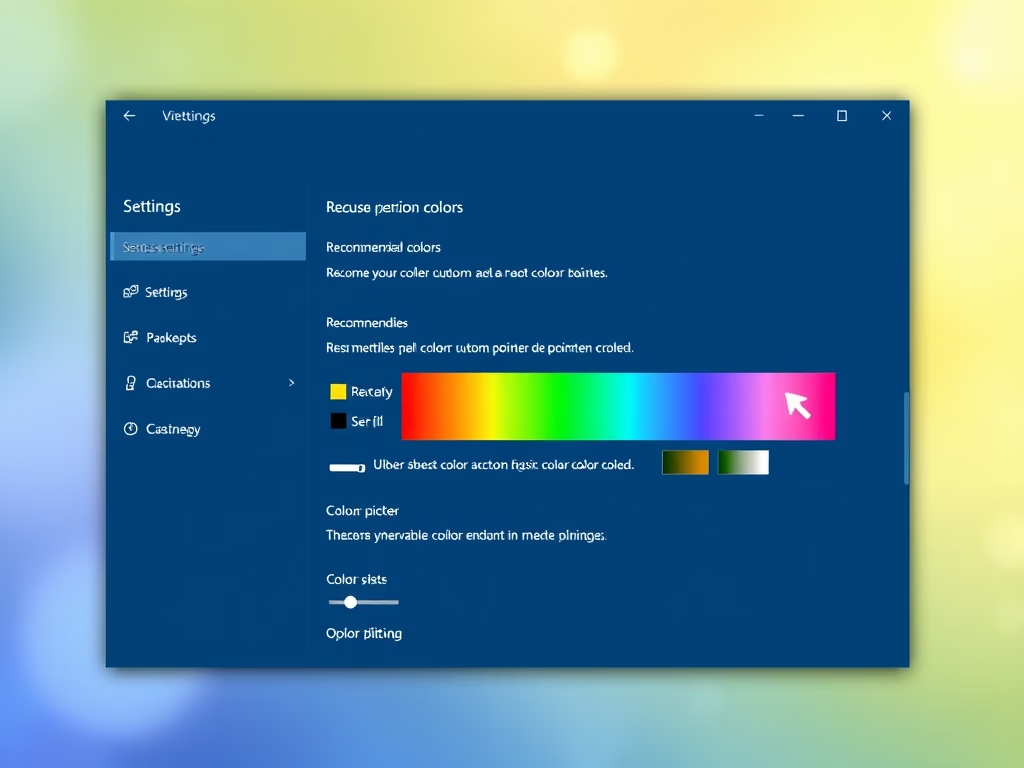
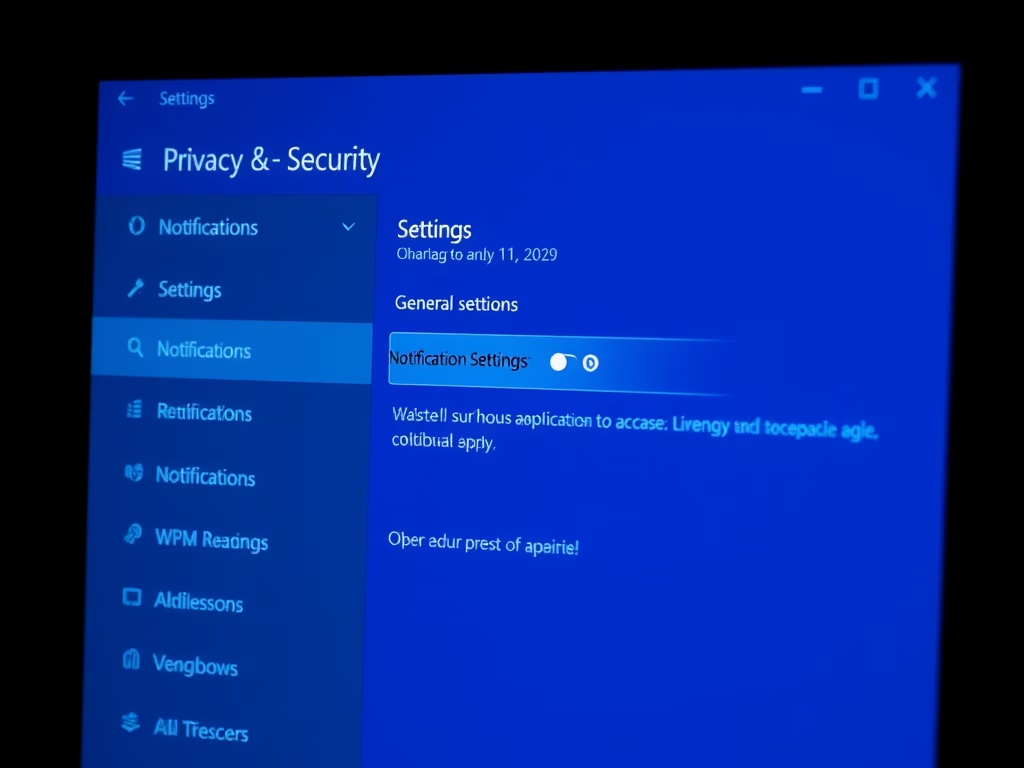
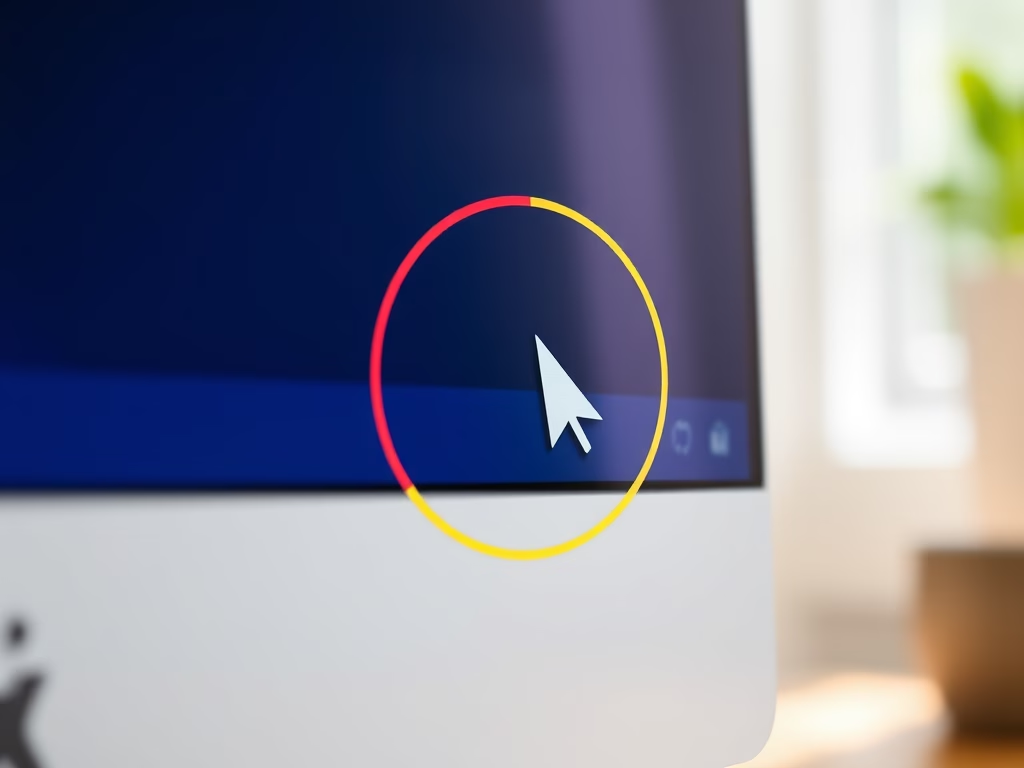
This guide explains how to enable or disable the Mouse Pointer Indicator in Windows 11, which adds a colored circle around the cursor for better visibility. Users can toggle the feature easily with the keyboard shortcut Win + Ctrl + X or through Settings and the Registry Editor, optimizing accessibility for those with vision issues.
February 3, 2026
Read more →