The post explains how to download, install, and use the Bing Wallpaper app in Windows 11. This app brings a new image from around the world as a background daily, making your desktop more refreshing. By following a few simple steps, users can enjoy rotating scenic images as their screen background.
#Windows 11
Windows 11 introduces Voice Access, a feature that enables users to control their PC and send text messages via voice. Currently supporting English-U.S, it operates without an internet connection, allowing basic tasks like opening apps, web browsing, and email management. However, this feature is exclusive to the Insider Preview version of Windows 11. The post further explains steps to enable or disable Voice Access in Windows 11 via System Settings.
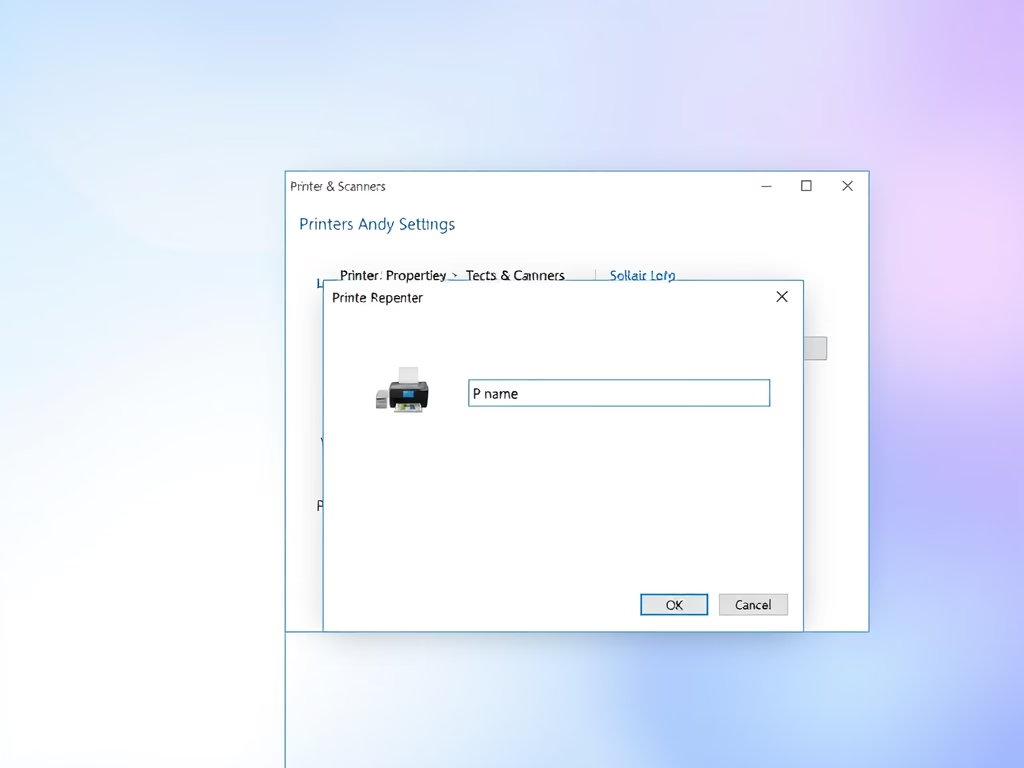
The post provides a step-by-step guide on how to remove a printer driver in Windows 11. Even though Windows retains printer drivers for future reuse, the post advises that unnecessary or corrupted drivers are best removed and replaced with new ones. The process involves removing the printer through the System Settings pane, and then deleting the associated driver from the Control Panel's Print Management.
The content provides a guide for students and new users on reverting back to Windows 10 from Windows 11 within 10 days of upgrade, to prevent the loss of files. The rollback might be due to incompatibility issues, performance problems, or user support gaps. However, if the ten days elapse, the option is unavailable, and any attempt to revert may require reinstalling some apps and settings changed during the upgrade process.
This blog post provides a step-by-step guide for beginners on installing phpMyAdmin, a free and open-source administration tool, on Google Cloud servers running Ubuntu Linux. The series also teaches how to register a domain, set up a Google Cloud server, install required software and packages, secure a phpMyAdmin website, and manage MySQL or MariaDB databases via a browser.
The text guides students and new users on how to find and use Microsoft Notepad in Windows 11, highlighting its basic text-editing features. It explains its limitations compared to WordPad and Notepad++, which offer advanced features and support more formats. It advises using Word or alternative productivity suites for more complex document creation, and provides steps for finding, opening, and saving files in Notepad.
The post provides a detailed guide to utilizing Windows Search Indexing in Windows 11, including enabling, disabling, and adjusting indexing options. Users can perform these functions through Windows settings or via the command prompt. This post also explains how Indexing enhances search speeds within specific folders or across the PC by creating local indexes of content.
This article provides a guide for students and new users to reset the AutoPlay settings in Windows 11. AutoPlay allows users to set default actions for specific media or devices attached to a Windows computer. The post includes steps on how to reset these settings to their original defaults using the Control Panel app.
This post guides students and new users on how to run File Explorer as an administrator on Windows 11. By default, it opens with normal privileges. The tutorial provides two methods: finding the explorer app in the C:\Windows folder to run as an administrator, or running it through the Task Manager. The user's account must belong to the administrator's group for these steps to work.
The post provides a step-by-step guide for students and new users on how to hide specific folders from Windows Search results in Windows 11. This feature allows customization of search results in order to prevent unnecessary system slowdowns by hiding unwanted content. This involves navigating to System Settings, and specifically to the Searching Windows settings pane, where folders can be added to or removed from the exclusion list.
The post guides users through the process of enabling or disabling automatic sign-in after an update in Windows 11. When enabled, Windows saves the user's sign-in credentials and uses them automatically to finish installing updates. This feature can be managed through the Windows System Settings under 'Sign-in options.' It is exclusively applied during updates, with regular sign-in prompts remaining at other times.
The post guides beginners on how to install the LEMP stack, a solution used to build many popular websites and apps, on Google Cloud servers running Ubuntu Linux. The content comprises a series of instructions, starting with domain registration and setting up a Google Cloud server, followed by steps to install necessary software packages aiding in building LEMP-based websites or applications.
The post guides on enabling or disabling Windows Update Delivery Optimization in Windows 11. This feature allows PCs to receive and send updates and Microsoft Store apps to other computers, expediting the update process. However, for privacy concerns, Windows Update Delivery Optimization can be turned off, restricting update downloads to Microsoft's servers only.
The article provides a guide for changing or moving the Windows Updates SoftwareDistribution folder in Windows 11. This is useful when running low on storage space, as updates can fail to install due to space limitations. The guide instructs how to create a new folder in a larger partition, stop the Windows Updates service, and create a symbolic link to the new location. This allows future updates to be downloaded to the new folder location.
The post provides a guide on how to burn a CD or DVD on Windows 11. Although less popular due to cheaper, larger capacity thumb drives, burning a CD/DVD remains an option for content backup or transfer. The process involves inserting a blank disc into an optical drive and following the provided instructions to burn the content. Various disc types, including CD-R, CD-RW, DVD-R, and DVD-RW, can be used, each with different capabilities.