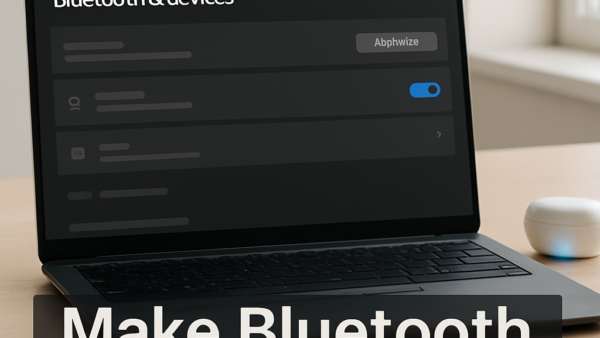

How to Make Your Bluetooth Device Discoverable in Windows 11
Making a Bluetooth device discoverable puts it into pairing mode so Windows 11 can find and connect to it. This is the first step…
Step-by-step guides for Windows, Linux, networking and everything tech — written by experts, verified for accuracy.
Most recently published
Making a Bluetooth device discoverable puts it into pairing mode so Windows 11 can find and connect to it. This is the first step…
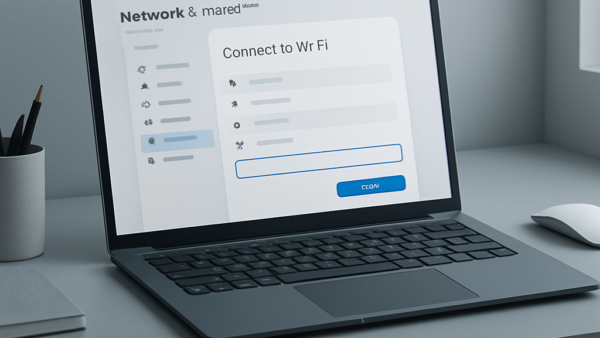
Connecting to a wireless network in Windows 11 takes just a few clicks from either Quick Settings or the Settings app. Quick Settings (the…
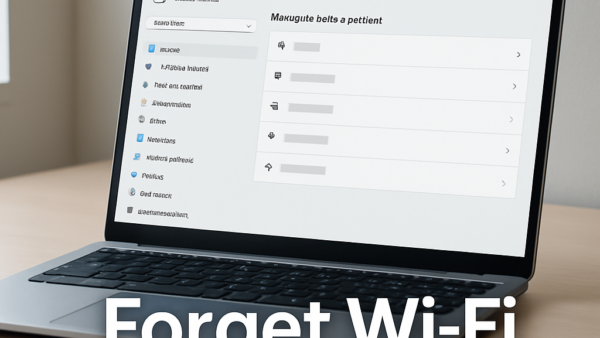
Forgetting a Wi-Fi network in Windows 11 removes the saved password and connection details for that network from your PC. Once you forget it,…
Disabling a sound device in Windows 11 turns it off without unplugging it or removing its driver — letting you switch between speakers, headsets,…
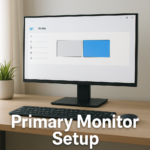
Windows 11 lets you pick which monitor is your main display when you have more than one screen plugged in. Your taskbar, Start menu,…
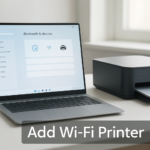
Windows 11 can find and install most Wi-Fi printers automatically if they're already on your network — it takes about five minutes. Open Settings,…
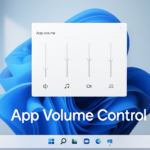
The Volume Mixer in Windows 11 lets you turn the sound up or down for each app separately, without changing your overall system volume.…
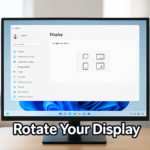
Windows 11 lets you rotate your display between landscape (wide) and portrait (tall) modes in seconds, without restarting your computer. This is useful if…
One email when we publish a guide worth your time — new Windows features, the fixes that actually work, and a heads-up when Microsoft breaks something. Unsubscribe in one click.