
How To Configure AutoPlay Settings For Removable Drives In Windows 11
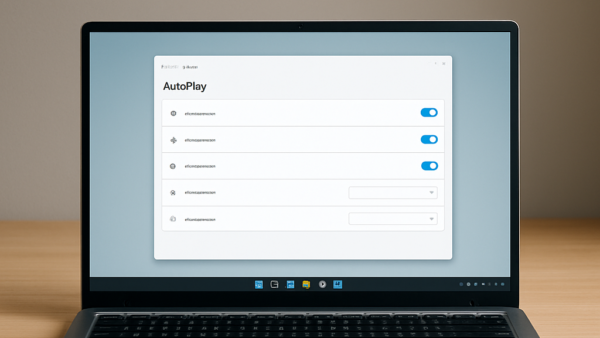
AutoPlay in Windows 11 lets you choose what happens when you plug in removable drives like USB sticks, cameras, or smartphones, opening a specific…
Step-by-step guides for Windows, Linux, networking and everything tech — written by experts, verified for accuracy.
Most recently published
AutoPlay in Windows 11 lets you choose what happens when you plug in removable drives like USB sticks, cameras, or smartphones, opening a specific…
Advanced file sharing settings in Windows 11 control network discovery, password protection, and encryption levels so you can share files safely with other devices…
Mobile Hotspot turns Windows 11 PCs into portable Wi-Fi routers that share your internet connection with nearby phones, tablets, and laptops. This built-in feature…
HDR video streaming in Windows 11 changes standard video playback by displaying brighter highlights and richer colors on supported screens. High dynamic range (HDR)…
Device encryption is a built-in Windows security feature that locks your files so no one else can read them without your password or key.…
Device usage tailoring in Windows 11 lets you pick up to 6 different ways you use your computer—such as Gaming, School, or Family—so Windows…
Text input preferences in Windows 11 control how your PC handles typing assistance, including automatic spelling corrections and word suggestions. These built-in settings manage…
Windows Backup preferences in Windows 11 control how your personal files, app settings, Wi-Fi profiles, and passwords save to your Microsoft cloud account. Setting…
One email when we publish a guide worth your time — new Windows features, the fixes that actually work, and a heads-up when Microsoft breaks something. Unsubscribe in one click.