


How to Enable Automatic Do Not Disturb Scheduling in Windows 11
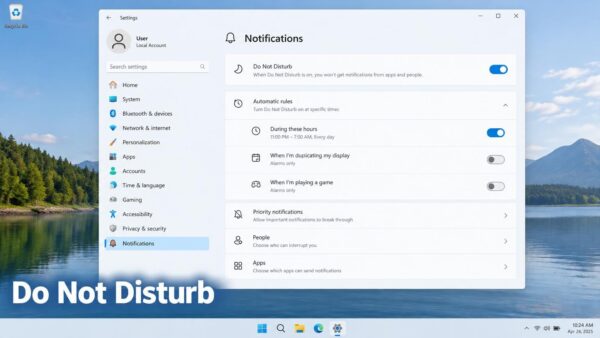
Do Not Disturb in Windows 11 stops notification sounds and banners from popping up while you're playing a game, presenting, or using a full-screen…
Step-by-step guides for Windows, Linux, networking and everything tech — written by experts, verified for accuracy.
Most recently published
Do Not Disturb in Windows 11 stops notification sounds and banners from popping up while you're playing a game, presenting, or using a full-screen…
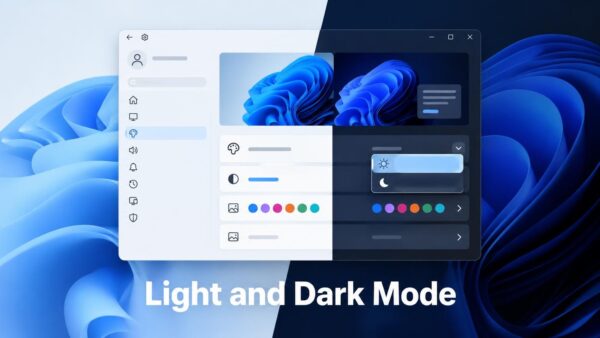
Windows 11 lets you switch between light theme and dark mode in Settings > Personalization > Colors. The change takes effect right away—you don't…

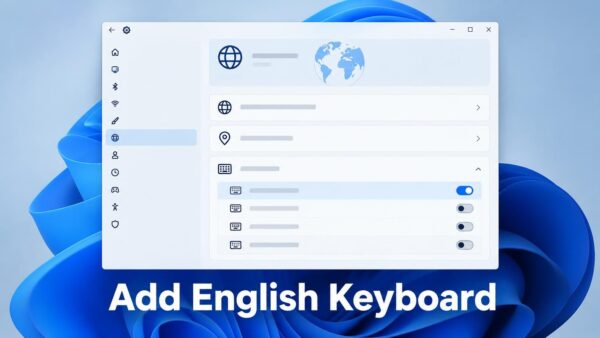
Adding an English keyboard to Windows 11 takes just two minutes and requires no restart. Open Settings, go to Time & language > Language…
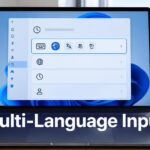
Windows 11 lets you type in multiple languages and switch between them smoothly using Settings. You set up each language and keyboard in Language…
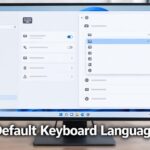
Windows 11 lets you pick which keyboard layout starts up by default when you open a new app. This keyboard layout is what Windows…

Windows 11 doesn't keep a permanent notification history. The Notification Center (the panel that pops up with your alerts) is the only place to…
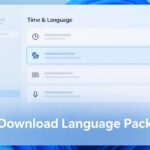
A language pack in Windows 11 lets you add a new language to your computer so you can use Windows in that language, even…
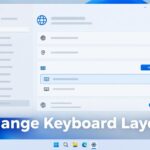
Switching your keyboard layout in Windows 11 lets you change what each key types—useful when a UK keyboard is producing the wrong characters. The…
One email when we publish a guide worth your time — new Windows features, the fixes that actually work, and a heads-up when Microsoft breaks something. Unsubscribe in one click.