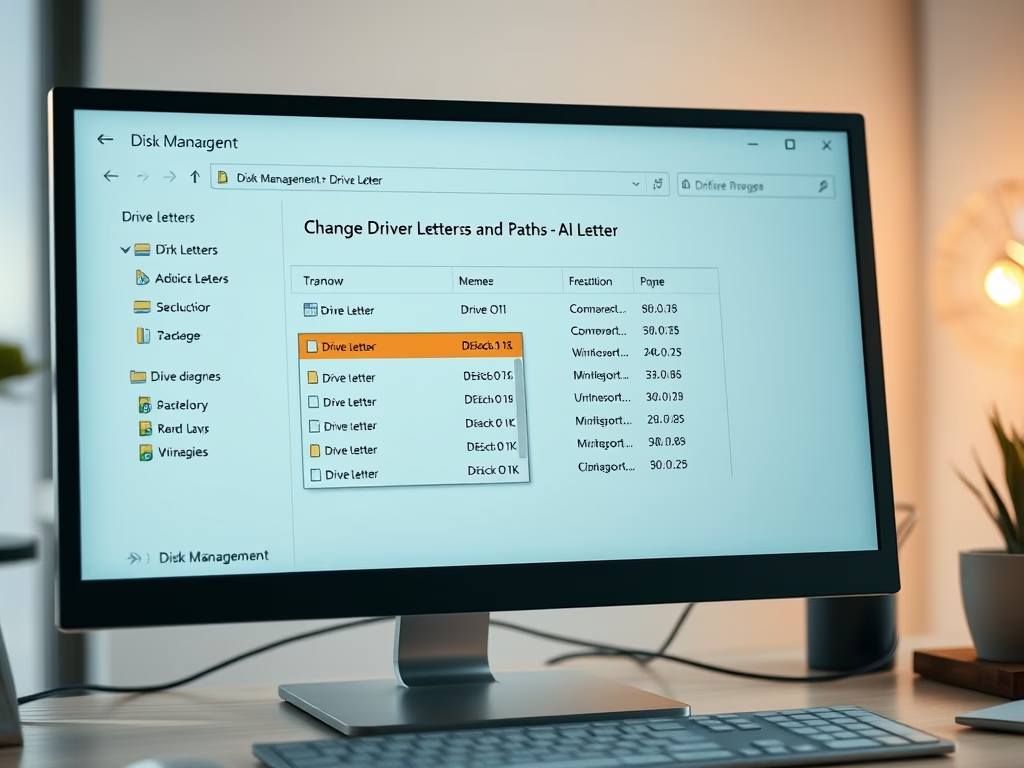
This article guides Windows 11 users in checking their device's disk drive partition style, important for tasks like OS installation and creating partitions. It covers three methods: using the Windows Settings app, Disk Management tool, and command line. Determining the partition style supports informed decision-making and ensures software compatibility. The article provides detailed steps for each method, empowering readers with practical knowledge.
Windows
This article explains how to customize the lock screen in Windows 11 and select which app to display detailed status. With the latest Windows 11 build, Microsoft introduces a dynamic weather experience on the lock screen. Users can easily change the lock screen status to 'None' or choose from apps like 3D Viewer, Mail, Weather, or Windows Widgets. Simply access Lock Screen settings in Windows Settings to make the selection.
This article explains how to refresh or rescan available Wi-Fi networks in Windows 11. Users can now use a new refresh button in the Wi-Fi Quick Settings flyout or commands in the Windows Terminal app to update the list. This provides an efficient way to connect to wireless networks.
This article provides a comprehensive guide on deleting files in Windows 11. It covers various methods, including using keyboard shortcuts, the File Explorer command bar, context menu, PowerShell, and Command Prompt. It emphasizes the importance of knowing how to delete files for space management, organization, and privacy. The post encourages reader feedback for any errors or additional insights.
This article explains various methods to rename files in Windows 11, highlighting reasons for renaming files and step-by-step instructions for using keyboard shortcuts, File Explorer, PowerShell, and Command Prompt. It emphasizes the importance of descriptive file titles and file organization. Different methods allow users flexibility in file management.
This article provides a guide on listing and exporting services in Windows 11. It explains the significance of managing services and provides commands for listing running and stopped services as well as exporting them to TXT or CSV files using PowerShell or Command Prompt in Windows Terminal.
This article provides a guide on using OneDrive in Windows 11 to free up disk space. It explains syncing files with Microsoft Cloud, backing up essential folders, changing settings to keep files online, and using Files On-Demand feature. It also includes steps for accessing, logging into OneDrive, moving files, and adjusting disk space management.
The article demonstrates how to enable or disable the "Allow this PC to access your mobile devices" feature in Windows 11, through either the Settings app or Registry Editor. The Phone Link page, now renamed to Mobile Devices, allows users to control PC-mobile interactions. Microsoft announced plans to add more functionalities to this feature.
The article details how to display local weather forecasts in the Outlook Calendar on Windows 11. This feature in the new Outlook allows users to plan better, especially those working outdoors or frequent travelers. Enabling the weather feature requires specific steps in the Outlook's setting window. Once done, weather information is conveniently displayed next to the dates in the calendar.
The article provides a guide on how to disable or delete custom command shortcuts using the new Voice access feature in Windows 11. Voice access allows control over the PC through spoken commands. Custom commands can be created but may need to be switched off or deleted if they become redundant, confusing or simplify user interaction.
This article provides a guide on how to list and create custom command shortcuts using Voice Access on Windows 11, helping improve productivity and accessibility. The feature enables control of the PC and sending text messages via voice. Previously, users could only navigate and execute commands but a recent update brought the ability to create custom commands and shortcuts. While initially available only in English, this can be especially beneficial for individuals with mobility or visual impairments.
The new Outlook app for Windows 11 allows users to receive daily agenda emails summarizing their schedule each day. The feature, beneficial for busy individuals who aim to stay organized, includes upcoming appointments, meetings, and tasks. This article details how to enable or disable the feature through the app's settings, with the option to customize the settings to suit user preferences.
The article provides a detailed guide on enabling 'Dark Mode' in the new Outlook application on Windows 11, promising a visually different experience which can be easier on the eyes. In addition to this feature, the updated app includes support for various email accounts, subscription management, email forwarding, and other multiple functionalities enhancing productivity and personalization.
The article discusses how to enable or disable 'Missed activity emails' in Microsoft Teams on Windows 11, a function that alerts users to significant conversations and actions even when they are not using the app. These can be customized to detail specific types of activities at chosen frequency intervals and allow interaction directly from the email client. However, for those who find these alerts distracting, there is an option to disable them.
This article provides a guide on how to enable or disable the "Optimize app window sizing on my PC" feature in the Phone Link app on Windows 11. The Phone Link app allows users to link their phone and PC, and access phone apps and data from the PC. The "Optimize app window sizing on my PC" feature facilitates resizing the app window on the PC, providing a better experience when using phone apps on the PC.