Follow
🪟

Windows

Windows 3 min read
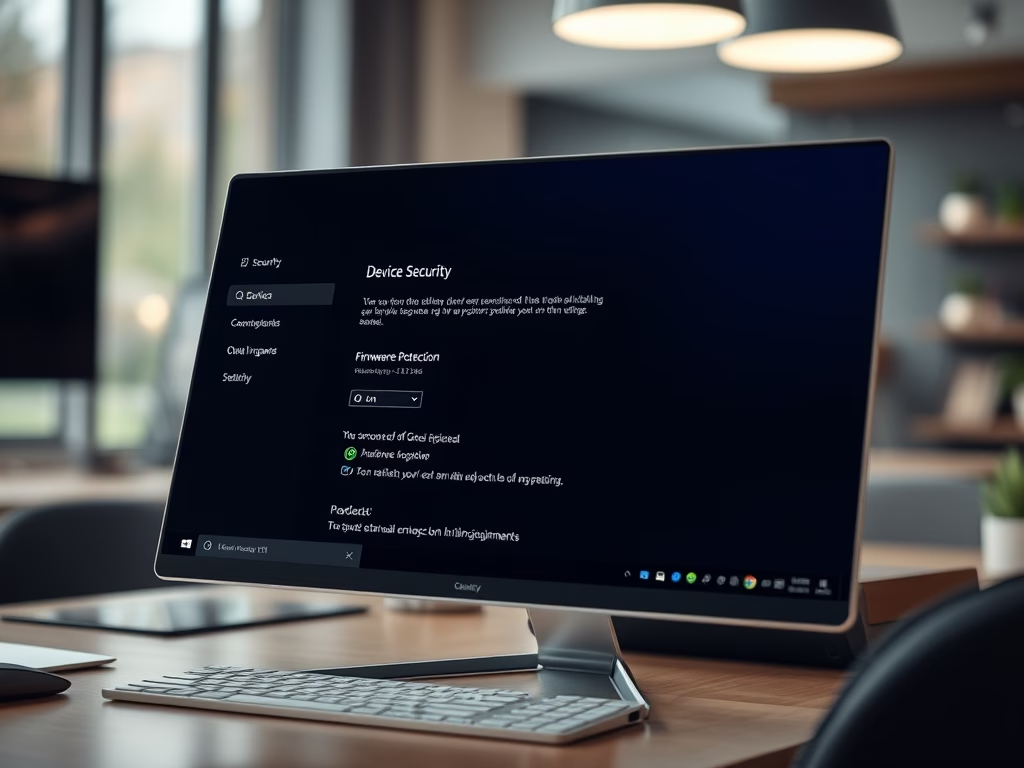
How to Make Windows 11 Safer with Firmware Protection

This guide explains how to enable Firmware Protection on a Windows 11 PC, aimed at enhancing security against malware. Firmware Protection acts as a safeguard during startup, ensuring only trusted software runs and preventing unauthorized changes. The guide outlines steps using both the Windows Security app and Windows Registry editing for activation.

February 1, 2026 Read more →
Windows 2 min read
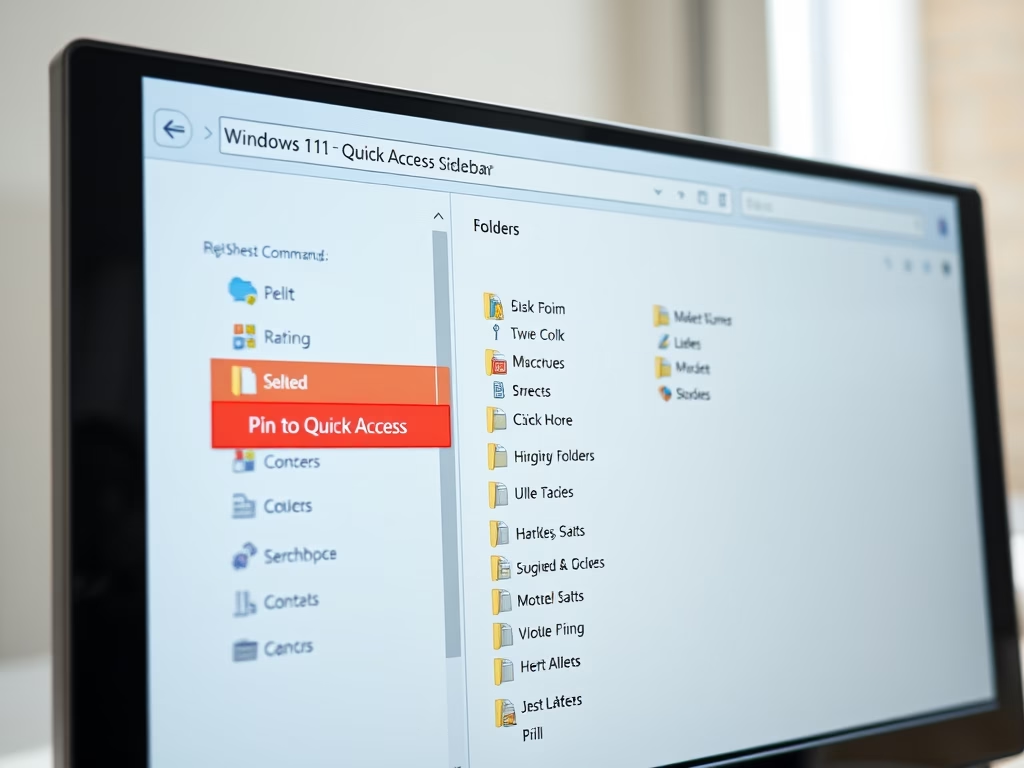
How to Pin Recent Folders in Quick Access on Windows 11

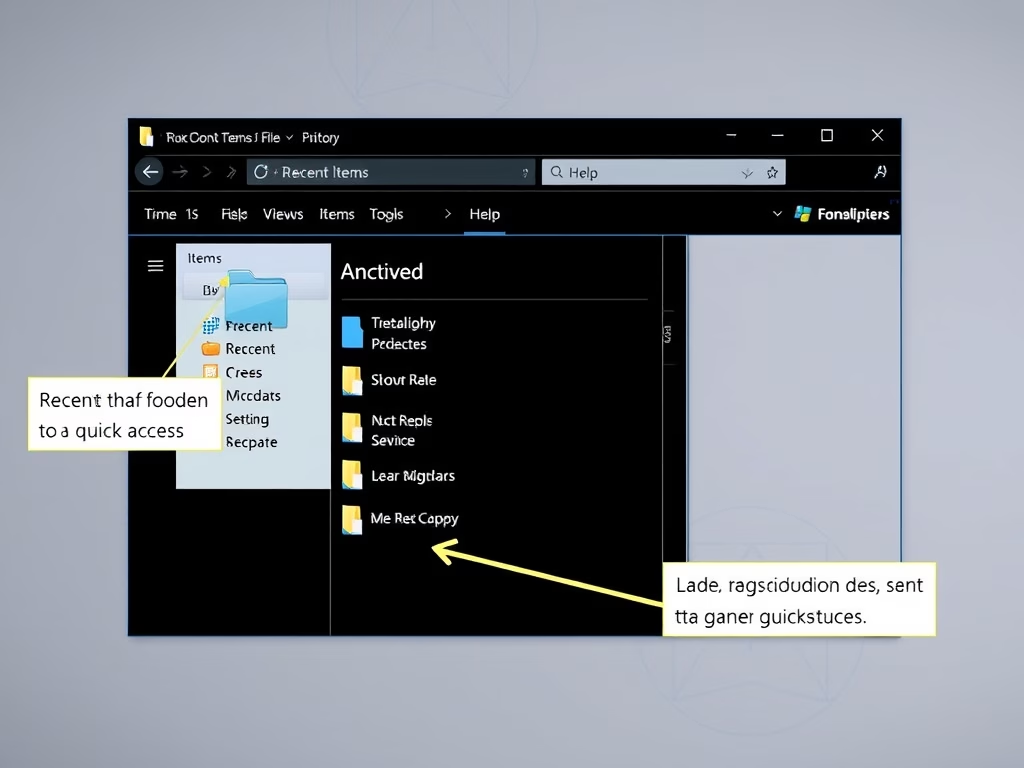
This guide explains how to pin Recent folders to the Quick Access area in Windows 11 for easier access. It details steps for opening File Explorer, using a specific command to find Recent folders, and pinning them. This feature enhances workflow efficiency by keeping frequently used folders readily accessible.

Windows 2 min read
How to Set Your Default Camera in Microsoft Teams

This guide explains how to select a default camera in Microsoft Teams for video calls, ensuring a better meeting experience. Users can easily access camera settings through the app's menu and choose from multiple connected cameras, enhancing the professionalism of their video calls.

Windows 3 min read
How to Improve Recall Snapshots Filtering on Windows 11

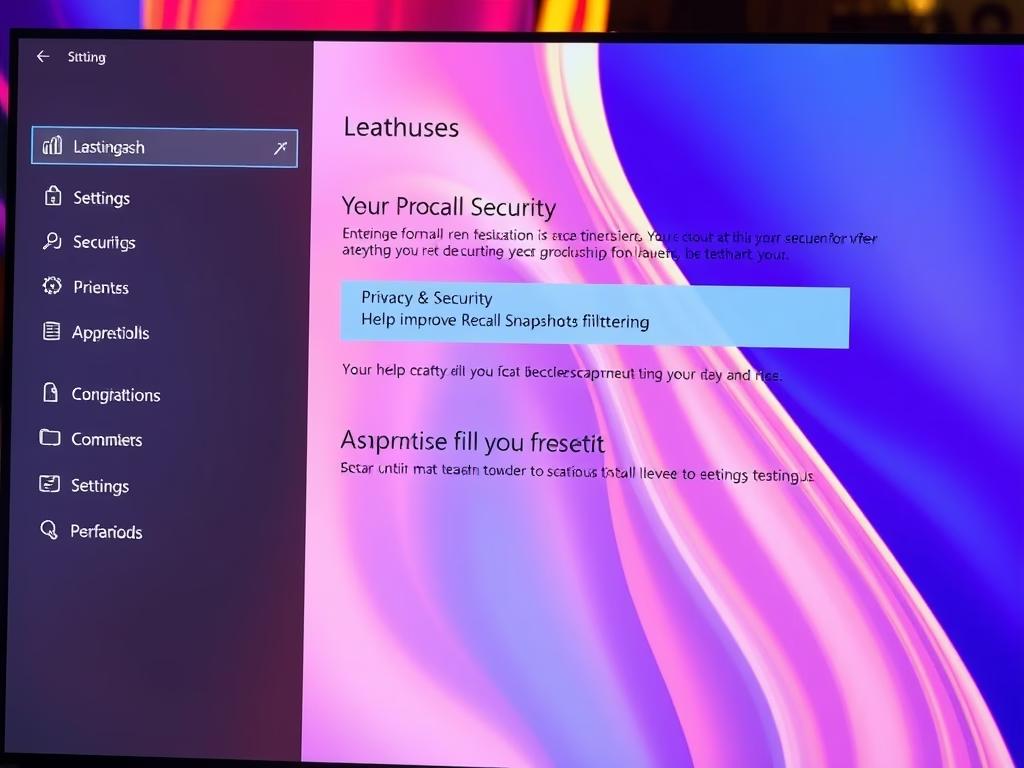
This guide explains how to enable or disable the "Help improve Recall snapshots filtering" feature in Windows 11, which allows anonymous sharing of excluded apps and websites to enhance the Recall function. All snapshots are encrypted and kept private on your device. Regularly check your settings to manage preferences effectively.

January 31, 2026 Read more →
Windows 3 min read
How to Enable or Disable Recall in Windows 11

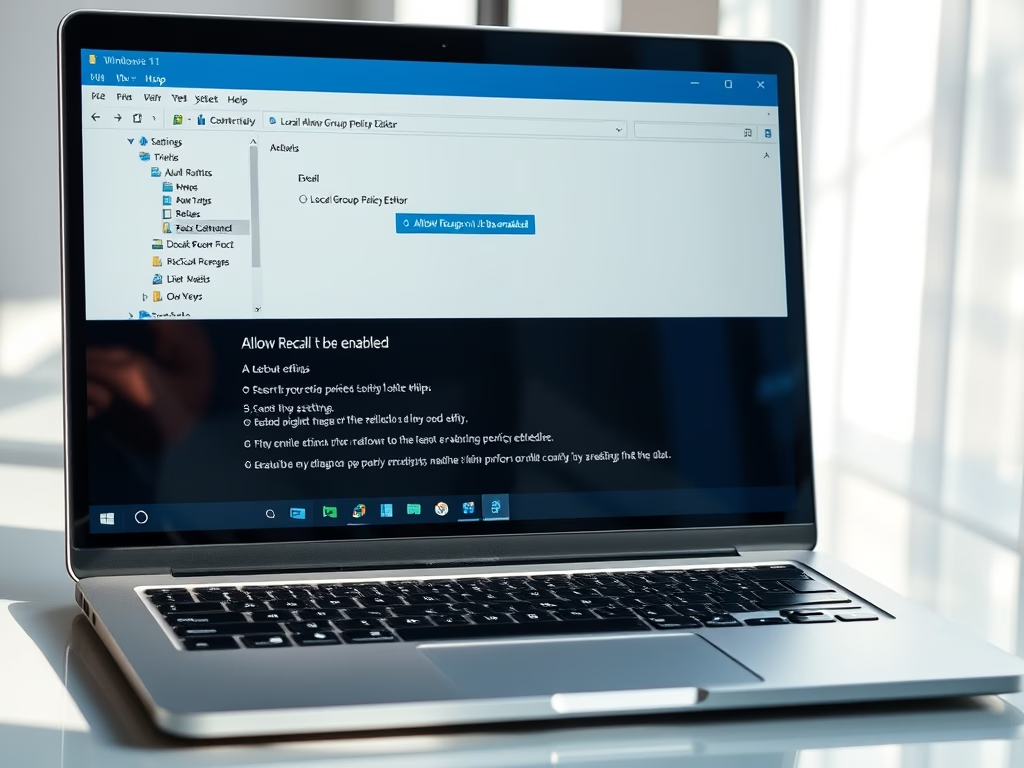
Recall is a new feature in Windows 11 that captures snapshots of your screen, enabling users to later search for previously viewed content. Available on Copilot+ PCs and newer builds, it requires enabling snapshot saving. Users can manage Recall settings via the Local Group Policy Editor or the Windows Registry.

Windows 3 min read
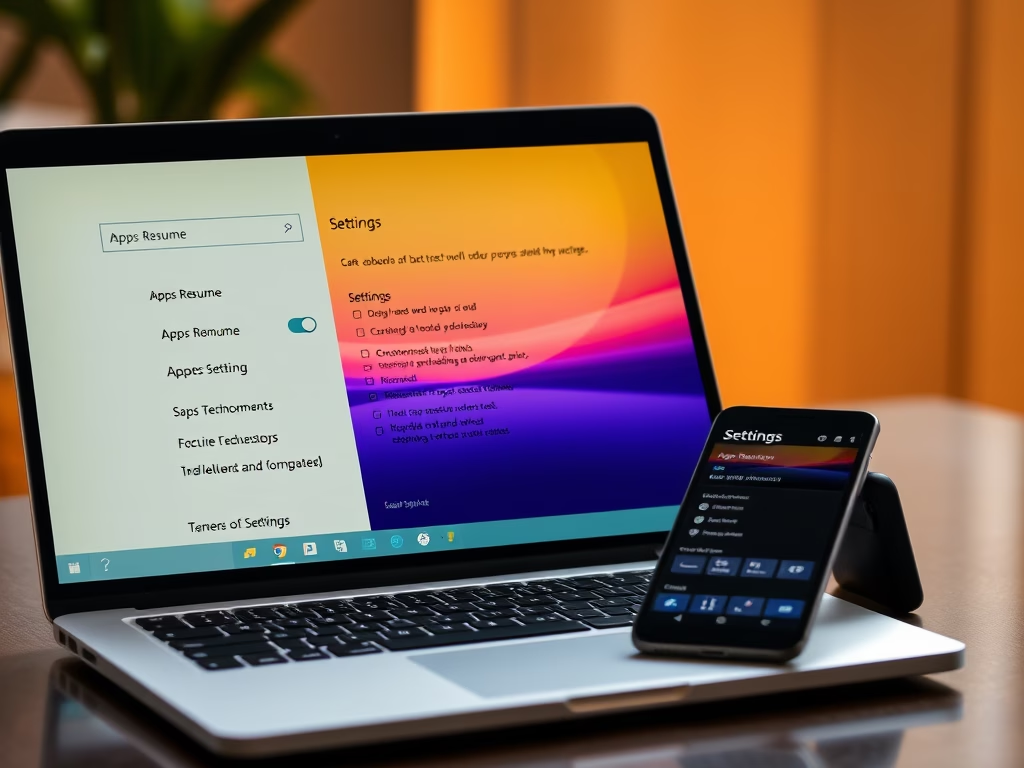
How to Enable or Disable Windows 11 App Resume Feature

Apps Resume is a Windows 11 feature that allows users to continue working on OneDrive files from their phone on a PC. To use it, both devices must be signed in with the same Microsoft account and meet specific system requirements. It can be toggled on or off through Windows Settings or the Registry.

Windows 2 min read
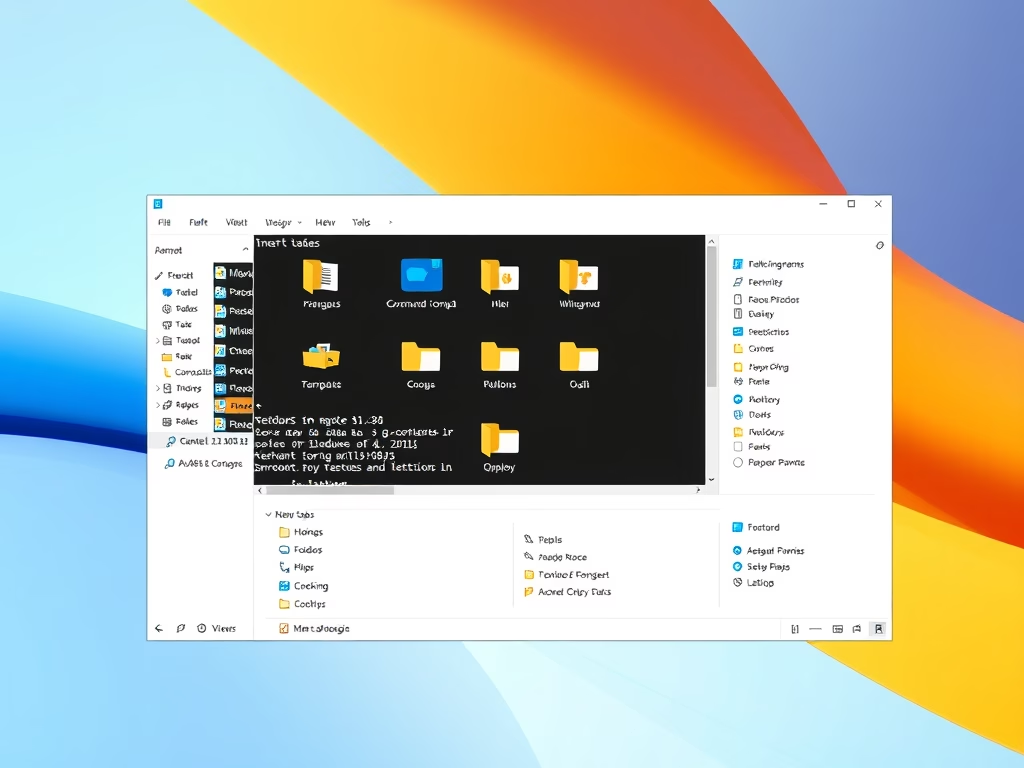
How to Open Folders in New Tabs in Windows 11 File Explorer

Windows 11 introduces a feature allowing users to open folders in new tabs within File Explorer, enhancing file management. To enable it, users must install ViVeTool and follow specific commands or adjust settings in Folder Options or the Registry. This functionality facilitates faster navigation between folders.

Windows 3 min read
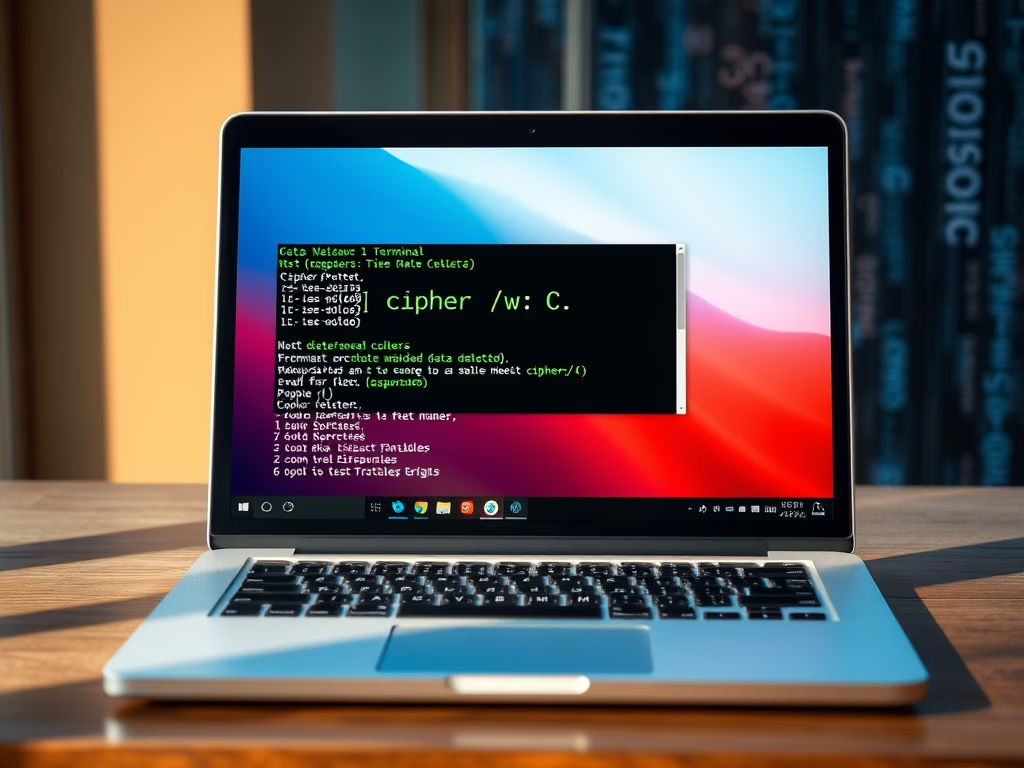
How to Secure Your Data with Cipher on Windows 11

When files are deleted in Windows 11, they are not permanently removed but marked as available. The Cipher tool can overwrite this data to prevent recovery. By using the command "cipher /w:<drive letter>", users can ensure deleted files are securely erased, enhancing data privacy and security.

Windows 2 min read
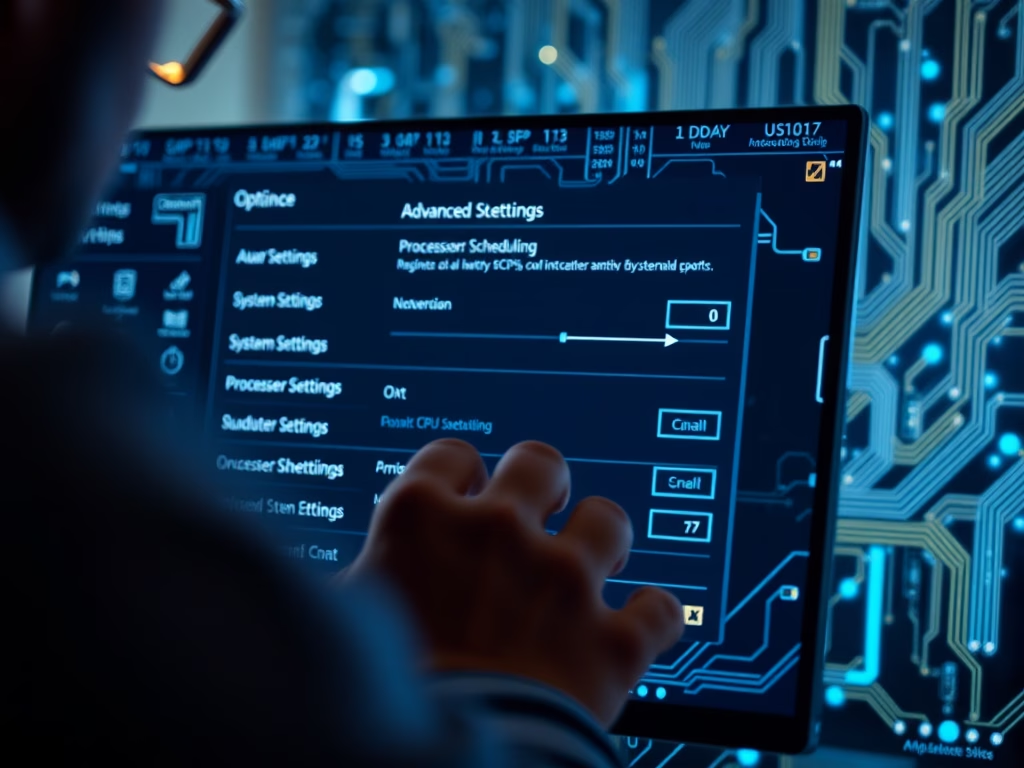
How to Optimize Windows 11 CPU Scheduling for Speed

To optimize your Windows 11 computer's performance, adjust CPU scheduling to prioritize either active applications or background tasks. This can be done easily through System Properties or, for advanced users, via the Registry Editor. After making changes, always restart your PC to ensure they take effect.

Windows 3 min read
How to Remove the Home Folder from Windows 11 File Explorer

This guide outlines steps to hide or restore the Home folder in Windows 11's File Explorer. Users can modify the Windows Registry to remove or add the Home folder, ensuring a clean interface. It emphasizes the importance of proceeding cautiously when editing the Registry and the necessity of restarting the computer to apply changes.

Windows 2 min read
How to Show Multiple Time Zones on Windows 11

This guide explains how to view multiple time zones on a Windows 11 PC. Users can add up to two extra clocks through Date & Time settings and utilize the Windows Clock app for additional time zones. This feature aids in planning calls and meetings across different locations efficiently.

Windows 3 min read
How to Show Full Folder Path in Windows 11 File Explorer

This guide explains how to display the full folder path in Windows 11 File Explorer for better navigation. Users can enable this feature through Folder Options, the Settings app, or the Windows Registry, with instructions provided for each method. It enhances clarity and organization when managing files.

Windows 2 min read
How to Change Advanced Camera Settings in Windows 11

Windows 11 offers updated camera settings allowing users to enhance video quality with effects and maintain privacy. Features include a Multi-app camera for simultaneous use by multiple applications and a Basic camera mode for troubleshooting. Users can easily adjust settings in the Settings app under Bluetooth & devices, ensuring optimal performance.

Windows 3 min read
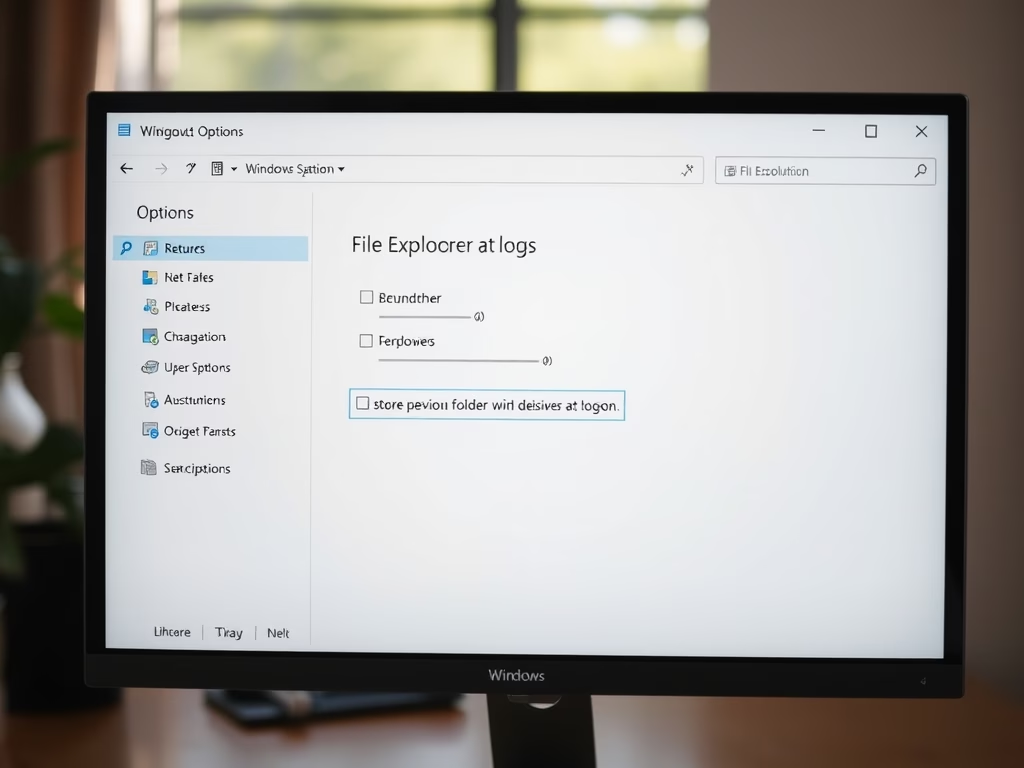
How to Restore File Explorer Windows When You Log In

Windows 11 offers a feature called "Restore previous folder windows at logon," which reopens File Explorer windows as you left them after restarting. Users can enable it easily through File Explorer Options or modify it using the Registry Editor for advanced control. Restarting your PC is required for changes to take effect.