Follow
🪟

Windows

Windows 2 min read
How to Enable or Disable Adaptive Color in Windows 11

Adaptive Color in Windows 11 adjusts screen colors based on surrounding light to enhance viewing comfort and reduce eye strain. It utilizes an Ambient Color Sensor for optimal brightness adjustments. Users can easily enable or disable this feature in the Display section of Settings, with a potential need to restart their PC for changes.

Windows 2 min read
How to Access Android Files on Windows 11

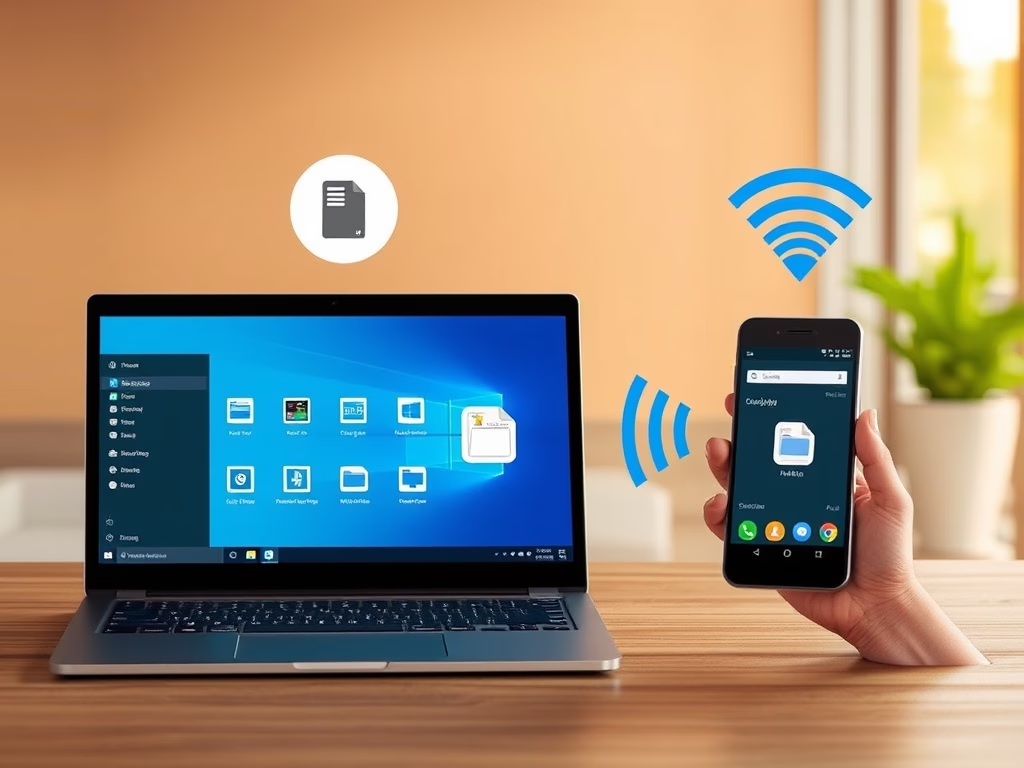
Windows 11 allows wireless access to Android phone files through File Explorer, enabling easy file transfers without cables. To use this feature, ensure your devices meet specific requirements and follow the outlined steps to enable or disable access. This integration simplifies managing files between your phone and PC.

Windows 3 min read
How to Uninstall or Reinstall Recall on Windows 11

Windows 11's Recall feature takes snapshots of your screen every few seconds, aiding in quick access to previously viewed content. Users can manage this feature by turning it on or off through Settings, Windows Features, or commands in Windows Terminal. Restarting the PC ensures changes take effect, enhancing privacy control.

Windows 2 min read
How to View Microsoft Account Purchase Order History

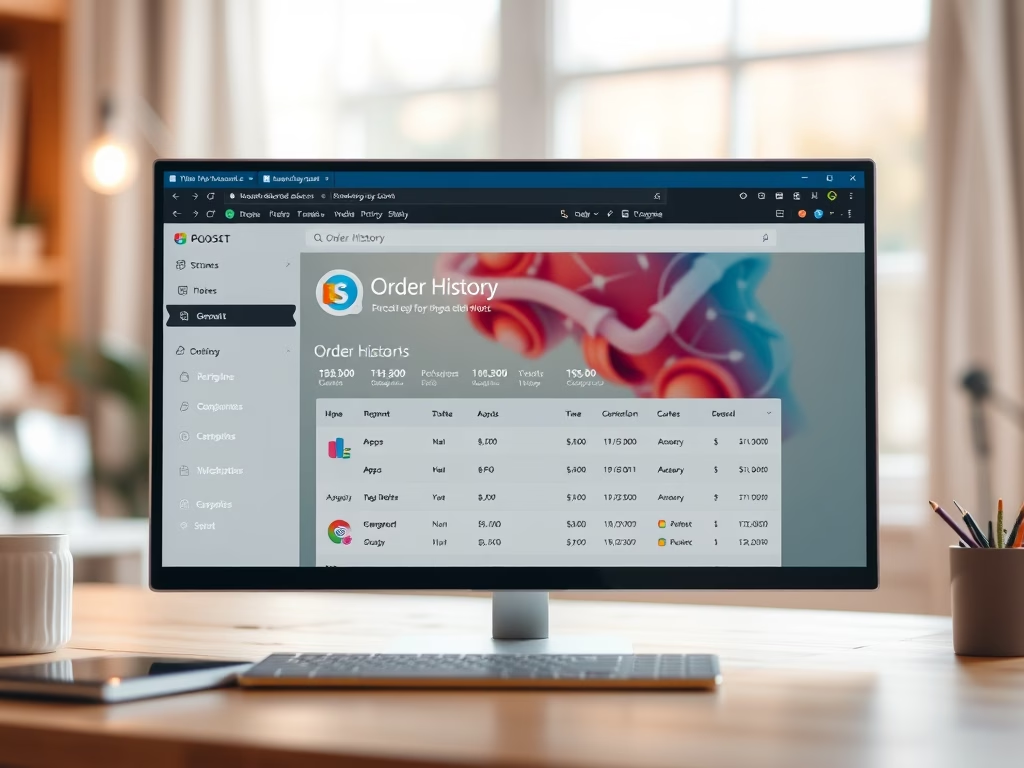
This guide outlines how to check your Microsoft Account purchase history, including apps, games, and subscriptions. Users can access their order details via the Windows Settings app or the Microsoft Account website, using filters to locate specific purchases. It helps in tracking spending and matching records effectively.

Windows 2 min read
How to Change the Copilot Key in Windows 11

The Windows 11 Copilot key allows quick access to the Copilot app, but it can be customized to open other preferred apps. Users can change its function through the Settings app in just a few steps, enhancing their productivity by tailoring the key to their needs.

Windows 2 min read
How to Change Snipping Tool Screenshot Folder in Windows 11

This guide explains how to change the default save location for screenshots taken with the Snipping Tool in Windows 11. By updating to version 11.2408.13.0 or later, users can choose a different folder, enhancing organization and accessibility. The process involves a few simple steps through the app's settings.

Windows 2 min read
How to Change External Drive Removal Settings in Windows 11

To safely manage external drives on a Windows 11 PC, users can choose between two removal policies: Quick Removal allows unplugging without extra steps, while Better Performance offers faster data transfers but requires using "Safely Remove Hardware." These settings can be adjusted in Settings or Device Manager for convenience and data safety.

Windows 2 min read
How to Enable Disk Write Caching in Windows 11

This guide explains how to enable or disable disk write caching on internal drives in Windows 11 using Disk Management or Device Manager. Disk write caching can enhance performance but may risk data loss during unexpected shutdowns. Regular backups are recommended to protect important files while using this feature.

Windows 3 min read
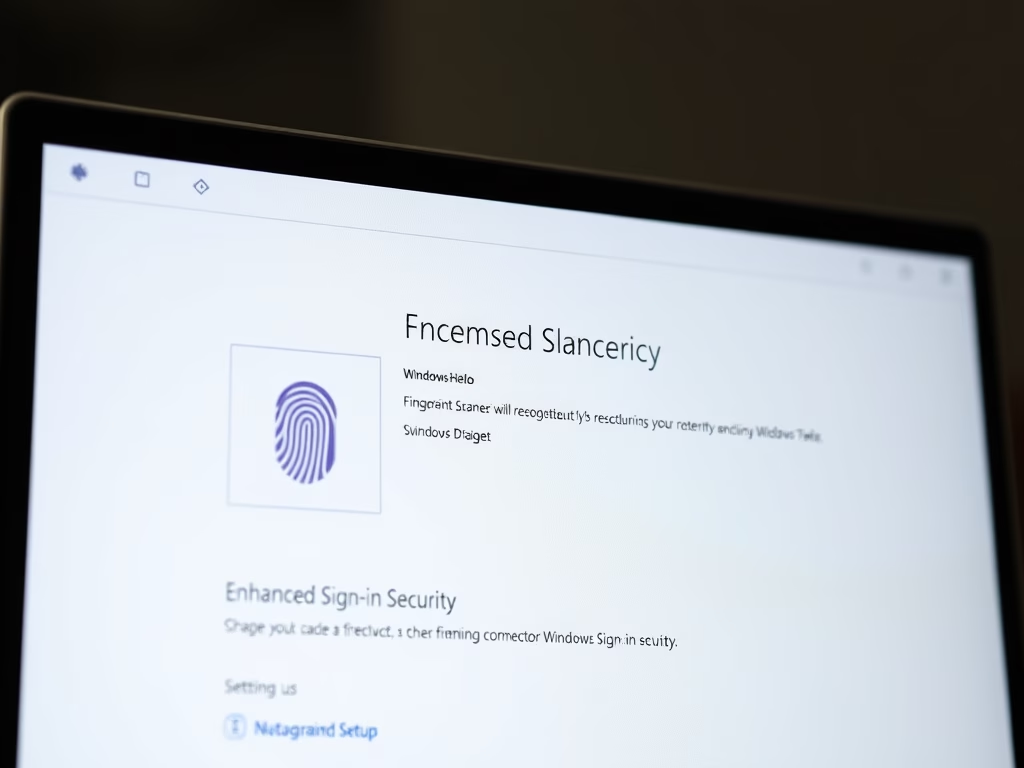
How to Enable Enhanced Sign-in Security on Windows 11

This guide explains how Windows 11 users can enable Enhanced Sign-in Security (ESS) to protect their biometric data. ESS requires specific hardware, such as TPM 2.0 and a compatible biometric sensor. Users can toggle ESS on or off via the Settings app or Registry Editor, ensuring safer sign-ins with additional protection against hackers.