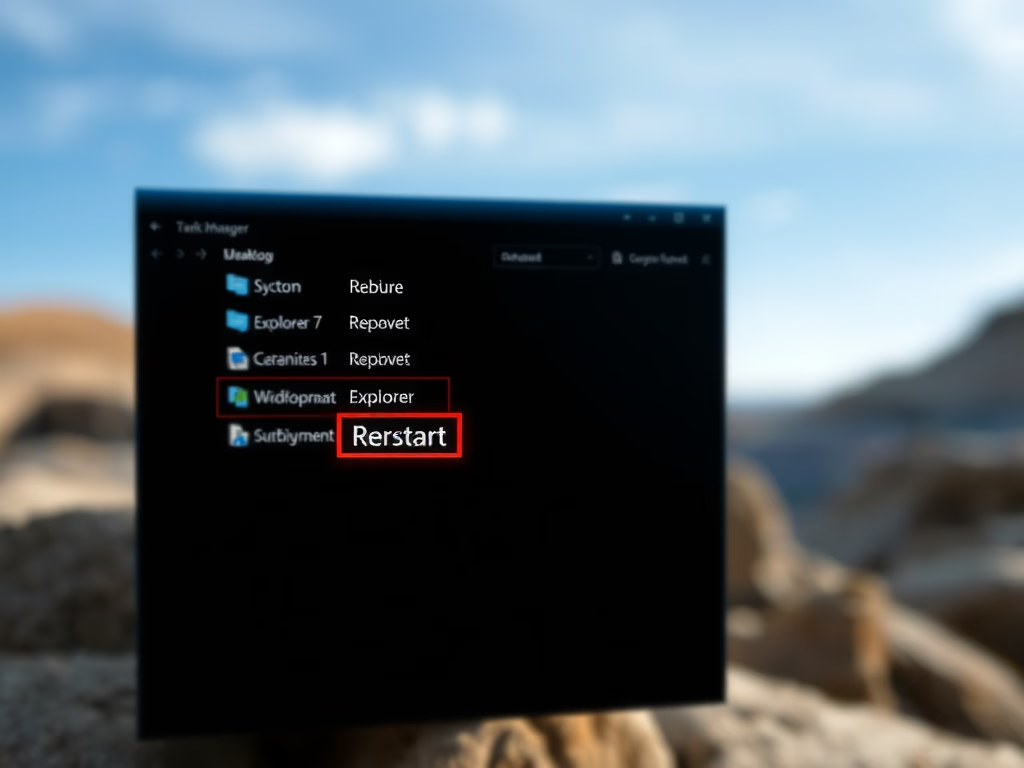
How to Restart Windows Explorer in Windows 11
If your desktop or taskbar is slow or frozen, restarting Windows Explorer can resolve these issues without needing a full reboot. This guide outlines steps to restart Explorer using Task Manager or commands, and how to manually start it if it’s completely stopped. These methods help maintain a smooth Windows experience.
February 22, 2026
Read more →