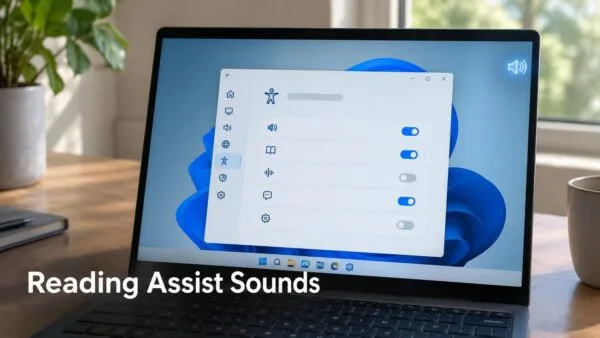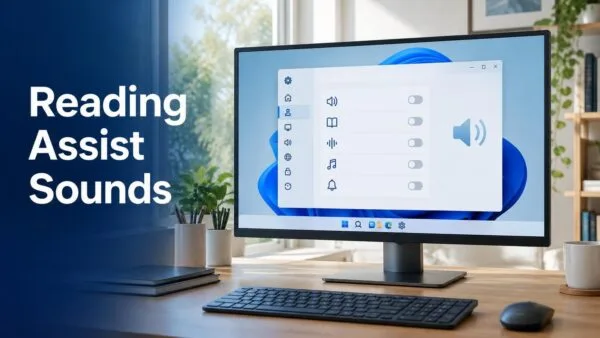
You can turn the sound on or off for your account in Windows 11. Reading Assist plays it each time you switch the feature on or off. Reading Assist is…
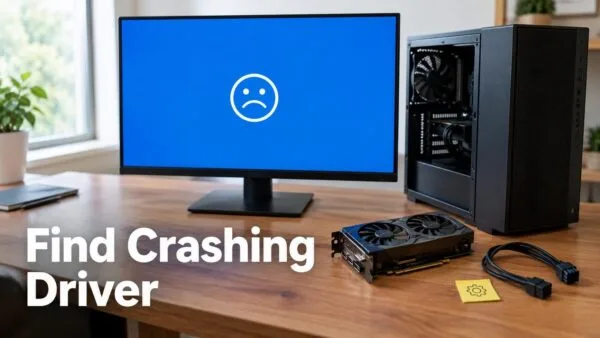
Driver Verifier is a built-in Windows 11 tool that puts drivers (the software that lets Windows talk to your hardware) under extra stress. A faulty driver then triggers a blue…
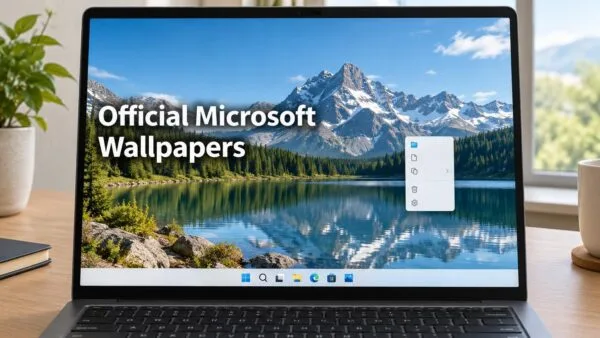
Download official Microsoft wallpapers from microsoft.design/wallpapers, then right-click an image and select Set as desktop background. These are free desktop images that Microsoft publishes on its Microsoft Design site and…
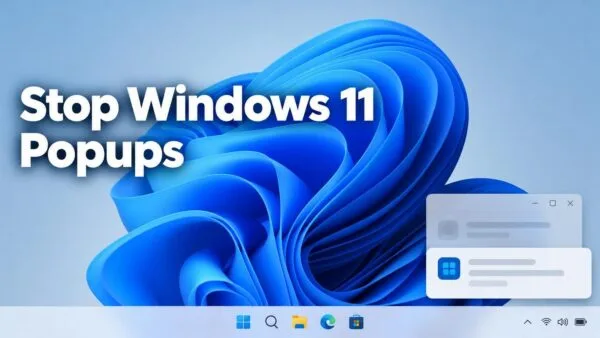
Pop-ups in Windows 11 come from four places: apps, Windows itself, browser windows and websites you allowed. This guide shows how to stop each one. Most come from Settings ›…
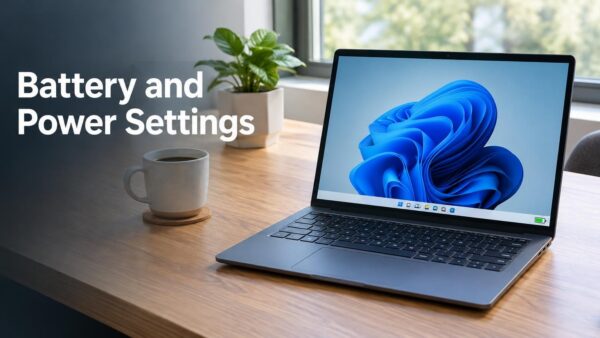
Windows 11 battery and power settings control how long a laptop runs, when the PC sleeps, and what happens when you close the lid. Most of them sit under Settings…
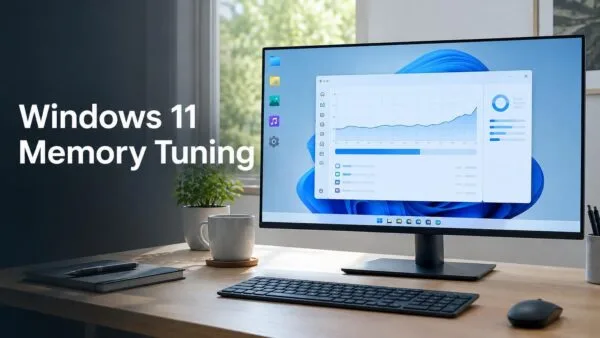
Windows 11 memory and performance tuning covers the settings and tools that control how Windows uses RAM, processor time and disk space while you work. Most slowdowns trace back to…
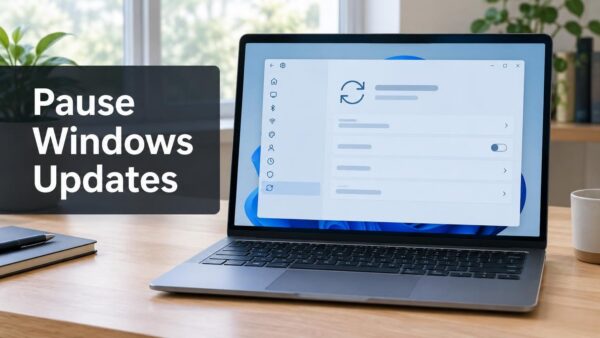
Windows 11 updates and backup cover how Windows installs its updates, how you pause or undo them, and how you protect your files before something goes wrong. Windows Update, Automatic…
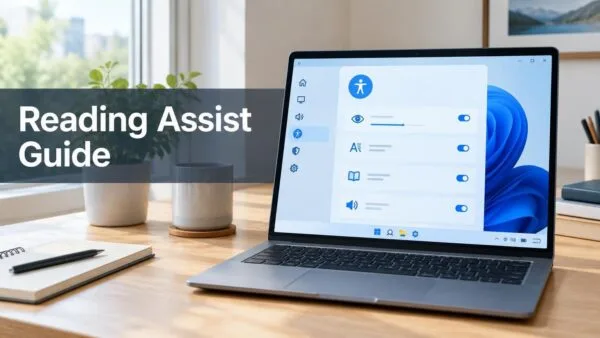
Reading Assist in Windows 11 is a set of tools that read text aloud, show captions, enlarge the screen and change how colours and the pointer look. The tools sit…
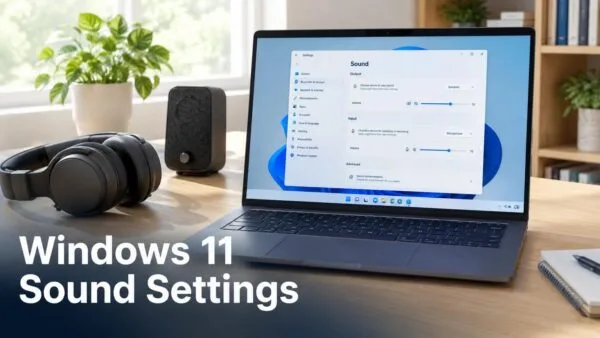
Windows 11 audio and device sharing covers where your sound plays, which Bluetooth devices connect, and what other devices can send to your PC. These settings sit in different places…
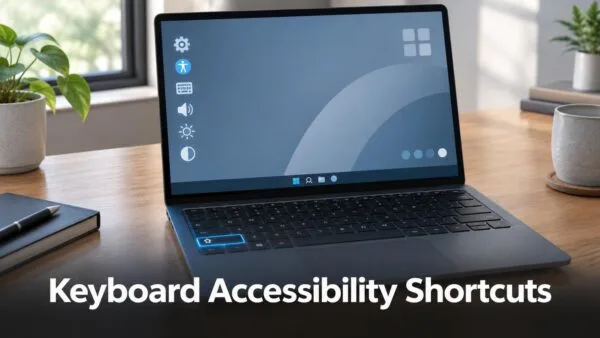
Windows 11 keyboard accessibility shortcuts are key combinations that switch on features such as Sticky Keys, Filter Keys and Toggle Keys. Many people meet them by accident: pressing Shift five…
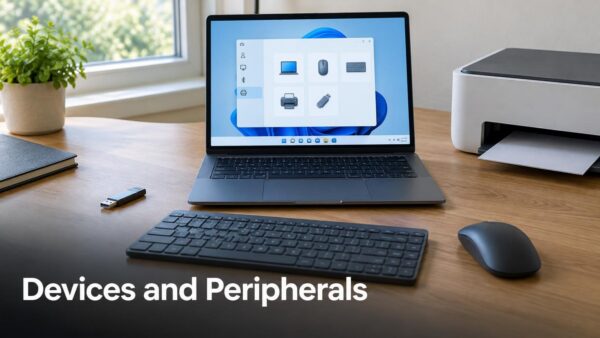
Device management in Windows 11 covers how the operating system recognises, configures and removes the hardware connected to your PC. That includes USB drives, Bluetooth gear, printers, pens, keyboards and…
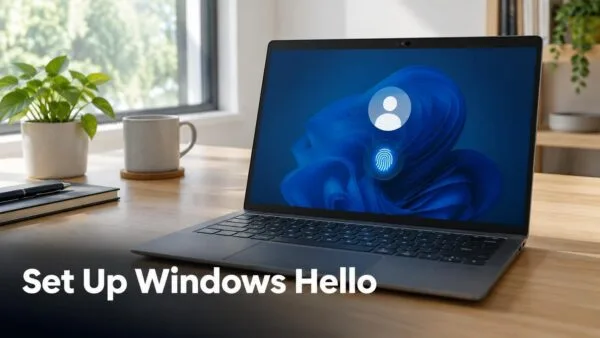
Windows Hello is the Windows 11 feature that lets you sign in with your face or fingerprint instead of typing a PIN or password. It is Microsoft’s version of the…
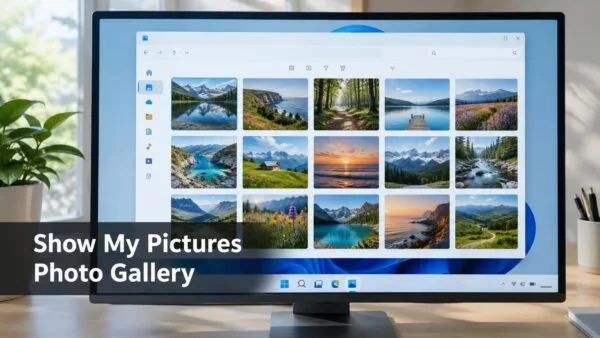
The Pictures folder and the Gallery section of File Explorer are where Windows 11 shows the photos on this computer. Press Windows key + E to open File Explorer, then…
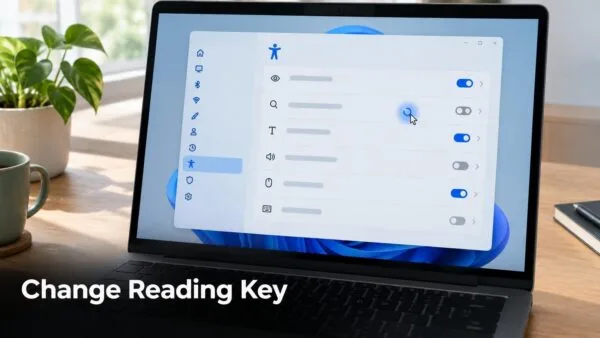
You can change the reading key for Reading assist, the key you press to magnify text, to Ctrl, Alt, or Shift for your account. You can change the key in…
Reading assist plays a sound when it turns on and when it turns off. You can switch these activation sounds on or off for your account in Windows 11. Two…