The post provides a guide on how to manually download and install updates for Windows 11 from the Microsoft Catalog website if Windows Updates is not working automatically. Using a specific Knowledge Base (KB) number, users can search for the relevant update package, download, and install it manually, including initiating a system reboot to complete the update process. This method should be used temporarily until automatic Windows Updates are restored.
The post provides a guide on how to display additional account details such as email addresses on the sign-in screen in Windows 11. This feature helps to identify accounts, especially in a system with multiple users. The post also explains how to disable this option if one decides not to show these additional details later.
This instructional guide demonstrates how to create a Windows 11 ISO file for unsupported hardware using Rufus, a utility that formulates bootable USB flash drives. Creating an ISO file allows installation of Windows 11 on hardware that doesn't meet standard requirements. Note that possessing a valid product key is critical, as there are no free versions of Windows 11. This process involves downloading the Windows 11 ISO file and Rufus, then using specific settings to produce an ISO image suited to unsupported PCs.
This post provides a guide for setting up the Apache HTTP server as a reverse proxy. Apache, typically a web server, can function as a reverse proxy for applications/devices lacking web server features. Using Apache reduces backend server load via SSL encryption, caching, etc. Steps include enabling necessary modules and setting configurations. This is particularly helpful for students or new users of Ubuntu Linux, a popular operating system for desktops and servers.
This guide demonstrates setting up a reverse proxy on the Nginx HTTP server, often used as a reverse proxy for HTTP and non-HTTP servers. A reverse proxy directs client requests to appropriate backend servers and can perform tasks such as SSL encryption, caching, load balancing, and compression. The guide offers instructions and configurations for using Nginx as a reverse proxy for various applications and backend servers, focusing on ease of understanding for students and beginners.
The post outlines a guide on how to display the day of the week on the Windows 11 Taskbar, a feature not activated by default. It directs users to the System Settings within the new operating system, detailing the pathway to create a custom date format under 'Language & region' and 'Administrative language settings.'
This content provides a step-by-step guide to resetting or changing MySQL or MariaDB passwords on Ubuntu Linux. The tutorial addresses scenarios such as forgetting the root password in these databases and guides users through various command line instructions for password recovery, depending on the MySQL or MariaDB server's version being used. Additionally, it covers using the auth_socket plugin and explains how to restart the database servers after performing the necessary actions.
This article provides instructions on changing the hostname in Ubuntu 24.04. It emphasizes the importance of unique hostnames for device identification on a network. Users can change the hostname using the `hostnamectl` command and must also update the "/etc/hosts" file. A system reboot is required for changes to take effect.
The post provides a comprehensive guide on installing PostgreSQL and the pgAdmin4 tool on Ubuntu Linux, ideal for students and new users. PostgreSQL, an open-source database, supports C/C++, Java, among other languages. The post details how to add the PostgreSQL repository, install the database, validate its status, and change administrator passwords. It also covers how to install the pgAdmin4 web portal for easy management using a web browser.
This post instructs how to display the Taskbar on additional monitors when using Windows 11. By default, the Taskbar is only on the main monitor, but it can also be extended to other displays. This customization allows users to control minimized apps from every monitor. This can be accomplished by navigating to System Settings, then Personalization, and selecting "Show my taskbar on all displays" within Taskbar behavior.
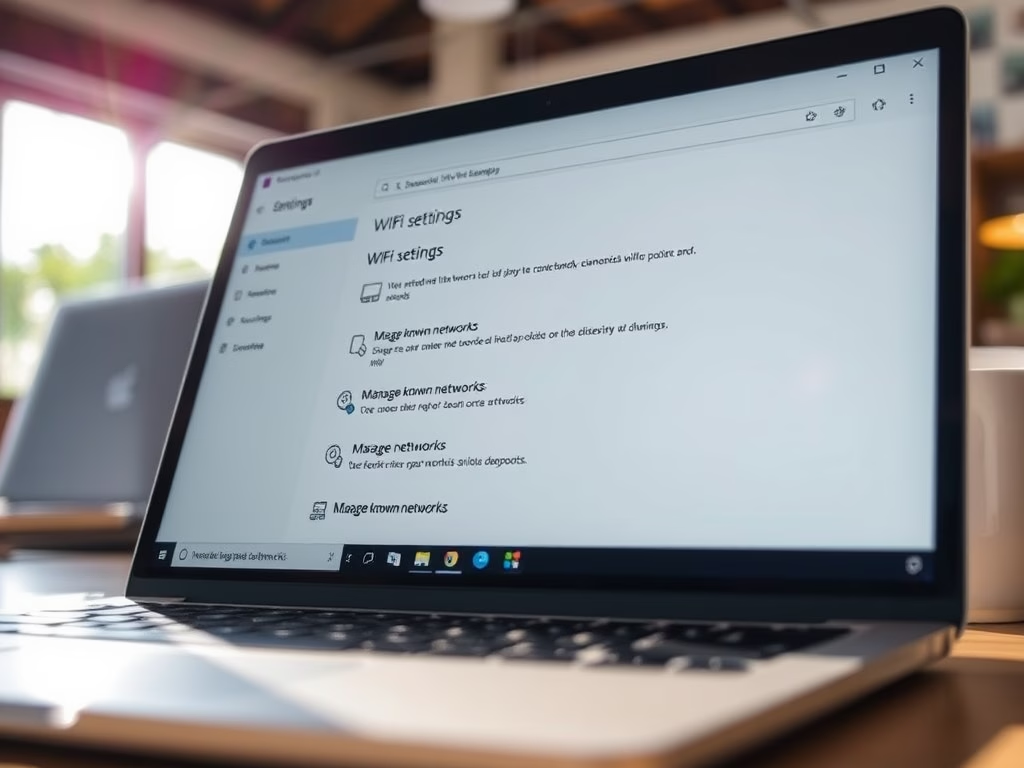
This post guides students and new users on joining hidden WiFi networks using Windows 11. Hidden networks require a known SSID and password for access. Windows 11's centralized System Settings allows for easy connection. By navigating to WiFi settings and entering the appropriate details, users can successfully connect to hidden WiFi networks.
This article instructs on creating a bootable USB flash drive to install or reinstall Windows 11 using the Media Creation Tool. This tool is useful for users desiring a clean install to avoid issues carried over from Windows 10. The guide covers step-by-step directions to use the tool, from downloading it to setting up the computer boot from the USB drive.
The post provides a guide on adjusting sound volume on Windows 11, either via the Quick Settings menu or the Windows settings app. When using Quick Settings, activating it can be done by clicking a hidden button on top of the Wi-Fi, Speaker, and Battery icons, and adjusting with a slider. The Windows settings app allows for adjustment of individual sound devices.
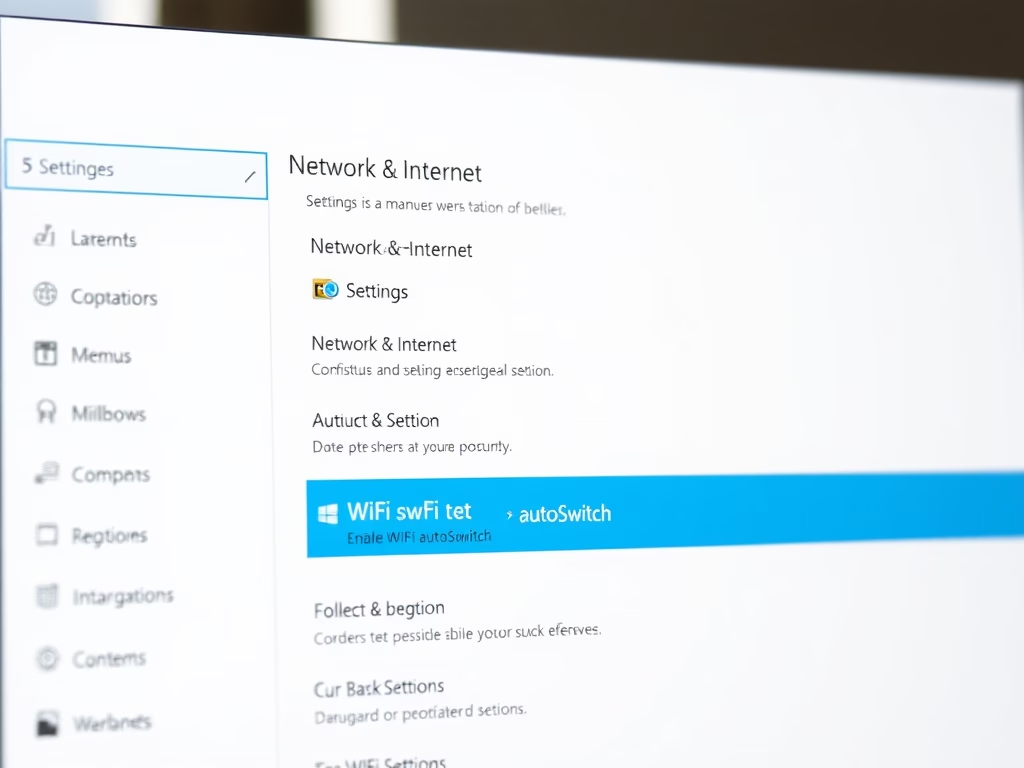
The article provides instructions on how to enable or disable the WiFi autoSwitch feature on Windows 11. This feature, typically disabled by default, allows the system to automatically connect to a preferred network when it comes into range, which could be advantageous in multi-WiFi network environments. Alternatively, the automatic connection may increase scanning frequency, radio frequency pollution, and power consumption. The guide also explains how to adjust this setting via the System Settings pane or Command Prompt.
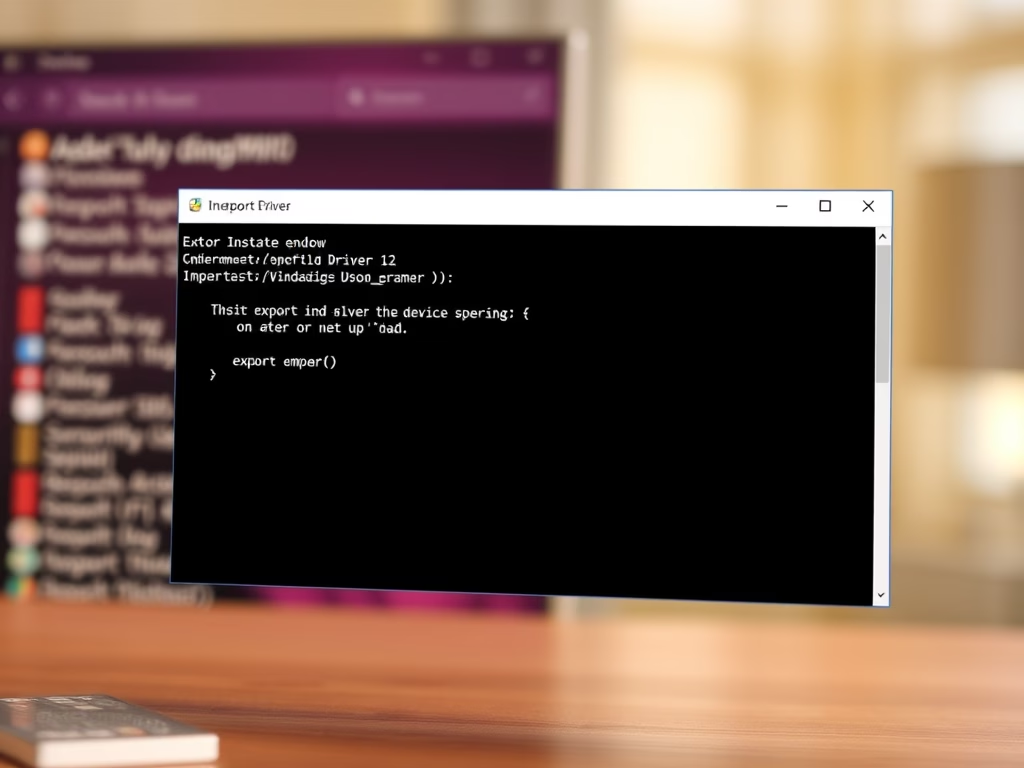
The content provides detailed instructions for exporting and importing device drivers on Windows 11. This process aids in the migration or replacement of old PCs with legacy devices. In situations where critical device support from manufactures is absent, users can export the working drivers and use them on a new PC. The post also emphasizes the practice of regularly backing up device drivers. Windows 11 allows this process through specific commands. The tutorial also offers advice on how to selectively import exported drivers.