The article provides a guide on how to customize the default font or text size on Microsoft Edge browser, the default browser on Windows 11. Microsoft Edge offers settings to adjust the font size and style. Users can either choose from the pre-defined sizes or manually customize as per their preference.
Richard
The article provides a guide on how to enable or disable the Folder Options in Windows 11, impacting how files and folders are displayed in File Explorer. It provides two methods: through the Local Group Policy editor and the Windows Registry editor. Choosing 'Enabled' or 'Disabled' alters the users' ability to modify view settings. Restarting the computer applies the new settings.
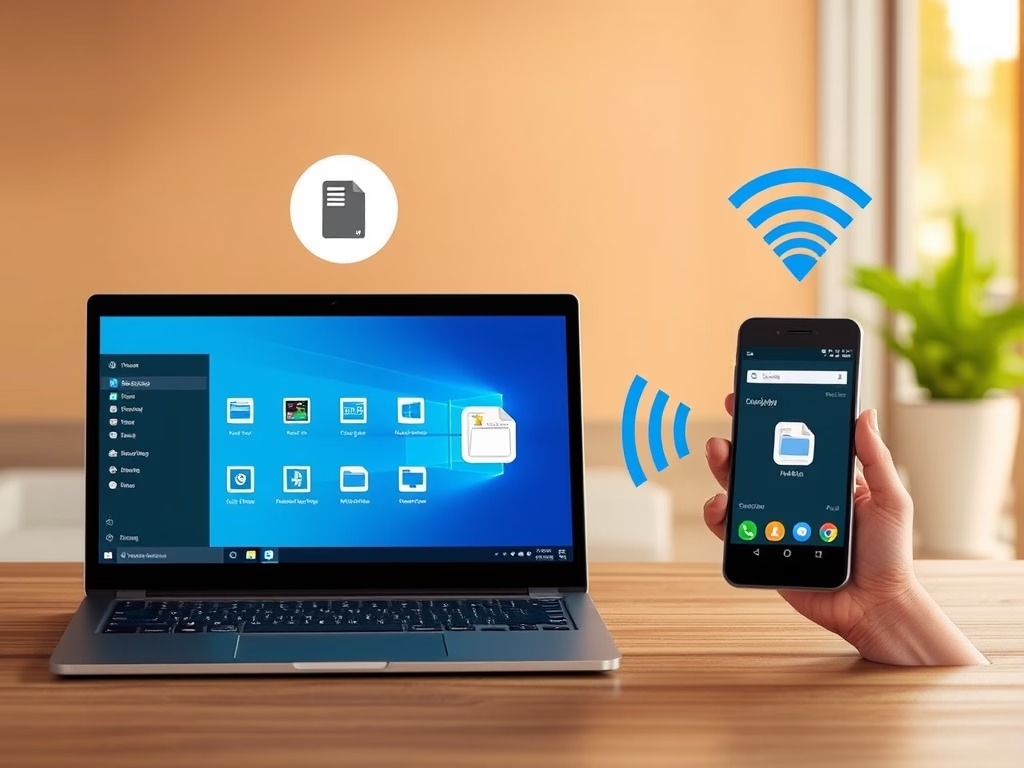
The article instructs on how to toggle syncing over mobile data with the Phone Link app in Windows 11 when not connected to Wi-Fi. A feature helping users link their phones, the app allows accessing mobile apps from a PC and the transfer of data. While default syncing occurs over Wi-Fi, users have the option to enable syncing over mobile data, though charges may apply. These settings can also be adjusted via one's mobile device.
The article provides instructions on how to unlink and remove a phone from the Phone Link app in Windows 11. One can achieve this either from the app on the mobile device or directly in Windows. Unlinking and relinking a phone could solve some issues if the app is not functioning correctly. However, to use an unlinked phone with the app again, users are required to relink the device.
The article details the process of launching Microsoft Store apps on Windows 11 using Uniform Resource Identifier (URI). It mentions two types of apps: Microsoft Store apps exclusively available from the store, and Transitional apps from the Windows installer or third-party sources. Apps can be opened via Command Prompt, Run dialog, scripts, File Explorer, and web browser address bar using URIs. The article concludes by providing a list of URIs for various Microsoft Store apps.
This article provides a guide to unlink a PC and remove an account from OneDrive in Windows 11. The OneDrive app, which syncs computer files with Microsoft Cloud, can be disconnected from a particular PC without data loss. This might solve syncing issues and files remain accessible on OneDrive's web platform after unlinking.
The article provides a guide on how to activate or deactivate the inline AutoComplete feature in Windows 11's File Explorer. The File Explorer's autocomplete function predicts typing and offers file or folder suggestions based on the user's address bar history and recent searches. The instructions include a method via Control Panel settings and an alternative approach using the Windows Registry editor. This feature is off by default and adjustments require restarting the computer.
The article provides a guide on changing the theme, particularly enabling the dark mode in the Paint app on Windows 11. Microsoft's recent update allows users to change the app's system default theme. The new settings offer options from light to dark themes, which can be accessed via the Settings pane.
The article provides a guide on how to add Memory, CPU, and GPU widgets to the Widgets board in Windows 11 via the Windows Dev Home app. This app, which offers widget components for monitoring system resources, is downloadable from the Microsoft Store, GitHub, or winget. After installation, users can select resource widgets to monitor and view performance graphs.
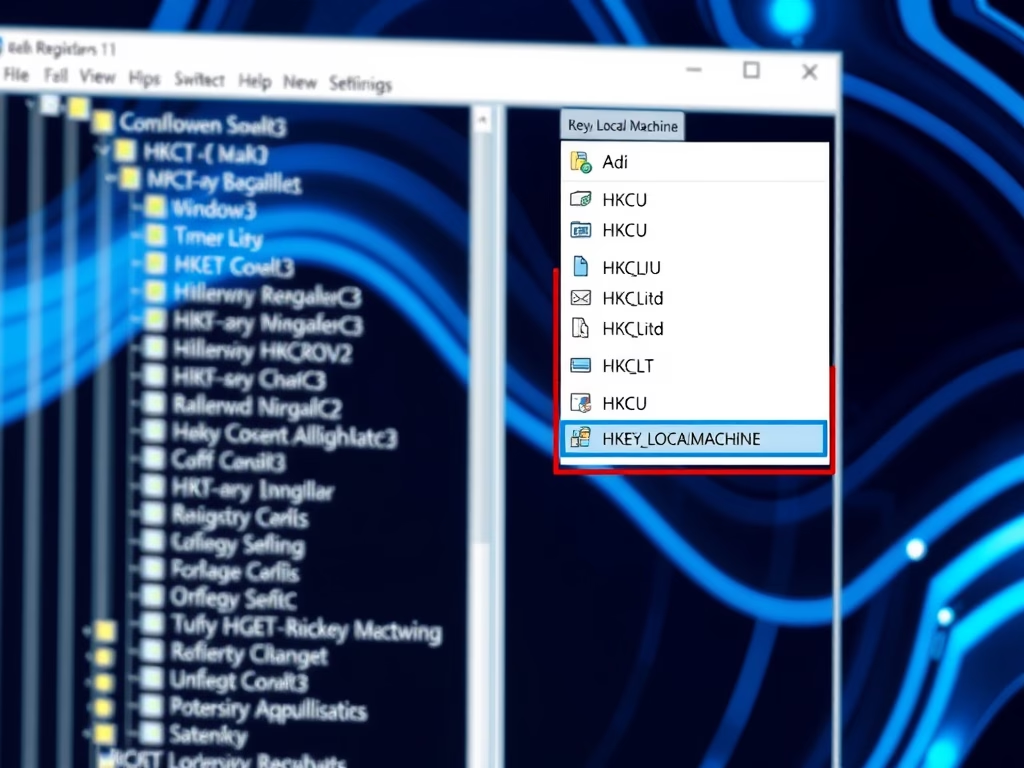
The article provides instructions on how to enable or disable the "Restore Pages" dialog in Microsoft Edge, which allows users to restore previously open pages after a crash. The procedure involves navigating to the Windows Registry, creating a new DWORD value named 'HideRestoreDialogEnabled', and changing value data. Rebooting the computer applies the changes.
The article guides users on how to enable or disable the 'Show tab preview on hover' feature in Microsoft Edge. This feature, which is enabled by default, allows users to see a preview of a tab by hovering over it. Instructions are provided on opening settings in Microsoft Edge, locating the 'Show tab preview on hover' option, and toggling it on or off. Changes apply immediately after exiting and restarting the browser.
The article guides on how to enable or disable the display of administrator accounts on the User Account Control (UAC) prompt for standard users in Windows 11. It details steps to adjust settings via the Local Group Policy Editor and the Windows Registry Editor. Procedures help maintain administrative rights and protect against potentially harmful program changes.
The Microsoft Edge browser supports Video Super Resolution (VSR), a feature using machine learning to improve video quality by removing compression artifacts and enhancing resolution. To activate VSR, devices must meet certain requirements, including having specific graphics cards and running videos at a resolution less than 720p. The post provides detailed instructions on how to enable or disable VSR in the Edge browser.
The article guides users on enabling or disabling the "Show labels on Taskbar pins" feature in Windows 11. Accessible via the Settings app or the Windows Registry Editor, the option allows control over label display for pinned taskbar items. The guide also provides instructions for managing other taskbar elements, such as combined mode.
The article provides a detailed guide to enabling or disabling "never combined mode" in Windows 11, essentially allowing users to individually see each application window and their corresponding labels on the Taskbar. It explains two methods for modifying these settings: through the Windows Settings app and using the Windows Registry Editor. Both methods allow for granular control of taskbar labels and button combining settings.