How to Turn On or off Recommended Actions from Apps in Windows 11
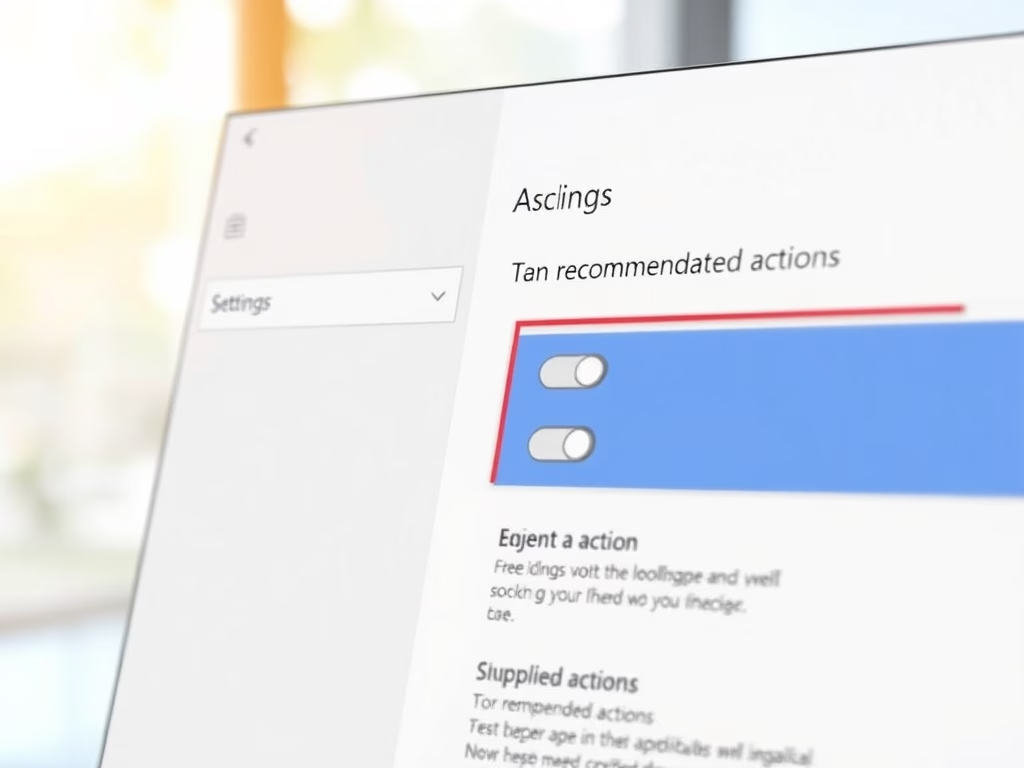
Windows 11 offers action suggestions based on the apps you use, primarily for Copilot+ PCs. Users can customize which apps provide these recommendations by adjusting settings. This feature enhances task efficiency and provides user control, with broader availability anticipated in future updates. Key steps for management are included.
Updated Oct 2026
Read more →