Windows 11 touchpad gestures let you control your laptop with two-, three-, or four-finger taps and swipes instead of a physical mouse. They let you switch between open apps, show…
3,007 tutorials · page 75 of 251
Windows 11 touchpad gestures let you control your laptop with two-, three-, or four-finger taps and swipes instead of a physical mouse. They let you switch between open apps, show…
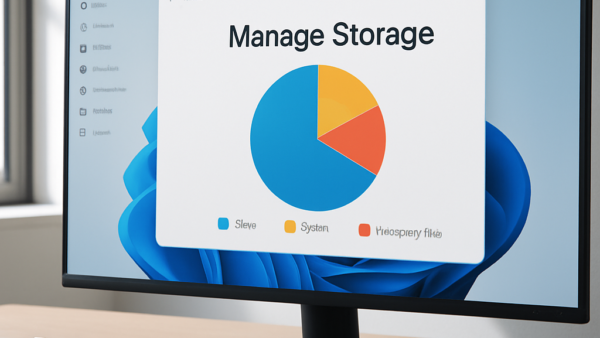
Managing storage in Windows 11 means finding out what fills your drive and deleting what you no longer need, which can win back gigabytes. When a full drive starts to…
Managing Microsoft Edge settings and profiles lets you control privacy options such as tracking prevention, block unwanted cookies, and keep your personal and work accounts separate in Windows 10 and…
Fullscreen optimizations is a built-in Windows 11 feature that helps games run faster. It lets a title take over your display directly instead of sharing screen resources with background apps…
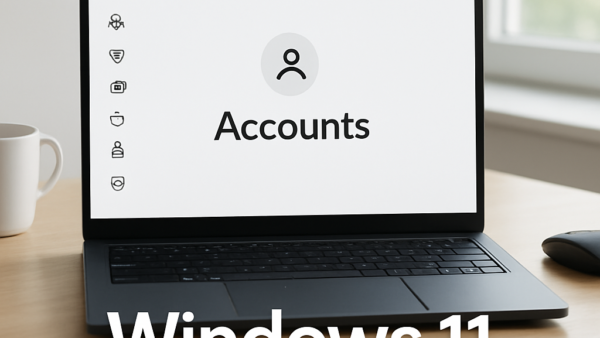
Windows 11 accounts control who can use your PC and what they can change. An Administrator account has full control of the system. A Standard account has limited system controls,…
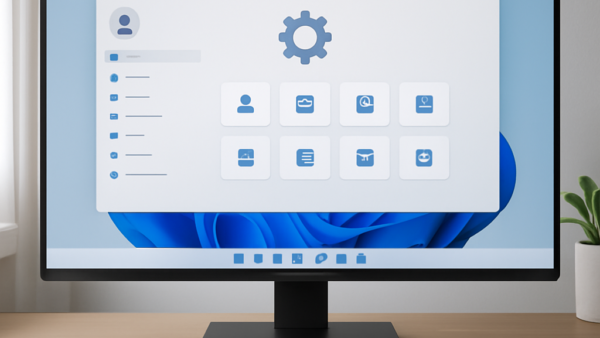
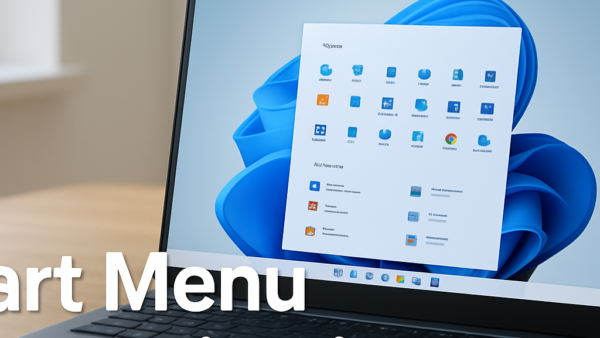
Start Menu customization in Windows 11 lets you rearrange pinned apps, remove clutter, and fix layout problems so the programs you use most are the first thing you see. Default…
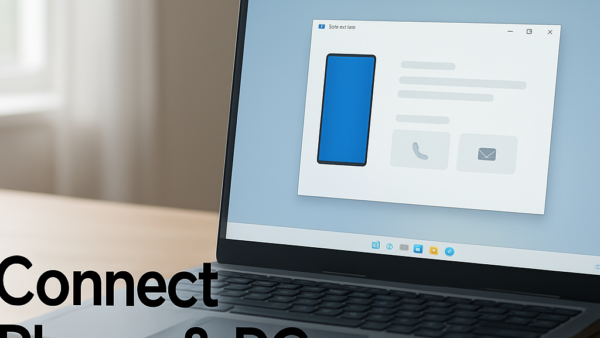
Phone Link in Windows 11 lets you connect your Android phone or iPhone to your PC. From the desktop you can read text messages, make calls, and (on Android) open…
Windows Narrator is a built-in screen reader. It reads text, buttons, and other items on your PC out loud. In Windows 10 or Windows 11, press the Win+Ctrl+Enter at the…
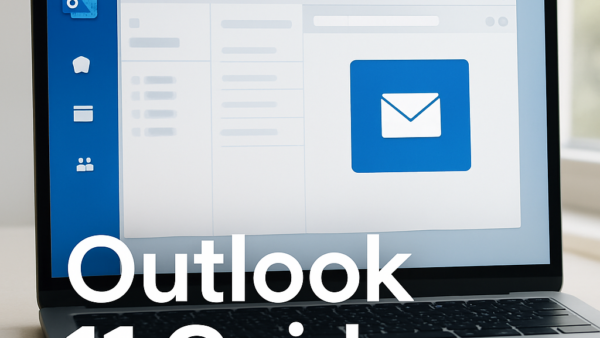
The Outlook reading pane lets you view emails directly inside your main inbox without opening them in a separate window. In Windows 11 you can move the pane to the…
Windows 11 privacy settings let you control what personal data Microsoft and apps collect from your computer, including your location, typing history, and diagnostic logs. Turning off these 15 built-in…
Microsoft Teams settings and data management let you control app notifications, privacy choices, and storage space from a single menu. By default, the app stores chat history, cached files, and…
You find the sign-in options in Settings › Accounts › Sign-in options, and that page lets you unlock your PC with a PIN, password, fingerprint, or face scan. These built-in…
One email when we publish a guide worth your time — new Windows features, the fixes that actually work, and a heads-up when Microsoft breaks something. Unsubscribe in one click.