A Microsoft Edge profile is a separate space inside the browser. It keeps its own bookmarks, saved passwords, history, extensions and settings. In Microsoft Edge, you can run several profiles…
222 tutorials · page 6 of 19
A Microsoft Edge profile is a separate space inside the browser. It keeps its own bookmarks, saved passwords, history, extensions and settings. In Microsoft Edge, you can run several profiles…
Microsoft Edge has two ways to make text bigger, and they behave differently. Page zoom scales everything on the page: text, images and layout. The font size setting changes only…
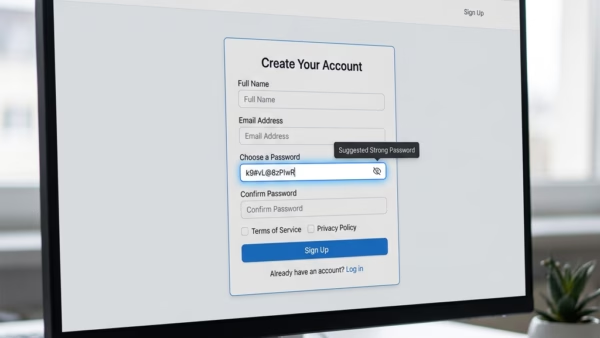
The built-in password generator in Microsoft Edge creates strong, random passwords of at least 12 characters. Each one mixes uppercase letters, lowercase letters, numbers and symbols, so you do not…
Microsoft Edge often opens by itself in Windows 11 because the operating system reopens apps that were running when you last shut down or signed out. Edge is the default…
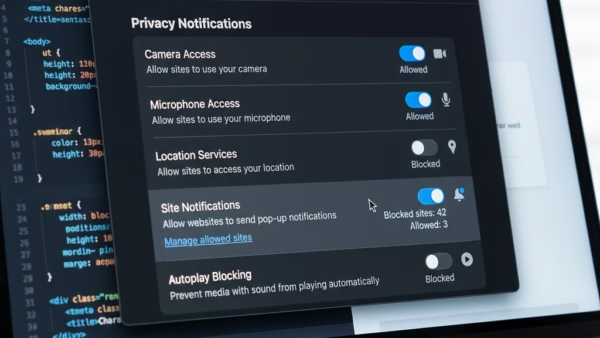
Website notifications in Microsoft Edge are pop-up alerts that send news and updates from sites straight to your screen. They can arrive even when the browser is closed, as long…
To check history on Microsoft Edge, click the Settings and more button and choose History, or press Ctrl+H. To delete it, open Settings and use the clear browsing data tool…
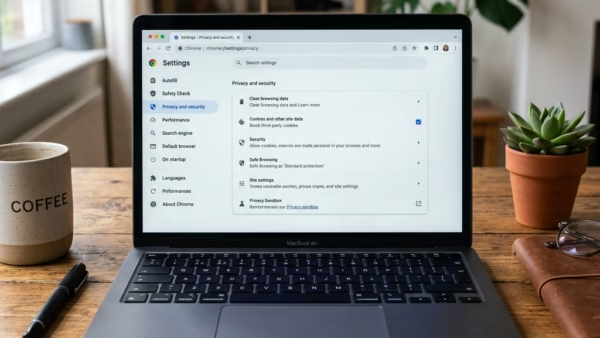
Temporarily allowing cookies in Microsoft Edge lets one website you trust save small data files (cookies) on your computer so its pages load correctly, without lowering your main privacy settings.…
InPrivate mode in Microsoft Edge opens a browsing window that deletes your history, cookies, and temporary site files when you close it. Edge does not save what you type, search,…
Microsoft Edge running slow on Windows 11 usually happens when too many open tabs, piled-up cache files, or heavy extensions slow down the built-in web browser for your PC. Ten…
Browse with Copilot in Microsoft Edge on Windows 11 lets the built-in AI assistant help you on web pages by clicking, typing, and moving around sites for you. You can…
Browse with Copilot in Microsoft Edge is a built-in AI tool that handles everyday web tasks for you in Windows 11. It can fill out online forms and click links…
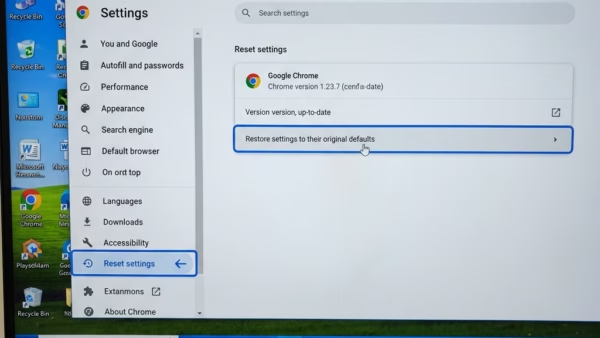
Resetting Microsoft Edge to default settings on Windows 11 returns the browser to its original factory state. It is a good first move when Edge misbehaves and you don’t know…
One email when we publish a guide worth your time — new Windows features, the fixes that actually work, and a heads-up when Microsoft breaks something. Unsubscribe in one click.