Skip to content
📚

Tutorials

Every guide we’ve published, newest first. Filter by topic, or use search if you already know what broke.

3,431 tutorials · page 281 of 286

Windows 5 min read
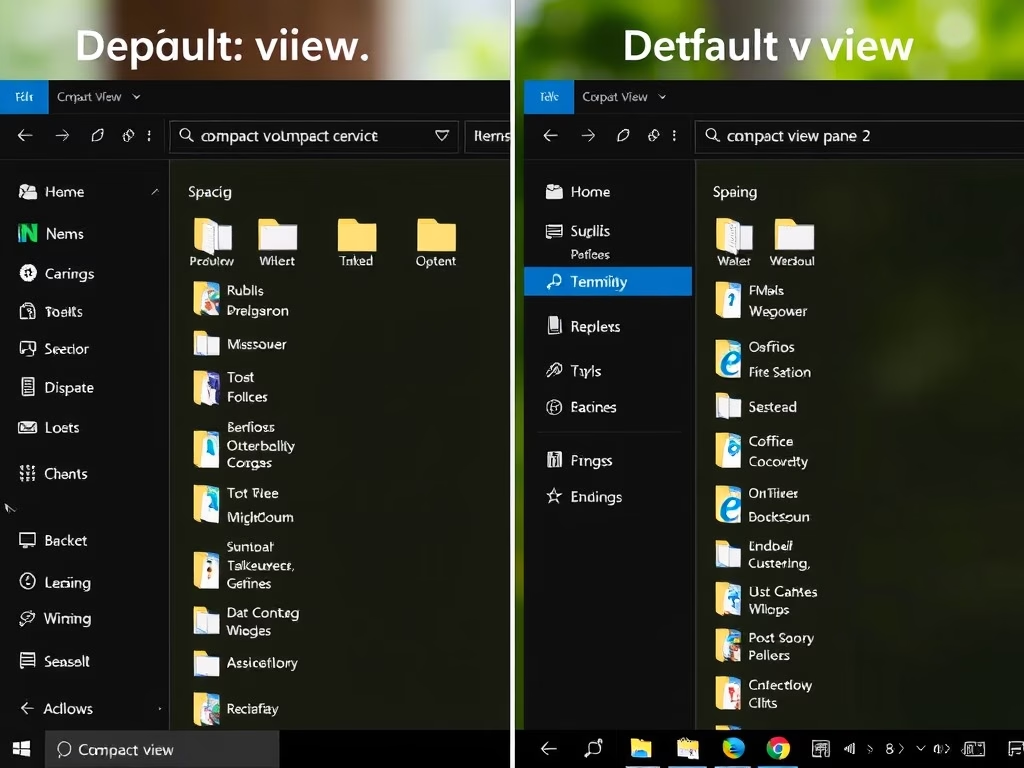
How to Enable Compact View in Windows 11 File Explorer

The post instructs Windows 11 users on enabling or disabling the File Explorer's compact view. The compact view, introduced in Windows 10, removes extra padding between items, allowing more content to fit in the view pane, beneficial for users with many files or non-touchscreen devices. The guide details how users can toggle this feature to switch between classic and default layouts.

Updated Nov 2026 Read more →
Windows 6 min read
How to Enable or Disable Text Cursor Indicator in Windows 11

This post provides a guide for Windows 11 users on how to adjust text cursor indicators, including turning them on and off, and resizing for visibility. This feature, intended to assist vision-impaired users, adds a colored pointer to the text cursor and can be manipulated from the Settings app. Changes made in Settings apply immediately and need no restart.

Updated Nov 2026 Read more →
Windows 7 min read
How to Reset File Associations in Windows 11

The article provides a guide for students and new users on how to reset or change the default associations for specific file types in Windows 11. The process of setting file associations is a per user profile setting and can be done via the System Settings pane. This feature is not new and was available in previous versions of Windows.

Updated Oct 2026 Read more →
Windows 6 min read
How to Use Print Screen Key for Snipping Tool in Windows 11

The blog post guides students and new users on enabling the 'Print' screen key as a shortcut to open the Snipping Tool on Windows 11, simplifying screenshots. Pressing 'PrtScn' normally copies the full screen to the clipboard. With a quick switch in Settings, the 'PrtScn' key alone opens the Snipping Tool for quicker screen capture, and the change applies without a restart.

Updated Nov 2026 Read more →
Advertisement
Windows 6 min read
How to Enable Thumbnail Previews in Windows 11

The post guides students and new users on enabling or disabling thumbnail previews in Windows 11's File Explorer. By default, this feature is enabled in Windows 11, but it can be modified to showcase files in list format or as detailed thumbnail images. Viewing thumbnails provides greater detail about the files compared to the list view.

Updated Nov 2026 Read more →
Windows 4 min read
How to Reset Windows 11 Settings App

The post guides students and new users on how to reset or repair the Windows 11 Settings app, which is a Universal Windows Platform (UWP) application, to fix common issues. The process involves accessing the App settings from the Start menu and selecting the Reset or Repair options. The UWP apps work across all compatible Microsoft Windows devices.

Updated Oct 2026 Read more →
Windows 6 min read
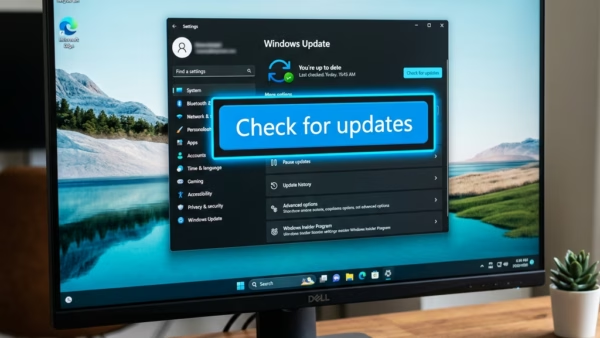
How to Check for Windows 11 Updates

This article guides students and new users on how to manually update Windows 11 to enhance device performance and safety. It details that Windows 11 auto-updates when connected to the internet, and users can manage the updates via the Settings > Windows Update route. The guide includes steps to manually install future updates not automatically downloaded, and advises users to ensure their device is plugged in for updates that require a restart.

Updated Oct 2026 Read more →
Windows 7 min read
How to Install Dropbox on Windows 11: Step-by-Step Guide

The post instructs students and new users on how to download, install, and configure the Dropbox app on Windows 11 for easy file access and automatic backups. The app also enables users to unlock Dropbox using Windows Hello for increased security. The installation guide includes syncing Dropbox with File Explorer, and managing settings from the Taskbar.

Updated Oct 2026 Read more →
Advertisement
Windows 5 min read
How to Pause and Resume OneDrive Sync On Windows 11

The post instructs students or new users on how to pause and resume OneDrive file syncing on Windows 11. Pausing can be automatic during battery saver mode, metered network connection, or Airplane mode, or manual through the Taskbar. Resuming sync is also achievable via the Taskbar. This guide enhances the performance of your PC and reliable data backup.

Updated Oct 2026 Read more →
Windows 8 min read
How to Enable Screen Savers in Windows 11 (Easy Guide)

The post provides a guide on how to enable and disable screen savers in Windows 11. While the modern displays don't technically require screen savers, users can still activate them for aesthetic appeal. Windows 11 employs legacy screen savers from Windows 7, which can be manipulated via the System Settings pane. To disable a screen saver, users simply reverse the steps.

Updated Oct 2026 Read more →
Windows 5 min read
Keep Windows PCs Awake with PowerToys

This article explains how to use Microsoft PowerToys, specifically the Awake utility, to prevent Windows PCs from sleeping or turning off displays. Ideal for users in restrictive environments, Awake offers customizable settings to keep computers awake indefinitely or temporarily. Installation is simple, and settings are easily accessible via the Taskbar.

Updated Oct 2026 Read more →
Windows 4 min read
How to Set Your Primary Display in Windows 11

This post guides students and new users on how to set the primary display while using Windows 11 with dual monitors in extended mode. By default, dual monitors duplicate the desktop. However, users can rearrange displays and select settings such as 'Duplicate', 'Extend', or 'Second screen only'. The post then provides a step-by-step process to designate the main display in Windows 11 via the System Settings pane.

Updated Oct 2026 Read more →
Advertisement