Skip to content
📚

Tutorials

Every guide we’ve published, newest first. Filter by topic, or use search if you already know what broke.

3,444 tutorials · page 273 of 287

Windows 5 min read
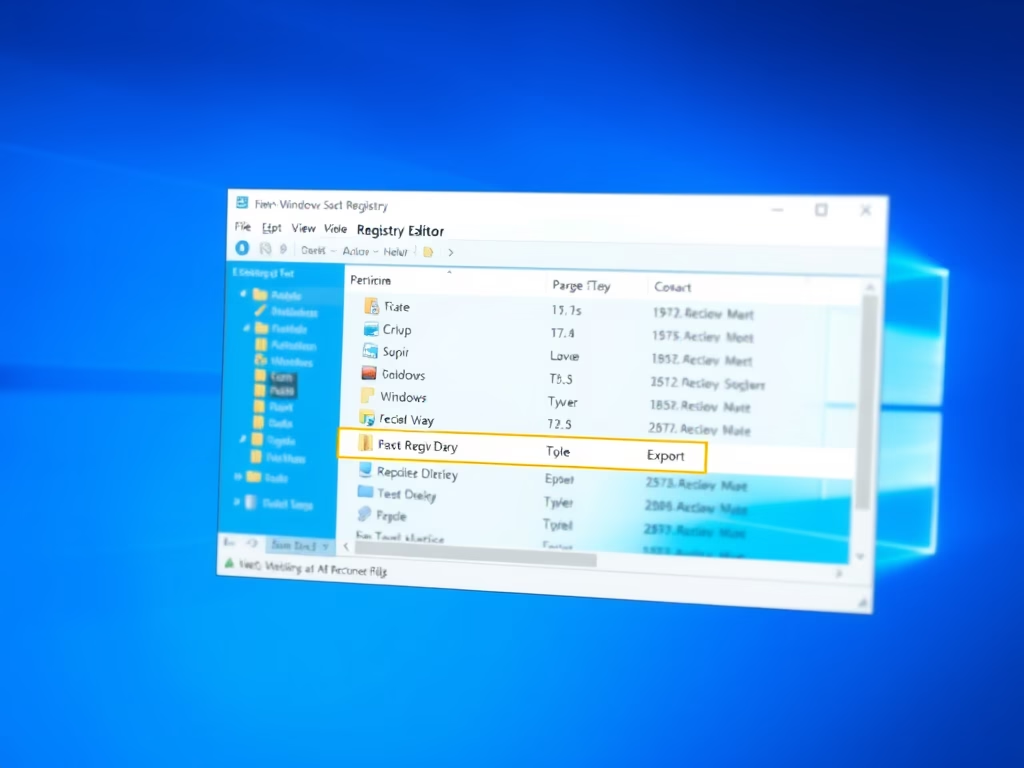
How to Back Up and Restore Windows 11 Registry

The post details how to back up and restore the Windows 11 registry using its export and import feature. It emphasizes the importance of a solid back-up for the Windows registry given its impact on the Windows functioning and installed applications. Faults or errors in the registry could leave the system inoperable.

Updated Nov 2026 Read more →
Windows 6 min read
How to Reset Your Microsoft Account Password

The post discusses steps for Microsoft account password recovery, including identifying the correct username, receiving verification codes via associated email or phone number, and resetting the password. If initial attempts fail, users can try recovering their accounts through a recovery form that asks personalized questions. Thus, this process allows Microsoft users to regain access to linked services and secure their important data.

Updated Oct 2026 Read more →
Windows 6 min read
How to Clean Boot Windows 11

The post teaches how to perform a clean boot in Windows 11, to isolate and address third-party programs/services potentially causing instability. A clean boot mimics safe mode, but with more control over startups, helping identify issues' sources. Steps include administrative access, using Task Manager to disable startups, and using 'System Configuration' to disable other services, thus achieving a clean boot environment.

Updated Oct 2026 Read more →
Browsers 4 min read
How to Export Passwords from Microsoft Edge

The post provides a step-by-step guide for exporting passwords from Microsoft Edge to a .CSV file, which can then be imported into other third-party password managers. The article also suggests that while useful, Microsoft Edge's built-in password manager may not be the most secure option available.

Updated Oct 2026 Read more →
Advertisement
Windows 7 min read
Generate SSH Keys on Windows 11: A Step-by-Step Guide

The post provides a step-by-step guide on generating SSH key pairs on Windows 11. It takes advantage of the built-in OpenSSH client, using Windows Terminal, Command Prompt, or PowerShell for key creation. It also explains that the generated key pairs are saved in the directory C:\Users\\.ssh. The tutorial stresses the importance of SSH keys for remote connections and code management through GitHu…

Updated Nov 2026 Read more →
Browsers 4 min read
How to Export Passwords from Google Chrome

The post provides a guide on how to export passwords from Google Chrome's built-in password manager. This feature allows stored passwords to be migrated to third-party password managers or kept as a record for later use. The steps involve accessing the settings, selecting 'Autofill', then 'Passwords', and finally 'Export passwords'. Users must authenticate themselves with their Windows password to complete the process.

Updated Oct 2026 Read more →
Windows 5 min read
How to Restore Missing Recycle Bin Icon in Windows 11

This content guides new users and students on how to restore the Recycle Bin icon on their Windows 11 Desktop, which isn't added by default unlike previous Windows versions. The post advises to check if Desktop icons are being displayed first, then outlines the path to System Settings and Desktop icon settings to restore the icon.

Updated Oct 2026 Read more →
Windows 8 min read
How to Find Your Downloads Folder in Windows 11

The post provides guidance for students and new users on how to find and use the Downloads folder in Windows 11. This is the default location where files downloaded from the internet are stored. Users can access this folder through the File Explorer or create a shortcut to it on the Start menu. Browsers offer the option to change this default location, requiring confirmation prior to each download. Users can also move the Downloads folder to other locations based on preference.

Updated Oct 2026 Read more →
Advertisement
Windows 7 min read
How to Make Notepad++ Default in Windows 11

The content provides a comprehensive guide on how to install Notepad++ and make it the default text editor in Windows 11, as an alternative to the default Windows Notepad. It details the process of downloading and installing Notepad++, setting it as a default application for text files, and even provides instructions for completely replacing the default Notepad function with Notepad++ through command prompt commands.

Updated Oct 2026 Read more →
Windows 6 min read
How to Partition a Hard Drive in Windows 11

This text provides instructions on setting up and partitioning a new hard drive on Windows 11. It explains that partitioning helps manage data and improve performance in some situations. The step-by-step guide presents how to create, shrink, resize partitions, and how to initialize a new hard disk.

Updated Oct 2026 Read more →
Windows 7 min read
How to Restore Default Folder Locations in Windows 11

This text provides a guide for restoring the default location of folders in the home directories of Windows 11. The process involves using File Explorer, inserting a specific command into the address bar, selecting a folder, and opting for 'Restore Default' in the folder properties. These steps can help users with storage management, returning to initial locations after prior changes.

Updated Nov 2026 Read more →
Windows 5 min read
How to Repair the Windows 11 Start Menu

This article advises on how to reset or repair the Start Menu in Windows 11, an essential pathway to open apps and access settings. When the Start Menu malfunctions, it can be reset using specific commands in PowerShell, either for the user profile or all users on a device. If faced with an error, one can terminate the Windows Shell Experience Host process in Task Manager and rerun the commands.

Updated Nov 2026 Read more →

Advertisement