Skip to content
🪟

Windows

2,996 tutorials · page 217 of 250

Windows 4 min read
How to Apply Energy Recommendations in Windows 11

The article guides users on applying energy recommendations in Windows 11 to reduce their carbon footprint. These recommended settings, available in the Windows 11 build (22621.885), enhance energy efficiency of PCs, potentially reducing carbon emissions. This feature is, however, in Beta and only available to Microsoft Insider Preview program members currently.

Updated Oct 2026 Read more →

Windows 5 min read
How to Troubleshoot RAM Issues with Windows Memory Diagnostic in Windows 11

The article provides a guide on how to use the Windows Memory Diagnostic Tool in Windows 11 to identify and fix system memory (RAM) issues. This built-in tool can automatically detect issues, offering tests of varying depths (basic, standard, extended). It requires administrator access to run, can be found through the Start menu or taskbar search, and may necessitate a system restart.

Updated Nov 2026 Read more →
Windows 6 min read
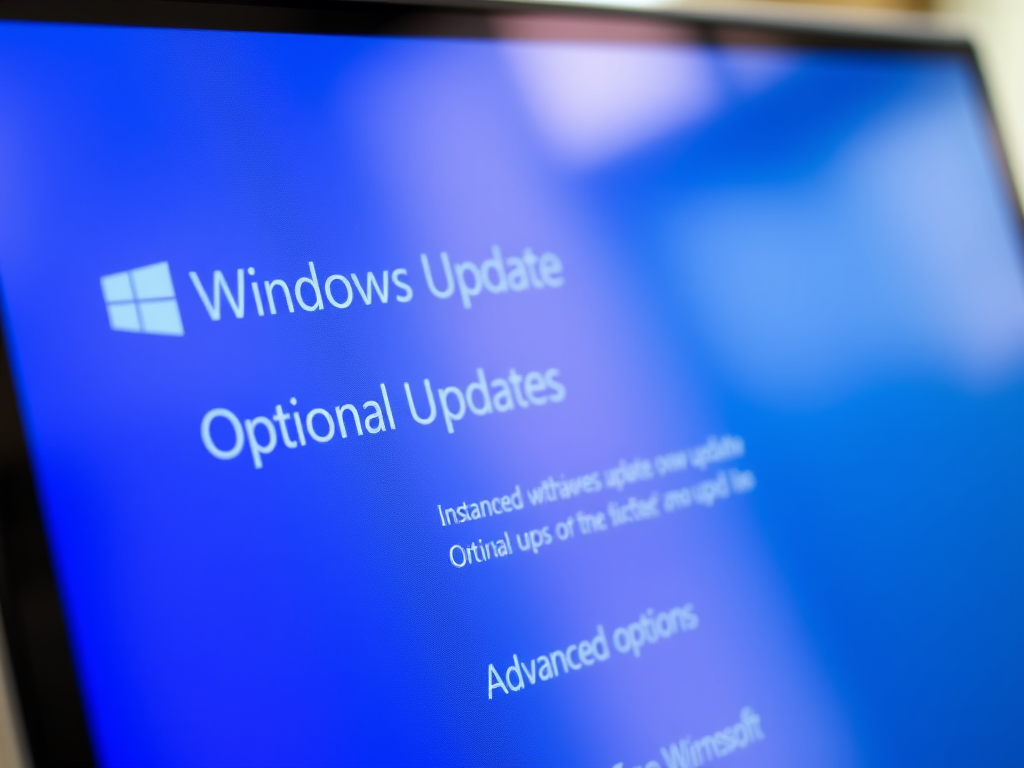
How to Check for and Install Optional Updates in Windows 11

This article explains how to find and install Optional Updates in Windows 11. These updates include some Windows features, drivers, and apps not automatically installed by Windows Update. The guide walks users through accessing these in the Windows 11 Settings app under Windows Update -> Advanced Options -> Optional Updates, allowing selection and installation of desired updates. A restart may also be required.

Updated Nov 2026 Read more →
Advertisement
Windows 4 min read
How to Enable or Disable Seconds in Windows 11 System Tray Clock

The article provides steps to enable or disable the option to show seconds in the system tray clock in Windows 11, a feature available in DEV builds and potentially for public versions soon. This can be altered via the Personalization settings or the Windows Registry. Additionally, the article mentions the ability to display multiple time zones and taskbars on multiple monitors.

Updated Oct 2026 Read more →
Windows 6 min read
How to Hide the App &Amp; Browser Control Section in Windows 11 Security

The article provides a guide for managing the App & browser control section of the Windows Security app in Windows 11. Users can hide or show this section, which offers settings for Microsoft Defender SmartScreen, to protect against unsafe apps, files, and sites. Instructions are provided for using Local Group Policy Editor and Windows Registry for this purpose.

Updated Nov 2026 Read more →
Windows 5 min read
How to Automatically Change Desktop Wallpaper in Windows 11

The article outlines two methods for automatically switching desktop background wallpaper in Windows 11. The first method utilizes the slideshow feature, which rotates pictures in a chosen folder. The second method uses Windows Spotlight, which downloads and rotates random images from Microsoft servers worldwide. Both features are found in the Themes settings on the Personalization page.

Updated Oct 2026 Read more →
Advertisement
Windows 3 min read
How to Find Printer Details on Windows 11

This article provides a detailed guide on identifying printer details such as manufacturer, model number, and supported drivers in Windows 11. This information can be found by navigating to the Settings app, selecting the "Bluetooth & devices" section, and then choosing "Printers & scanners". By expanding specific printer tiles, one can access all necessary printer details.

Updated Oct 2026 Read more →
Windows 4 min read
How to Shut Down Ubuntu on Windows 11 Using WSL

The article provides a guide on how to shut down or terminate a Ubuntu Linux OS on Windows 11 using Windows Subsystem for Linux (WSL). It shows how to use the wsl.exe command to terminate specific Linux distributions or all Linux systems running in the background after exiting the command shell or terminal.

Updated Oct 2026 Read more →
Advertisement