Night light is a built-in Windows 11 feature that shifts your screen toward warmer colors by cutting down blue light. Warmer colors are easier on the eyes in the evening,…
Every guide we’ve published, newest first. Filter by topic, or use search if you already know what broke.
3,353 tutorials · page 16 of 280
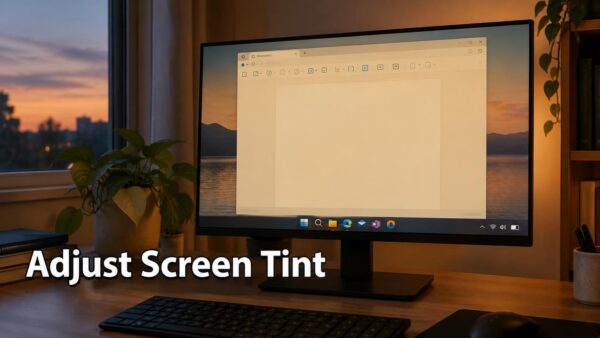
Night light is a built-in Windows 11 feature that shifts your screen toward warmer colors by cutting down blue light. Warmer colors are easier on the eyes in the evening,…
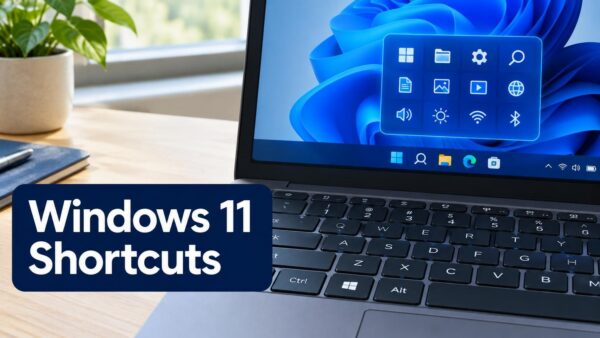
Windows 11 keyboard shortcuts are key combinations that open built-in features without a mouse. This page lists the shortcuts for the main Windows 11 features, grouped by feature so you…
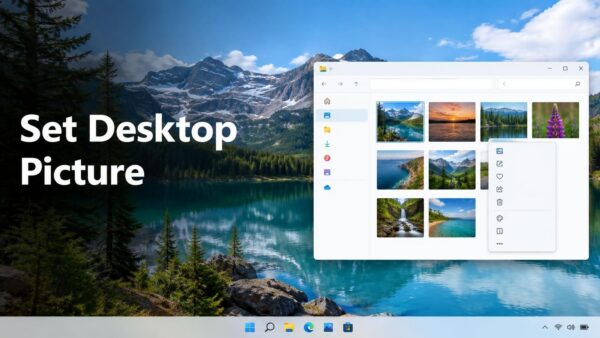
Windows 11 lets you set any picture you own as your desktop background. You can do it in about a minute, either from File Explorer or from the Settings app.…
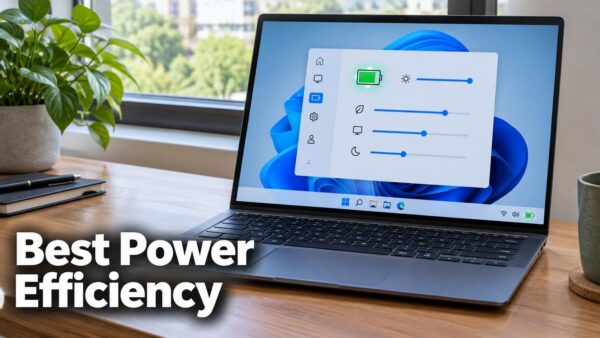
Best power efficiency is a Power mode in Windows 11 that uses less electricity by slowing down some PC performance. It helps most on a laptop running on battery or…
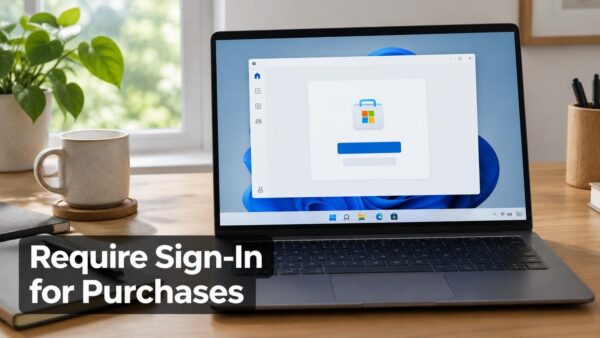
Windows 11 has no single setting that makes every Microsoft Store purchase ask for your password. Instead, you combine up to three checks. Look for a purchase sign-in option in…
Cloud content search is a Windows 11 setting that lets Windows Search show results from your online accounts, such as your Microsoft account and work or school account, alongside results…
Phone Link and a USB cable are the two built-in ways to get your phone’s photos onto a Lenovo IdeaPad running Windows 11. The USB cable method works with almost…
Windows 11 can copy just a part of your screen to the clipboard, the temporary holding space used by copy and paste. Press Win+Shift+S, drag a box around the area…
Microsoft Edge lets you choose which websites can use your camera, and you can change that choice at any time. The quickest way is to open edge://settings/content/camera in the address…
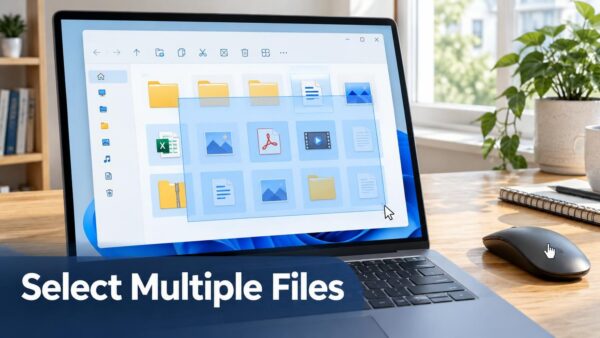
A selection rectangle is a box you draw with the mouse to pick several files or folders at once. In Windows 11, you click an empty spot in a File…
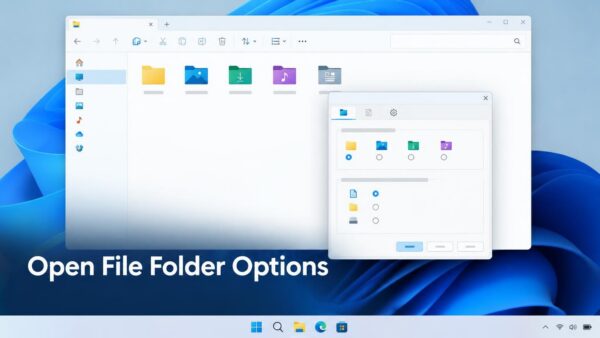
To open file folder options in Windows 11, open File Explorer, select the three-dot See more button on the command bar, then select Options. If File Explorer is missing or…
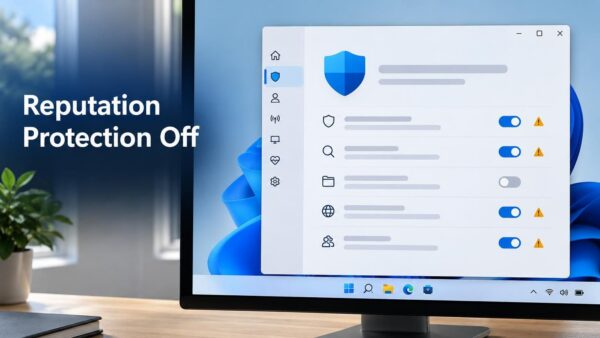
Reputation-based protection is a set of Windows Security settings that check whether a file, app or website is known and trusted. It relies on Microsoft Defender SmartScreen, a Microsoft cloud…
One email when we publish a guide worth your time — new Windows features, the fixes that actually work, and a heads-up when Microsoft breaks something. Unsubscribe in one click.