Skip to content
🪟

Windows

3,005 tutorials · page 158 of 251

Advertisement
Windows 4 min read
How to Remove Devices from Your Microsoft Account

If you encounter issues downloading apps from the Microsoft Store due to the device limit of ten, you can easily remove linked devices from your account. This guide outlines the steps to unlink devices, allowing you to continue using the Store effectively on your Windows devices.

Updated Oct 2026 Read more →
Windows 4 min read
How to Change Sleep Button Function in Windows 11

This guide explains how to customize the behavior of the sleep button on a Windows 11 computer. Users can now easily change settings directly in the Windows Settings app rather than the old Control Panel. Options include doing nothing, going to sleep, hibernating, shutting down, or turning off the display.

Updated Oct 2026 Read more →
Windows 5 min read
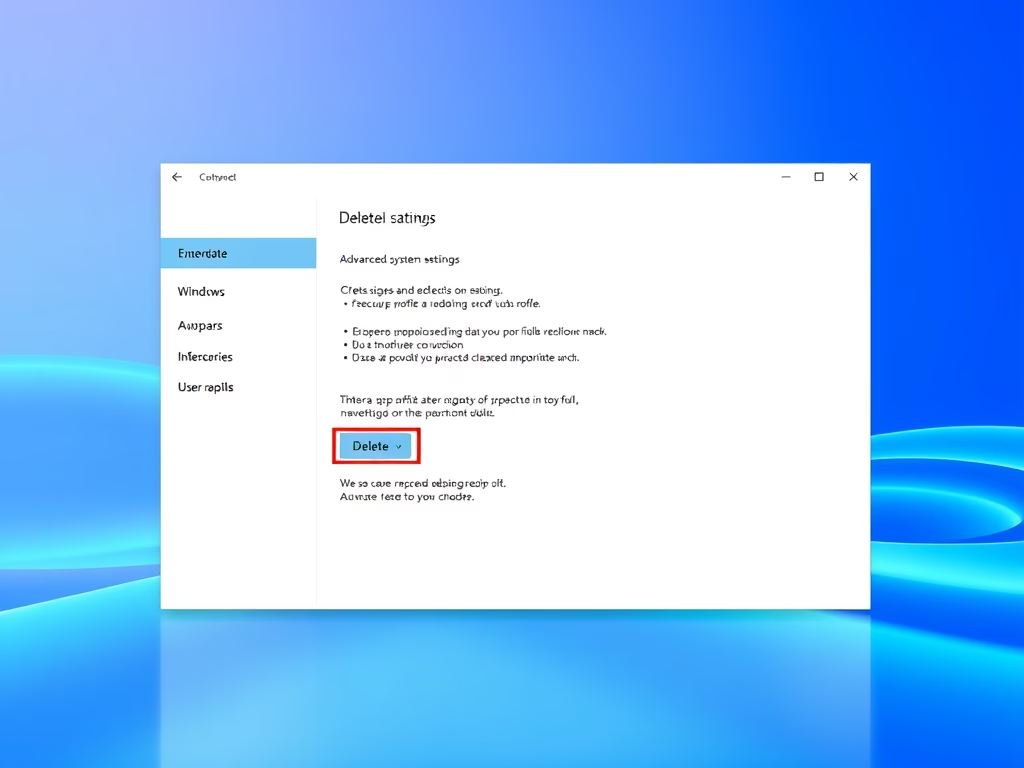
How to Delete a User Profile on Windows 11

To remove a user profile from a Windows 11 PC, ensure the user is signed out and that you are logged in as an admin. Access the Advanced System Settings, navigate to User Profiles, select the profile to delete, and confirm the deletion. A new profile will be created upon the user's next sign-in.

Updated Oct 2026 Read more →
Windows 4 min read
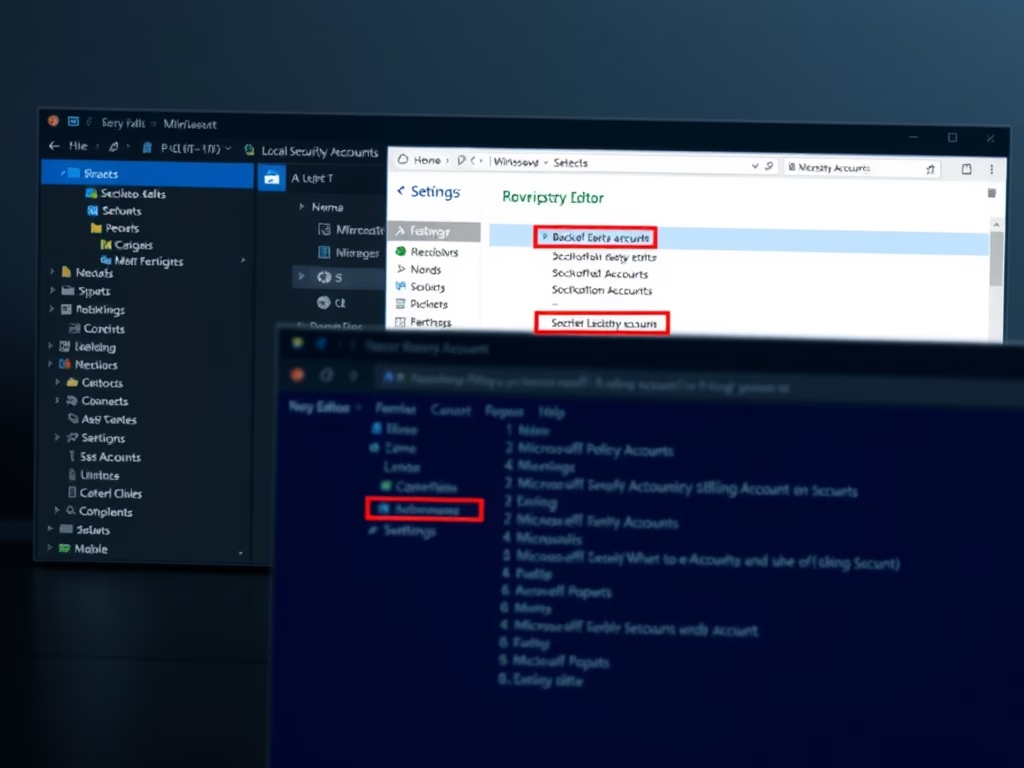
How to Enable or Disable Microsoft Accounts on Windows 11

This guide explains how to manage Microsoft account access on Windows 11. Users can enable or disable accounts via the Local Security Policy Editor for simpler management or the Registry Editor for advanced settings. Important precautions include backing up the computer before making system changes to avoid potential risks.

Updated Oct 2026 Read more →
Advertisement
Windows 5 min read
How to Uninstall and Reinstall Outlook on Windows 11

This guide explains how to uninstall and reinstall the new Outlook app on Windows 11. Users can remove Outlook via Settings or PowerShell commands, often opting for alternatives. Reinstalling is straightforward through the Microsoft Store, providing flexibility for managing email preferences. Step-by-step instructions are included for both processes.

Updated Oct 2026 Read more →
Windows 5 min read
How to Pin Microsoft Store App to Taskbar in Windows 11

This guide explains how to add or remove the Microsoft Store app icon from the Windows 11 taskbar. Users can pin or unpin the app easily via right-click options. Advanced users can manage pinning settings through the Local Group Policy Editor or Registry Editor to customize or control access across multiple PCs.

Updated Oct 2026 Read more →
Windows 5 min read
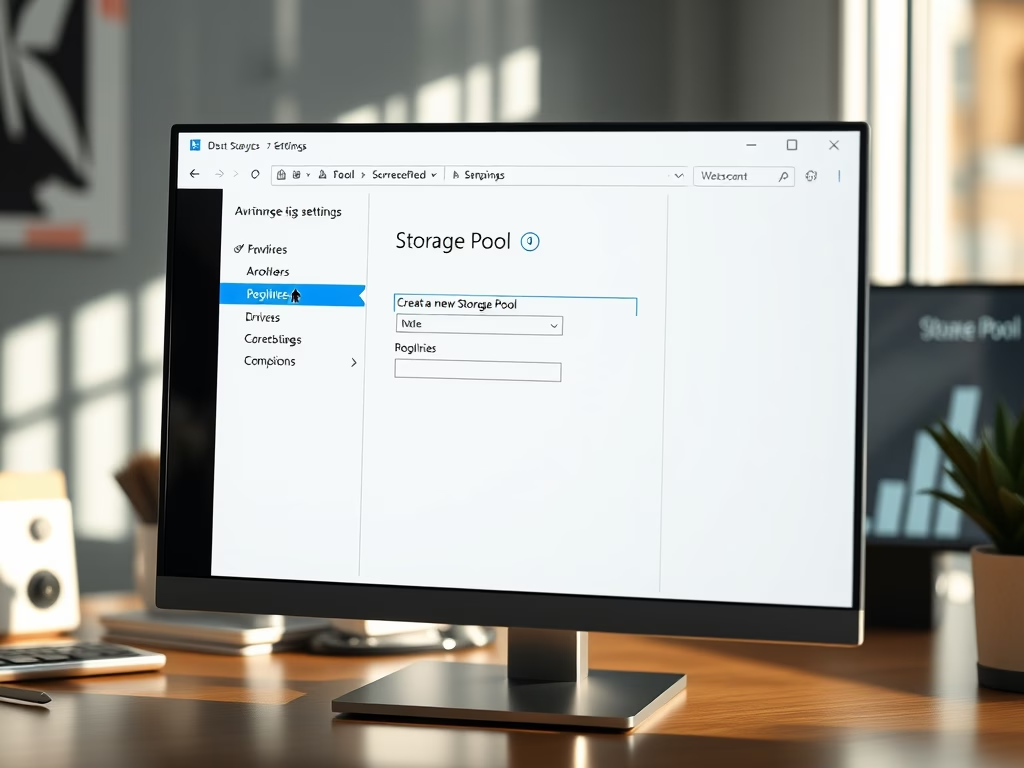
How to Create a Storage Pool in Windows 11

Storage Pools in Windows 11 allow users to merge multiple hard drives into a single virtual drive, enhancing file management and data protection. By creating backups across drives, the risk of data loss is minimized. Setting up a Storage Pool is straightforward via the Settings app, and it functions like a standard drive once established.

Updated Oct 2026 Read more →
Windows 5 min read
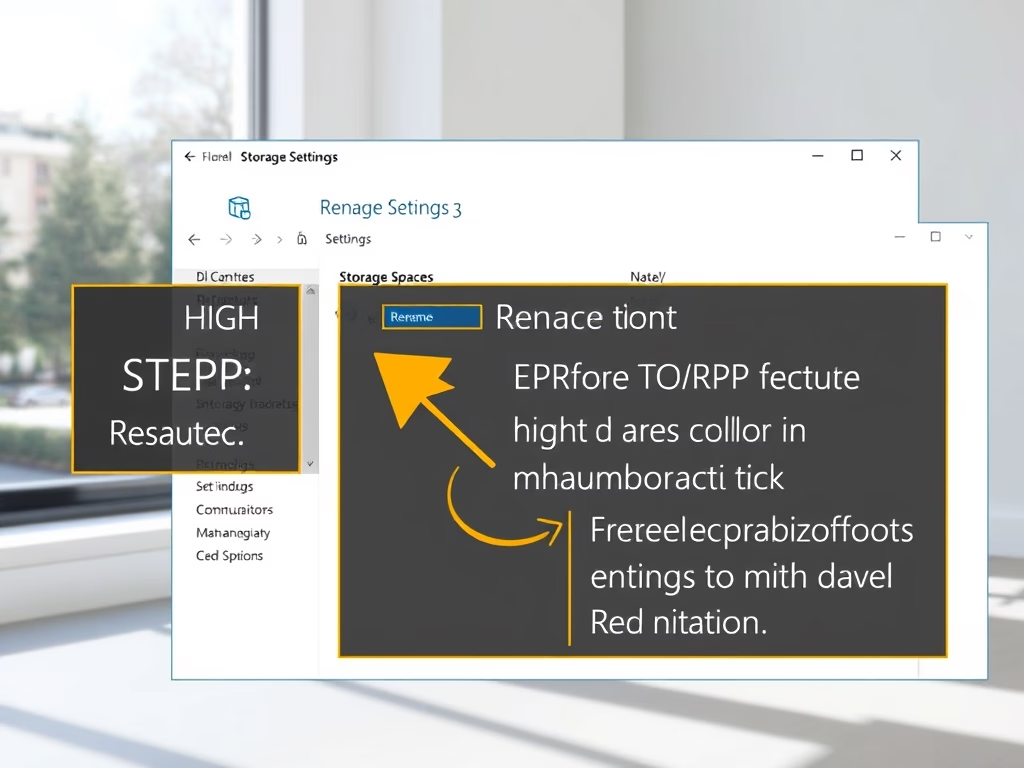
How to Rename a Storage Pool in Windows 11

This guide explains how to rename a Storage Pool in Windows 11, which combines multiple hard drives into one manageable unit for safer data storage. Users can rename the pool through Windows Settings or PowerShell commands, enhancing organization and ease of management, especially for those with multiple pools.

Updated Nov 2026 Read more →
Advertisement