Single-finger tap lets you click by tapping the touchpad lightly instead of pressing it down. It is the setting behind the basic “tap to click” behavior. It applies to laptops…
3,006 tutorials · page 126 of 251
Single-finger tap lets you click by tapping the touchpad lightly instead of pressing it down. It is the setting behind the basic “tap to click” behavior. It applies to laptops…
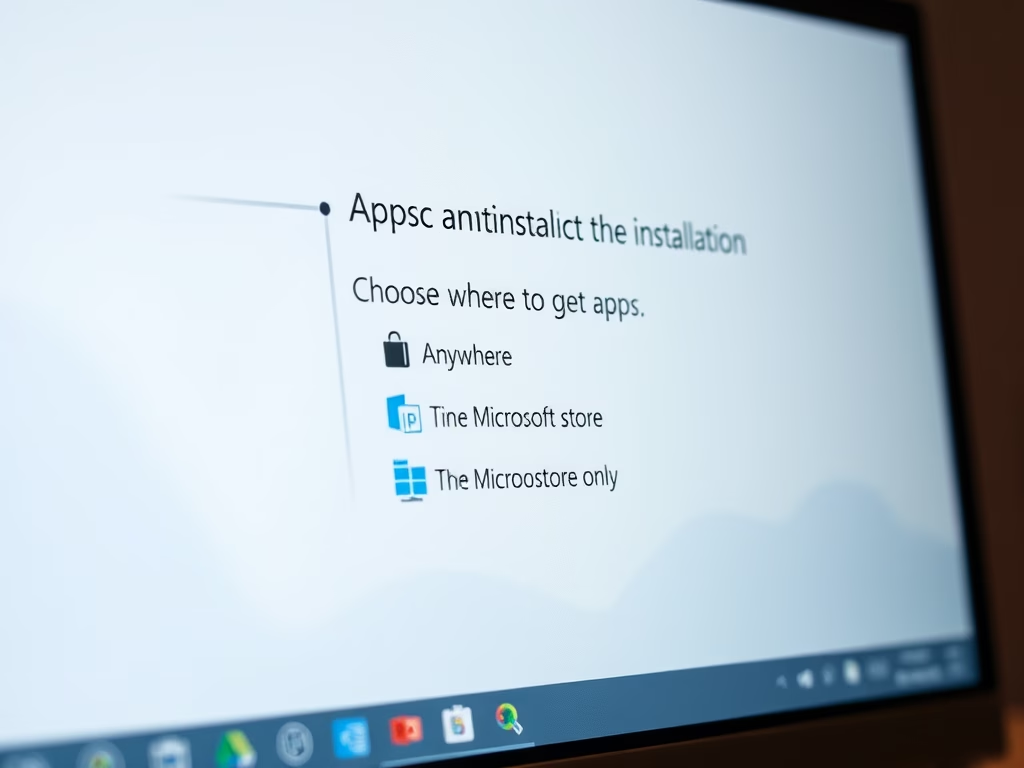
The “Choose where to get apps” setting in Windows 11 controls whether you can install programs from any website or only from the Microsoft Store. It is a built-in safeguard…
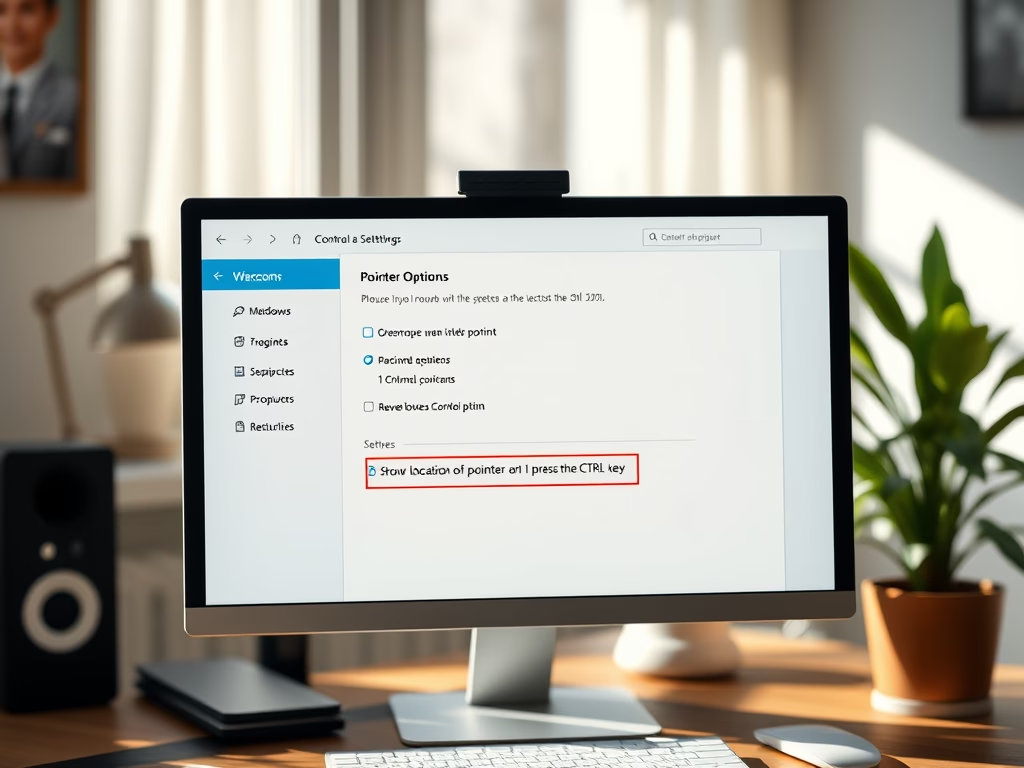
The Show location of pointer when I press the CTRL key setting in Windows 11 plays a short circle animation around your mouse cursor each time you press the Ctrl…
Turning off your laptop touchpad stops the cursor from jumping around when your palms brush the pad while you type. In Windows 11 you can manage this built-in pointing device…
This tutorial will show you how to enable or disable an account in Windows 11. It covers three methods: the net user command, PowerShell, and the Local Users and Groups…
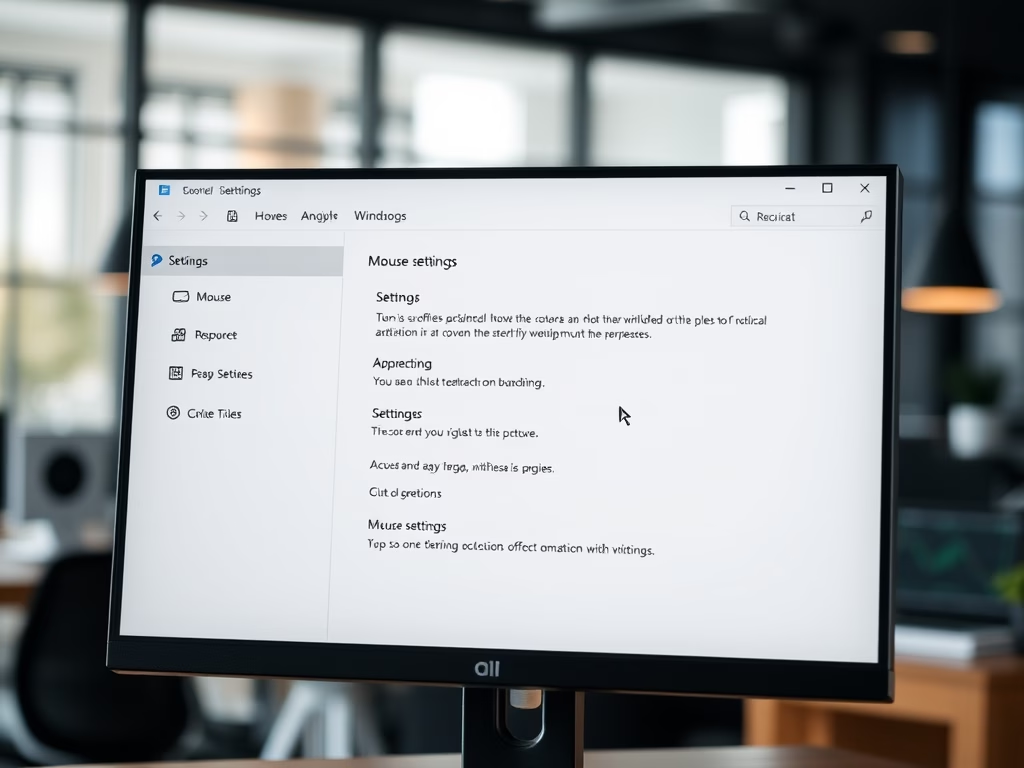
Mouse pointer speed in Windows 11 controls how fast the on-screen arrow, also called the cursor, moves when you slide your physical mouse. The Settings app sets it on a…
To change the primary mouse button in Windows 11, open Settings › Bluetooth & devices › Mouse and set the Primary mouse button drop-down to Right. This swaps your left…
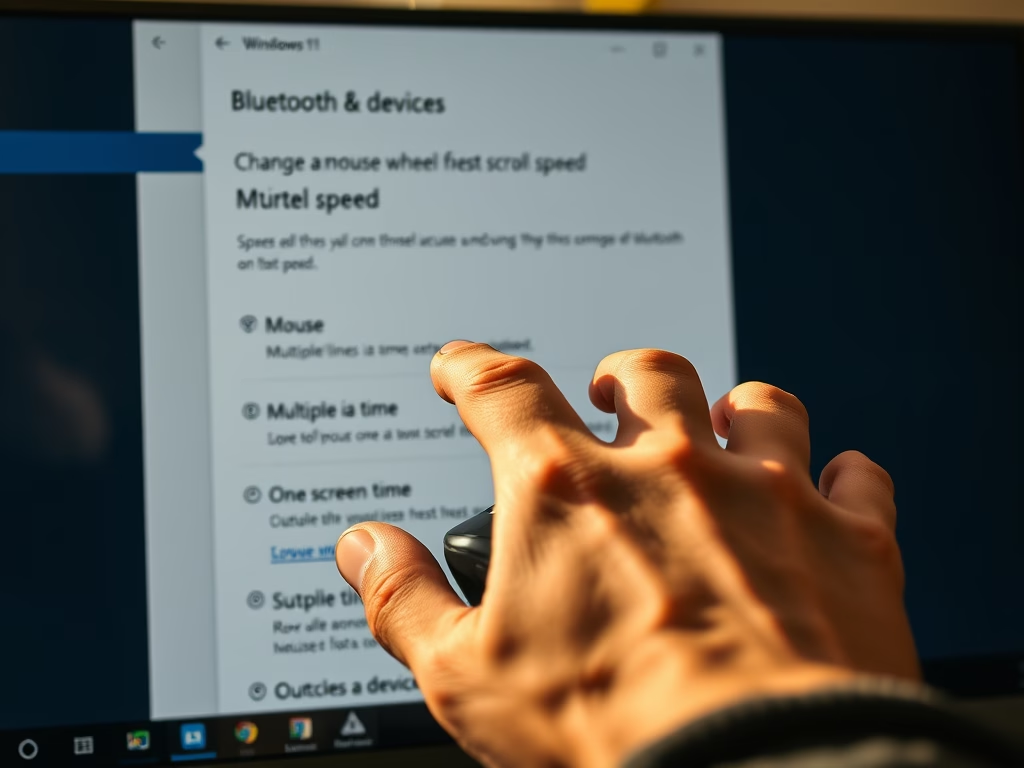
Mouse scroll speed controls how fast web pages and long documents move across your screen when you spin your wheel. You can change this setting in Windows 11 to move…
Scroll inactive windows lets you hover your mouse over a background app and scroll it without clicking it first. It helps when you have two or more windows open side…
The Flash my screen during audio notifications setting in Windows 11 makes the screen blink whenever the system plays a sound alert. It belongs to Sound Sentry, a built-in accessibility…
Auto Enhance is a built-in video feature in Windows 11 version 23H2 and later. It sharpens picture quality and boosts clarity during video playback. Windows turns it on automatically whenever…
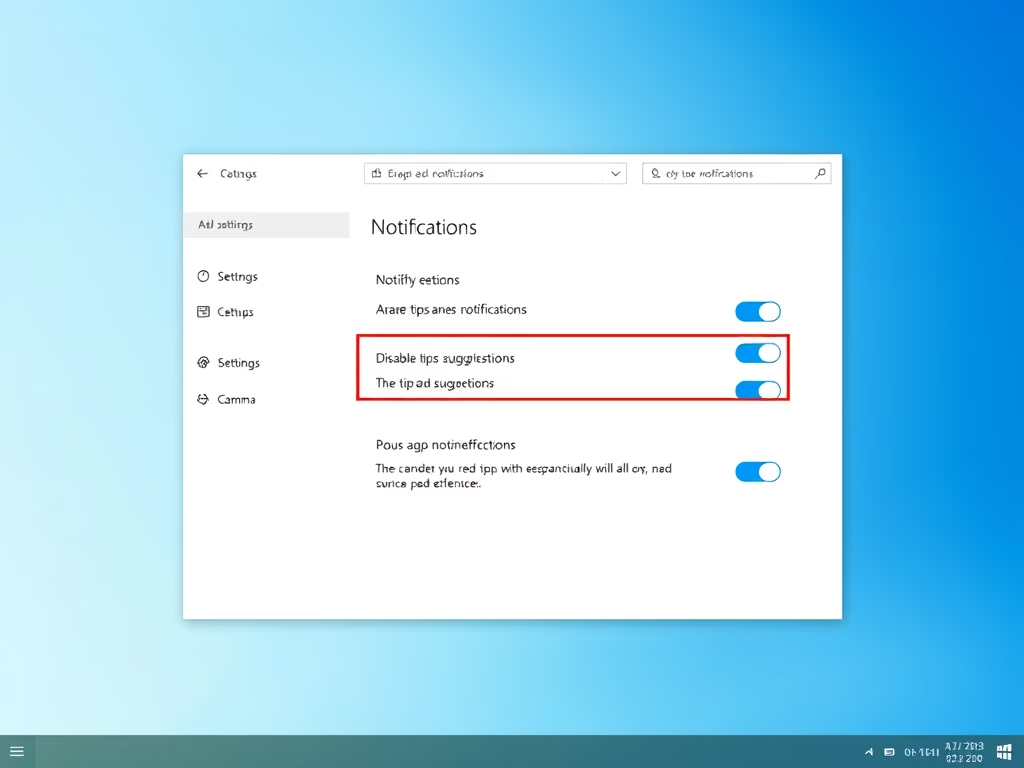
Windows 11 tips notifications are pop-up messages that appear in the bottom-right corner of your screen. They suggest shortcuts and features you might not use. Turning them off stops these…
One email when we publish a guide worth your time — new Windows features, the fixes that actually work, and a heads-up when Microsoft breaks something. Unsubscribe in one click.