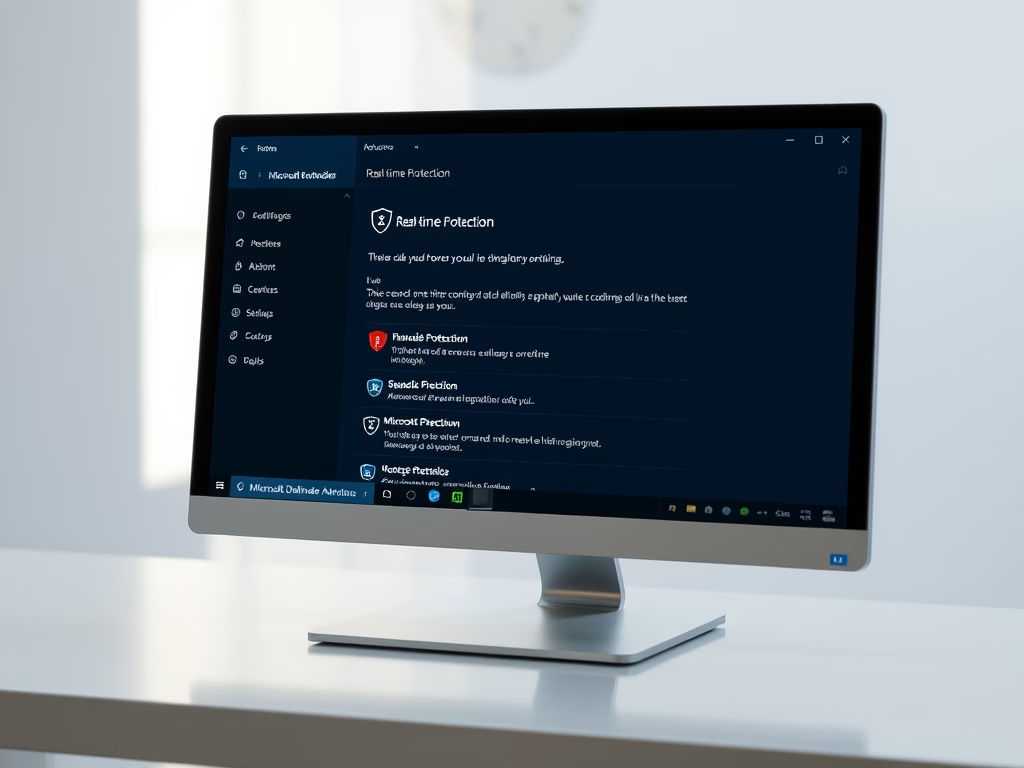
To turn real-time protection on or off in Windows 11, open Windows Security › Virus & threat protection › Manage settings and switch the Real-time protection toggle. You can also…
3,006 tutorials · page 123 of 251
To turn real-time protection on or off in Windows 11, open Windows Security › Virus & threat protection › Manage settings and switch the Real-time protection toggle. You can also…
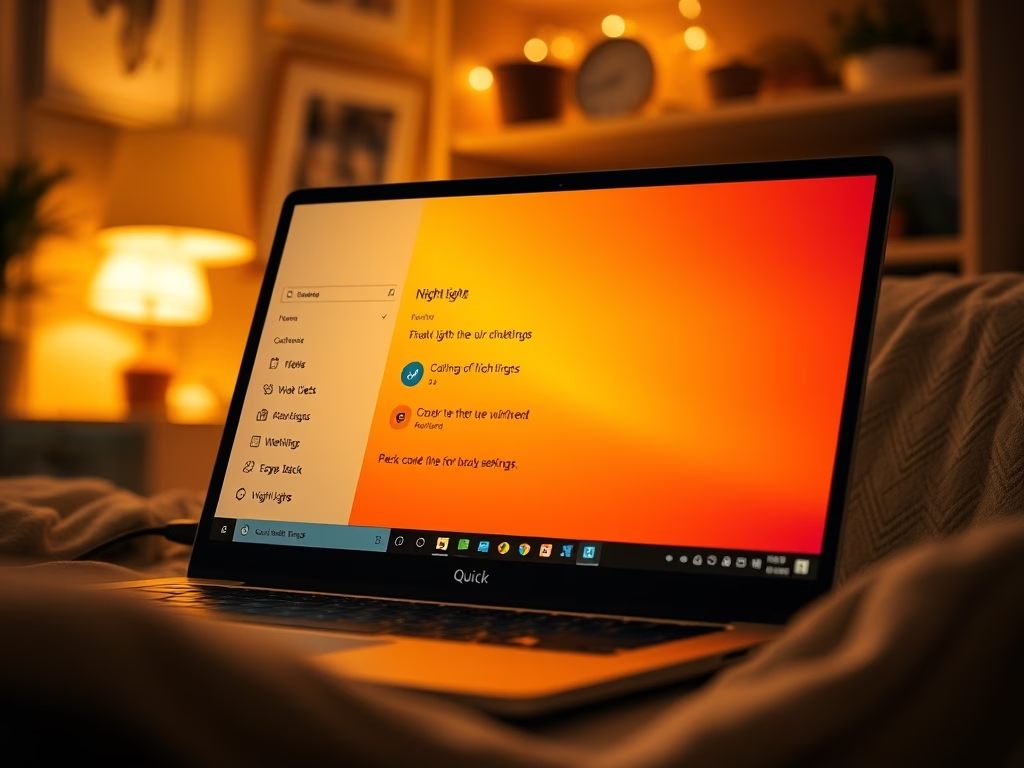
Night Light is a built-in Windows 11 feature that you can turn on or off in a few clicks. This tutorial covers two ways to do it: Quick Settings and…
Blocking access to the Control Panel and Settings app in Windows 11 stops other people from changing important system options on shared PCs. Windows 11 includes the Local Group Policy…
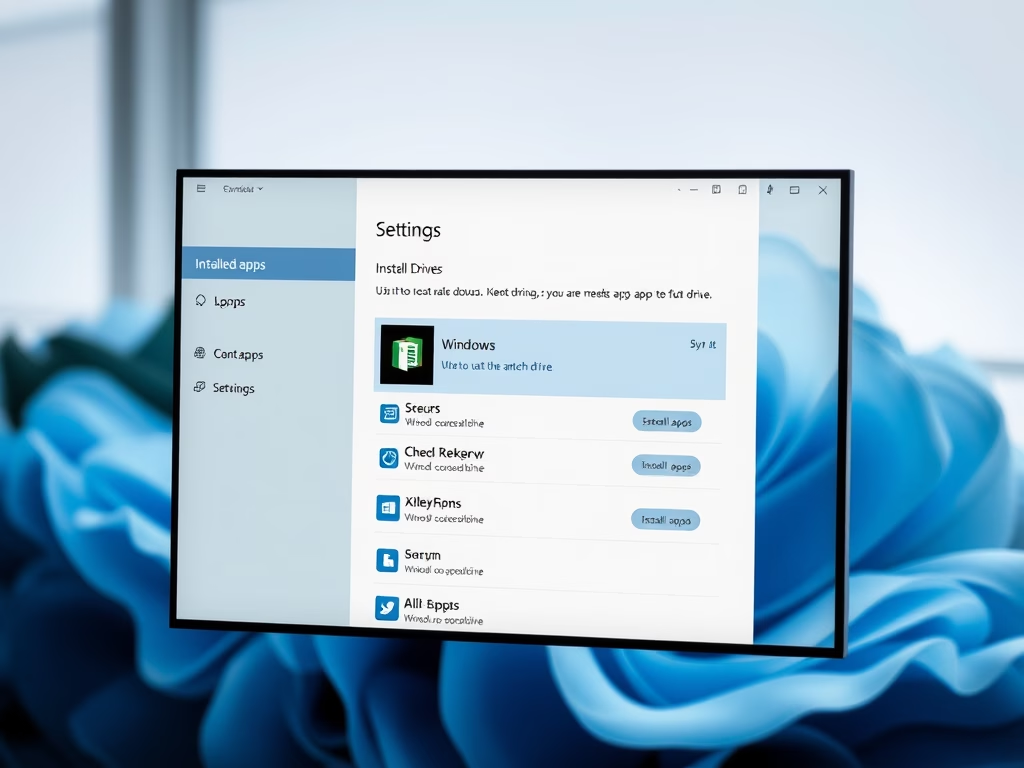
Running low on storage? Moving Microsoft Store apps off your main installation drive gives Windows room to work. A full system drive slows down updates, temporary files and the page…
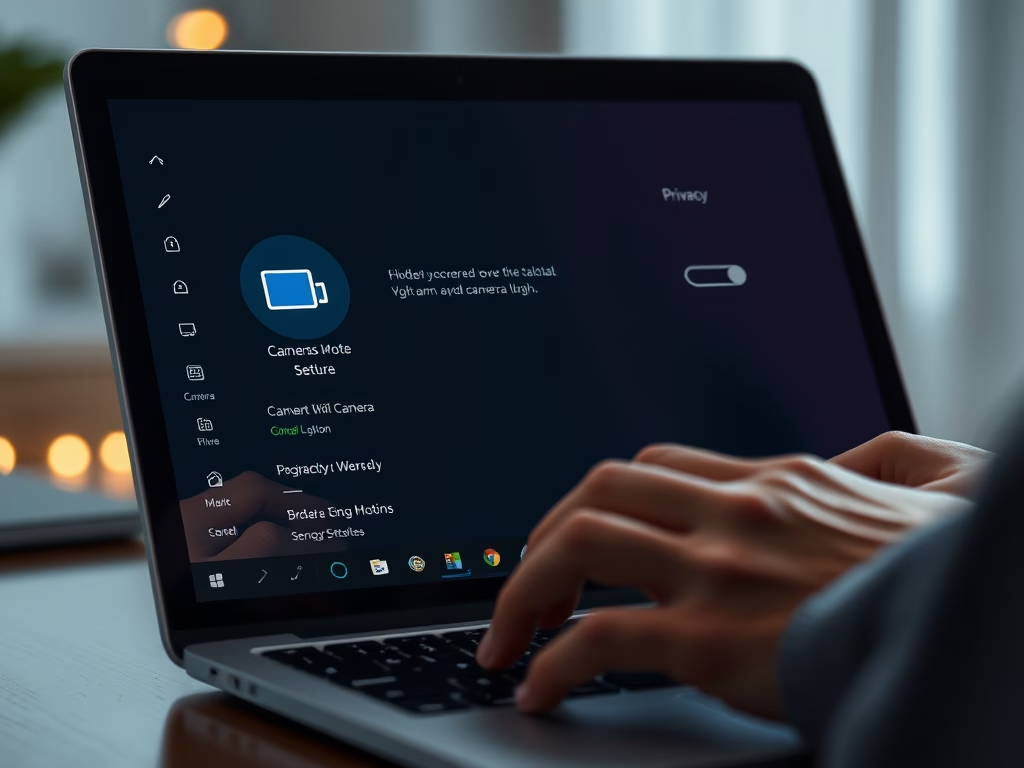
Cut the feed to your webcam whenever you need privacy. Controlling the camera stops unauthorized apps and malware from using the lens. This guide covers three ways to do it:…
Ctrl+Alt+Del secure sign-in is a Windows 11 security feature. Windows makes you press those three keys before it shows the password or PIN box. Windows reserves that key combination for…
Locking your computer hides your desktop when you step away. Your apps and files stay open in the background, so you can pick up where you left off. Fastest Way…
Adding the Lock shortcut to the Start menu power options in Windows 11 lets you secure your computer in two clicks whenever you step away. Lock sits next to Shut…
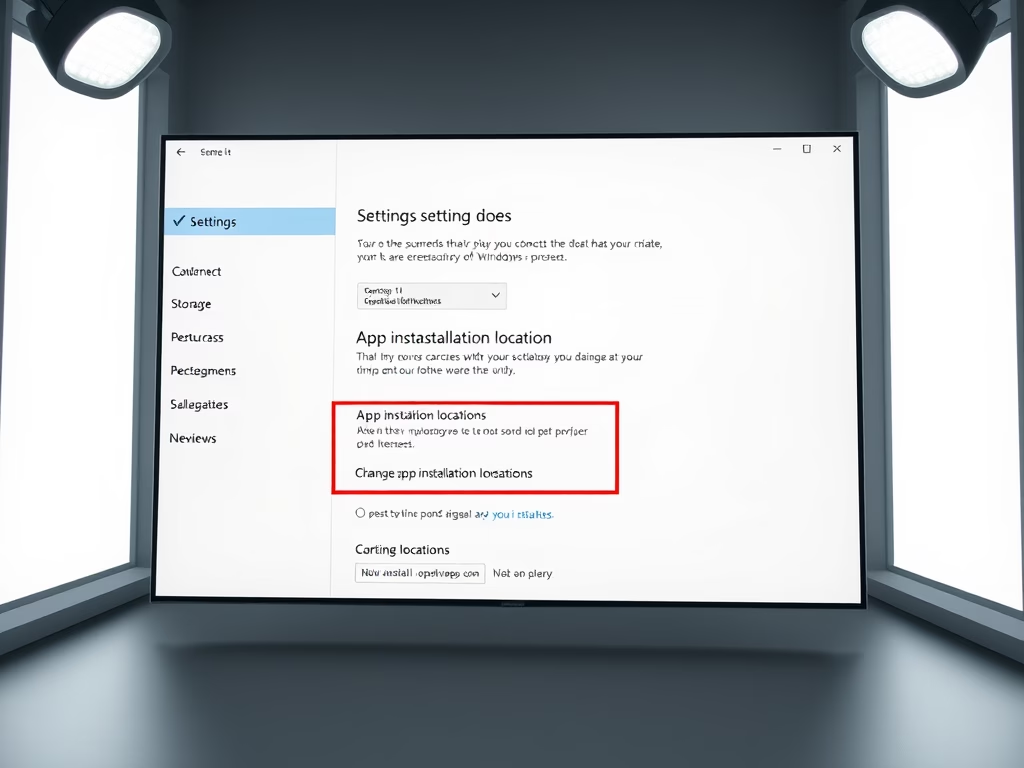
By default, Windows 11 installs every new Microsoft Store app on your system drive (C:). Over time that eats into your free space, especially if you install large apps and…
Bluetooth in Windows 11 lets you connect wireless accessories such as mice, keyboards and headphones without cables. Turning it off saves laptop battery and stops unwanted device connections. The quickest…
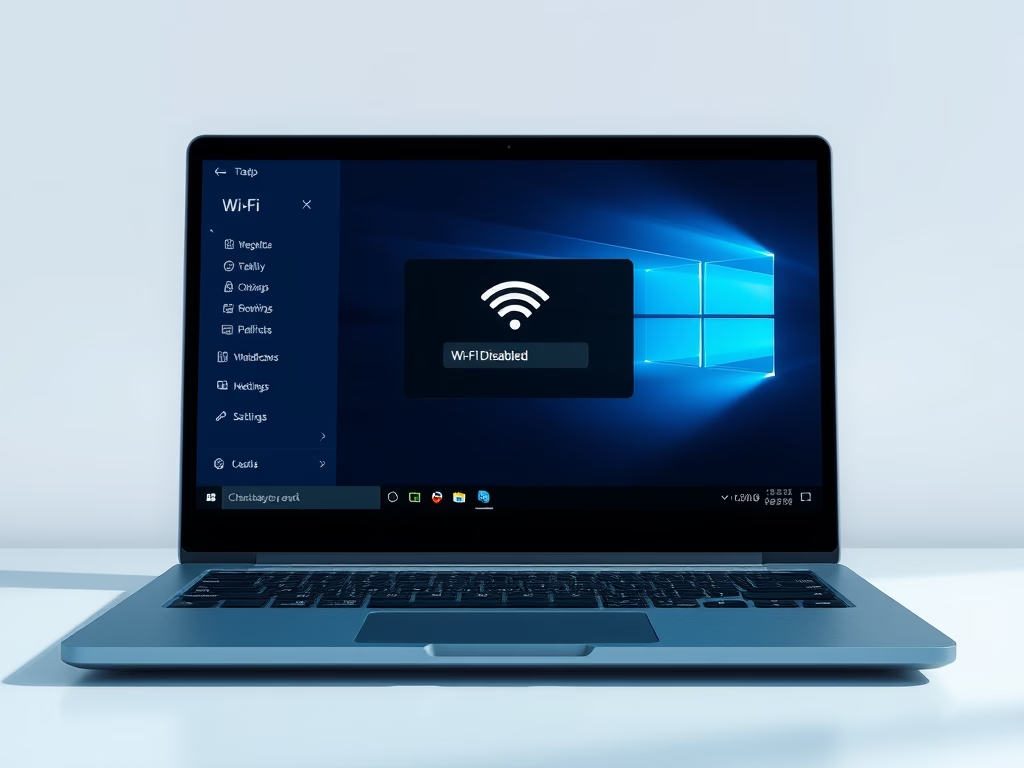
Windows 11 can connect to the internet wirelessly through your PC’s Wi-Fi adapter, with no cable involved. You can switch that connection on or off in a few seconds. The…
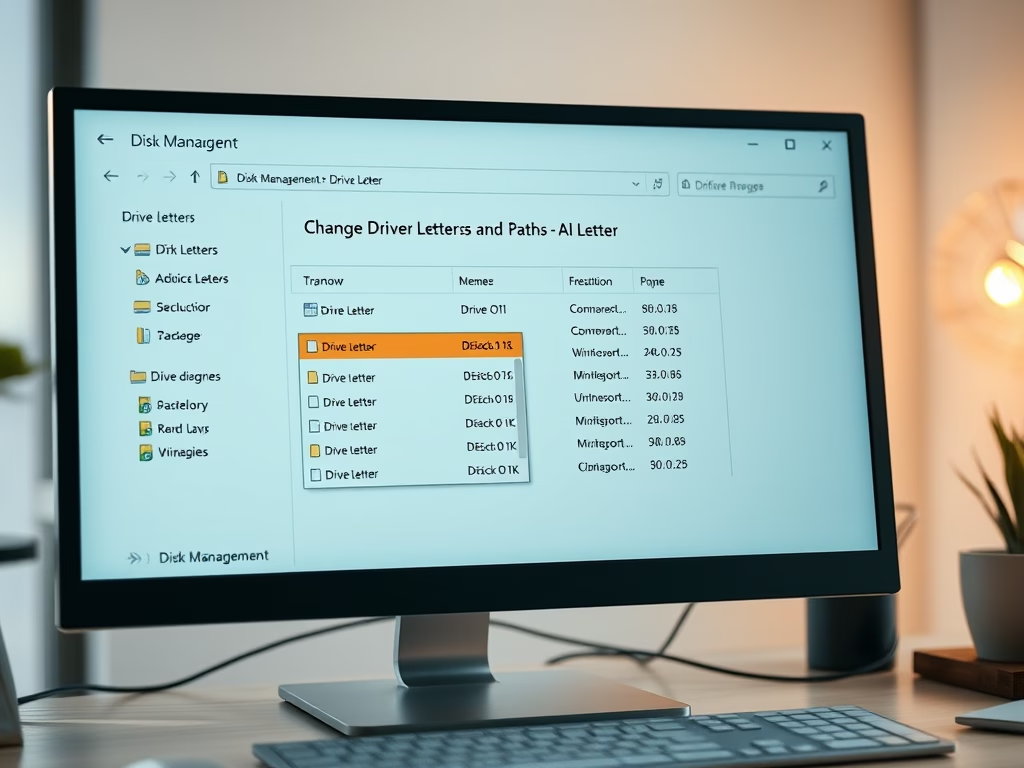
A drive letter in Windows 11 is a single letter from A through Z assigned to a hard drive, USB stick, SD card, or partition so the system can find…
One email when we publish a guide worth your time — new Windows features, the fixes that actually work, and a heads-up when Microsoft breaks something. Unsubscribe in one click.