Use pen as mouse in Windows 11 makes your digital stylus behave like a standard pointer. You can then click small buttons, drag files and browse the web with a…
3,006 tutorials · page 122 of 251
Use pen as mouse in Windows 11 makes your digital stylus behave like a standard pointer. You can then click small buttons, drag files and browse the web with a…
Ignore touch input when using a pen is a built-in Windows 11 setting that stops palm marks and stray finger taps from ruining your handwriting or sketches. When the pen…
Windows 11 lets you choose which webcam handles Windows Hello facial recognition, so you can use the best sensor connected to your PC. Windows Hello is the built-in sign-in feature…
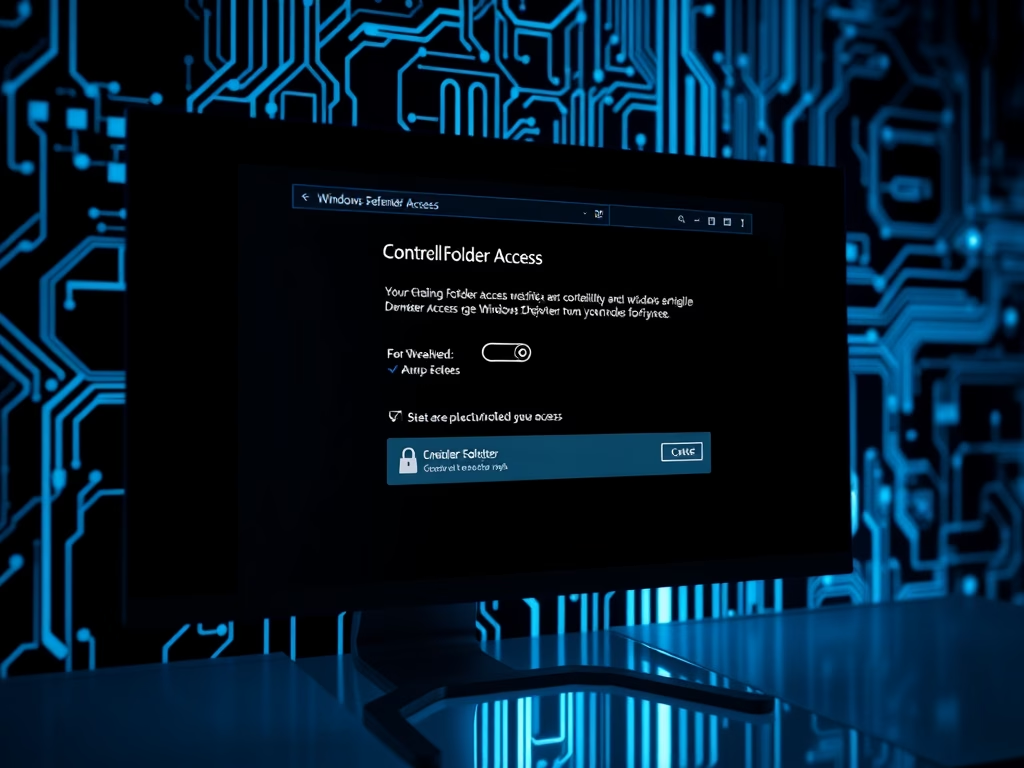
Controlled Folder Access in Windows 11 blocks ransomware and unknown apps from changing or deleting personal files stored on your PC. It is a built-in Microsoft Defender security feature. As…
HDR content brightness in Windows 11 controls how bright standard dynamic range (SDR) apps look on a high dynamic range (HDR) display. Set it well and your desktop stops looking…
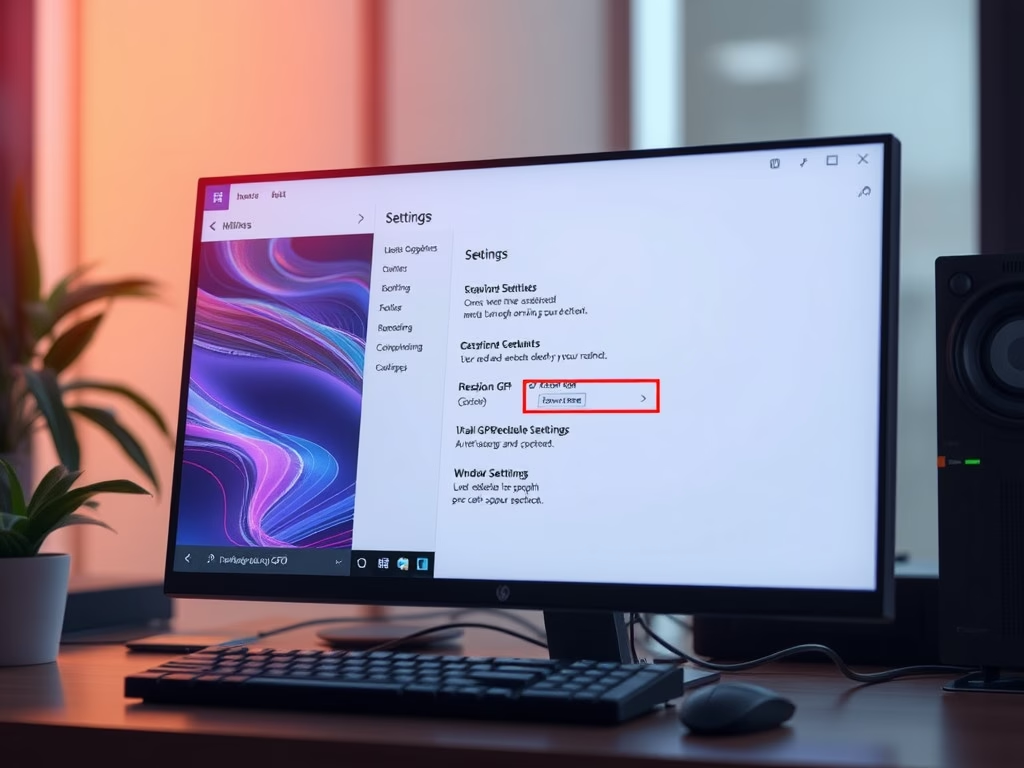
Hardware-accelerated GPU scheduling (HAGS) in Windows 11 lets your graphics card manage its own video memory directly, instead of leaving that work to the CPU. It can improve game performance…
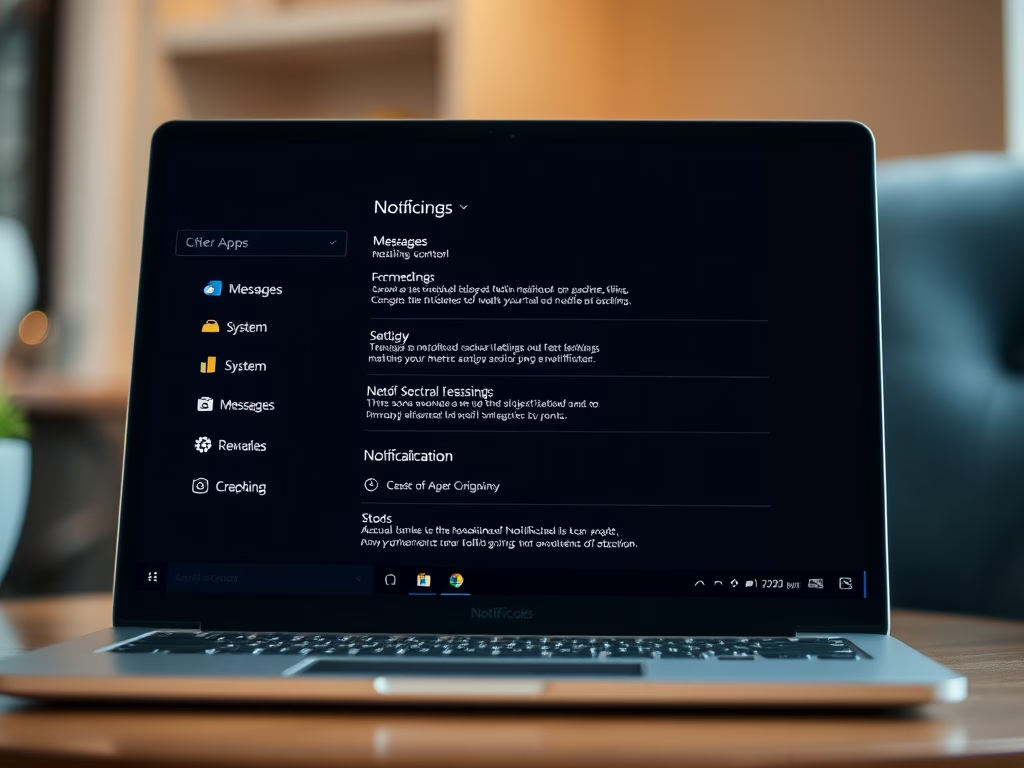
Notification Center in Windows 11 opens with Win+N. You choose which apps keep their alerts there under Settings › System › Notifications. To turn it on or off for an…
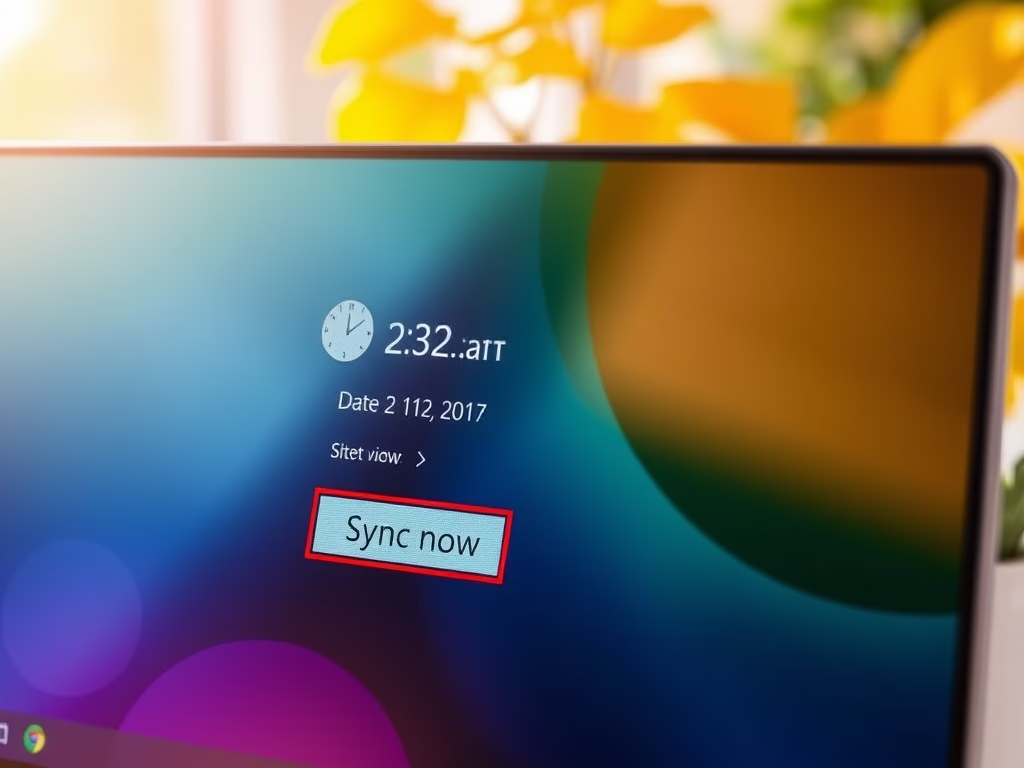
Internet time sync in Windows 11 updates your PC clock automatically using an online time server, so your time stays accurate to the second. By default, Windows checks a time…
Controlled Folder Access in Windows 11 blocks ransomware and unapproved apps from changing or deleting files inside your protected folders, such as Documents and Pictures. It is a built-in Microsoft…
Windows Security can show account protection notifications on your desktop. They keep you informed about the safety of your sign-in, but they can also interrupt your work. This tutorial shows…
The time format in Windows 11 controls how hours and minutes appear on your taskbar clock and lock screen. You can switch between a 12-hour display with AM/PM and a…
Windows 11 underlines misspelled words with a red squiggly line as you type. You can turn this on or off in the Settings app. The steps below cover both. Why…
One email when we publish a guide worth your time — new Windows features, the fixes that actually work, and a heads-up when Microsoft breaks something. Unsubscribe in one click.