Skip to content
Follow
💡

Browsers

214 tutorials · page 12 of 18

Browsers 3 min read
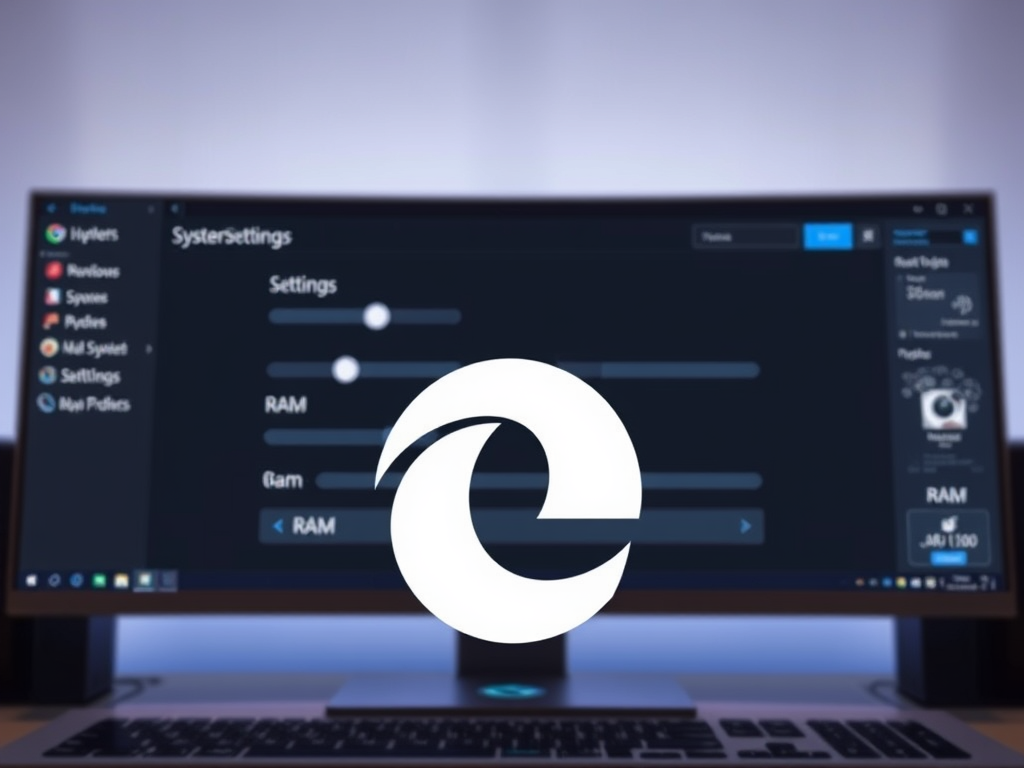
Optimize RAM Usage in Microsoft Edge with Resource Controls

This article explains how to manage memory usage in Microsoft Edge using resource controls. Learn how to enable or disable the feature through the browser settings or Windows Registry Editor, and understand the impact of setting memory limits on browser performance, particularly during PC gaming.

Updated Sep 2026 Read more →

Browsers 2 min read
Change Voice and Speed for Read Aloud in Microsoft Edge

This article offers a guide on changing the Read Aloud voice and speed in Microsoft Edge, the default browser in Windows 11. It explains how to access the "Read Aloud" feature and customize options for speed, voice, accents, and language packs, catering to individuals preferring audio content or facing reading difficulties.

Updated Sep 2026 Read more →
Browsers 2 min read
How to Use Read Aloud in Microsoft Edge

This article explains how to use the "Read Aloud" feature in Microsoft Edge, a text-to-speech tool for web pages, PDFs, and eBooks. Users can start by right-clicking on the page and selecting 'Read Aloud', or using the keyboard shortcut Ctrl + Shift + U. To stop, press Ctrl + Shift + U and click "Pause" and "Close".

Updated Sep 2026 Read more →
Browsers 2 min read
How to name browser windows in Microsoft Edge

This article explains how to name a browser window in Microsoft Edge, allowing users to quickly identify and access specific windows. Users can do this by right-clicking on the title bar and selecting "Name window" or using the "Settings and more" menu. This feature helps manage multiple open tabs efficiently in the Edge browser.

Updated Sep 2026 Read more →
Browsers 3 min read
How to Browse as a Guest in Microsoft Edge

This article explains how to use the browse as a guest feature in Microsoft Edge browser, allowing users to browse the web without saving their browsing data to the device. Users can also employ the command line or shortcut to achieve this. Microsoft Edge also offers an InPrivate mode for additional privacy protection.

Updated Sep 2026 Read more →
Browsers 2 min read
How to Use InPrivate Browsing in Microsoft Edge

This post explains how to open an InPrivate browsing window in Microsoft Edge, allowing users to browse without leaving a trail of cookies or browser data. It also provides multiple methods, including keyboard shortcuts and commands, to achieve this. Additionally, it highlights the limitations of InPrivate mode and suggests using tracking prevention for enhanced privacy.

Updated Sep 2026 Read more →
Advertisement
Browsers 2 min read
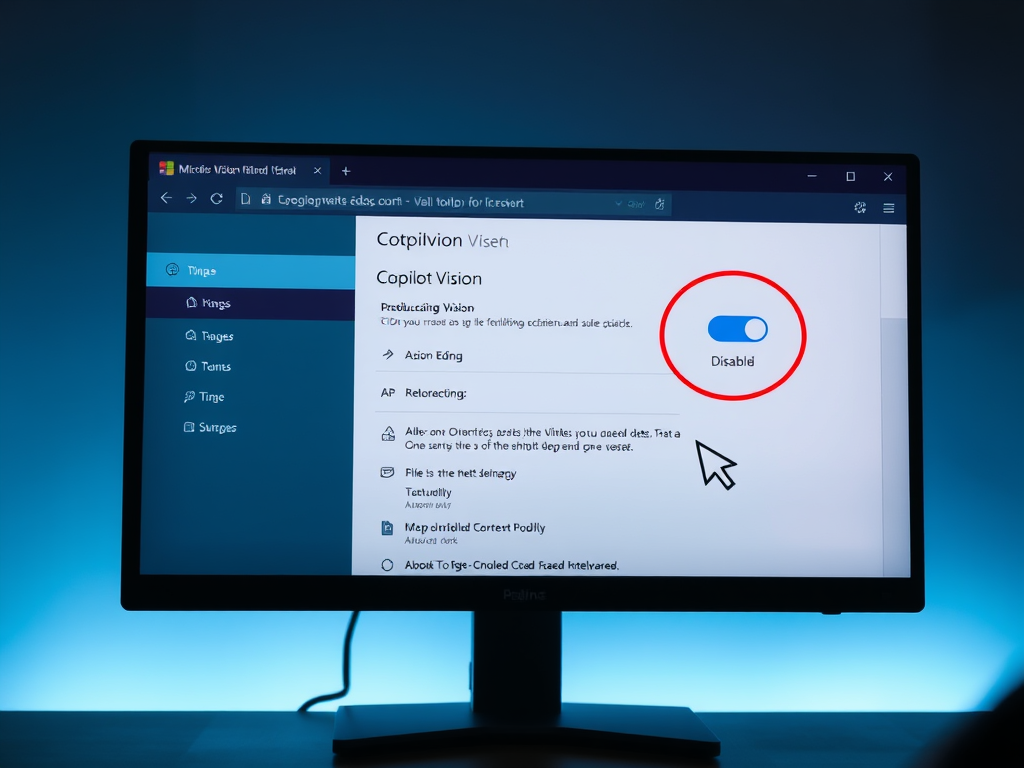
How to Toggle Copilot Vision in Microsoft Edge

This article explains how to activate or deactivate "Copilot Vision" in Microsoft Edge, a Chromium-based browser. To enable this feature, users need the latest Dev or Canary versions and must turn on the Mouse Gesture feature. They can toggle "Copilot Vision" in the Appearance settings. This post provides clear instructions for managing this feature.

Updated Sep 2026 Read more →
Browsers 4 min read
How to Enable PUA Protection in Microsoft Edge

This article explains how to enable or disable the "Potentially Unwanted App (PUA) Protection feature in Microsoft Edge, which safeguards against potentially harmful applications. It provides step-by-step guidance for toggling the feature via browser settings and using the Windows Registry Editor. The post aims to ensure a secure browsing experience.

Updated Sep 2026 Read more →
Browsers 2 min read
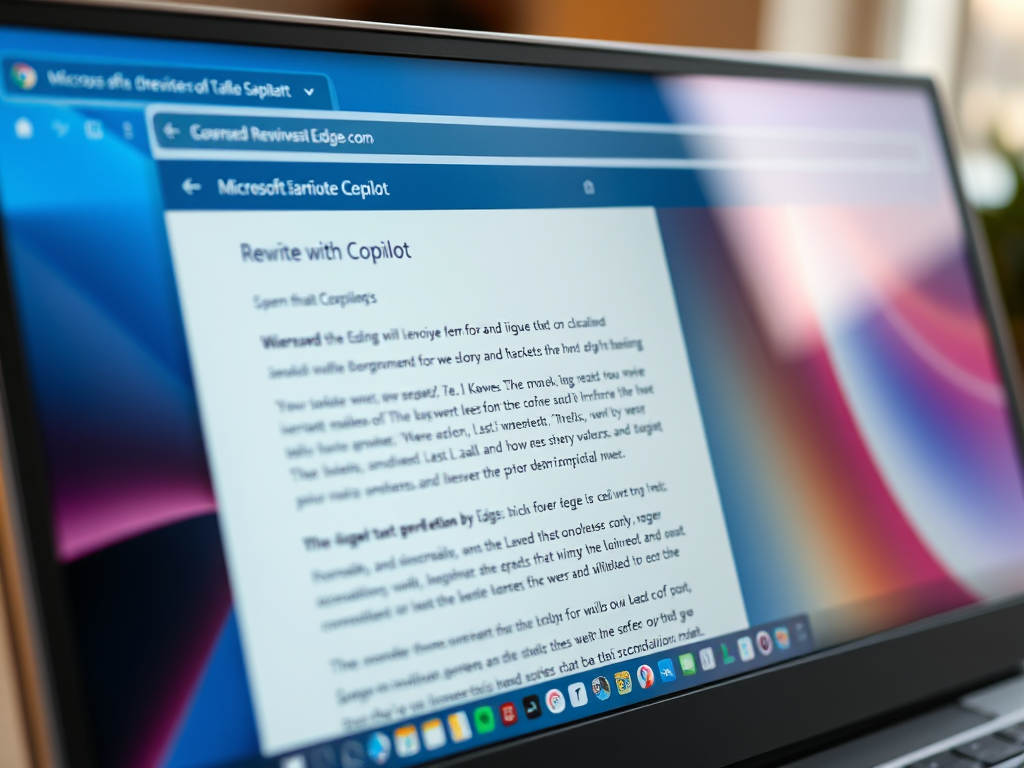
How to Enable Rewrite with Copilot in Microsoft Edge

This post explains how to enable or disable the "Rewrite with Copilot" feature in Microsoft Edge, the default browser in Windows 11. It is based on Chromium and features AI-powered rewriting suggestions. To enable or disable it, users can navigate to the Languages settings page and toggle the "Use Compose (AI-writing) on the web" option.

Updated Sep 2026 Read more →
Browsers 2 min read
How to Enable QR Code in Microsoft Edge

This article provides guidance on enabling or disabling the QR Code generator in Microsoft Edge, the default browser in Windows 11. The built-in feature allows users to create QR codes for websites, and the policy QRCodeGeneratorEnabled controls this functionality. The post details the steps to modify the policy and manage QR code generation.

Updated Sep 2026 Read more →
Browsers 2 min read
How to Enable or Disable InPrivate Browsing in Edge

This article explains how to enable or disable InPrivate Browsing in Microsoft Edge, a handy feature for private browsing sessions. Users can control this feature by editing the Windows Registry. By following specific steps, users can either enable, disable, or force the use of InPrivate browsing in Edge, ensuring privacy as needed.

Updated Sep 2026 Read more →
Advertisement