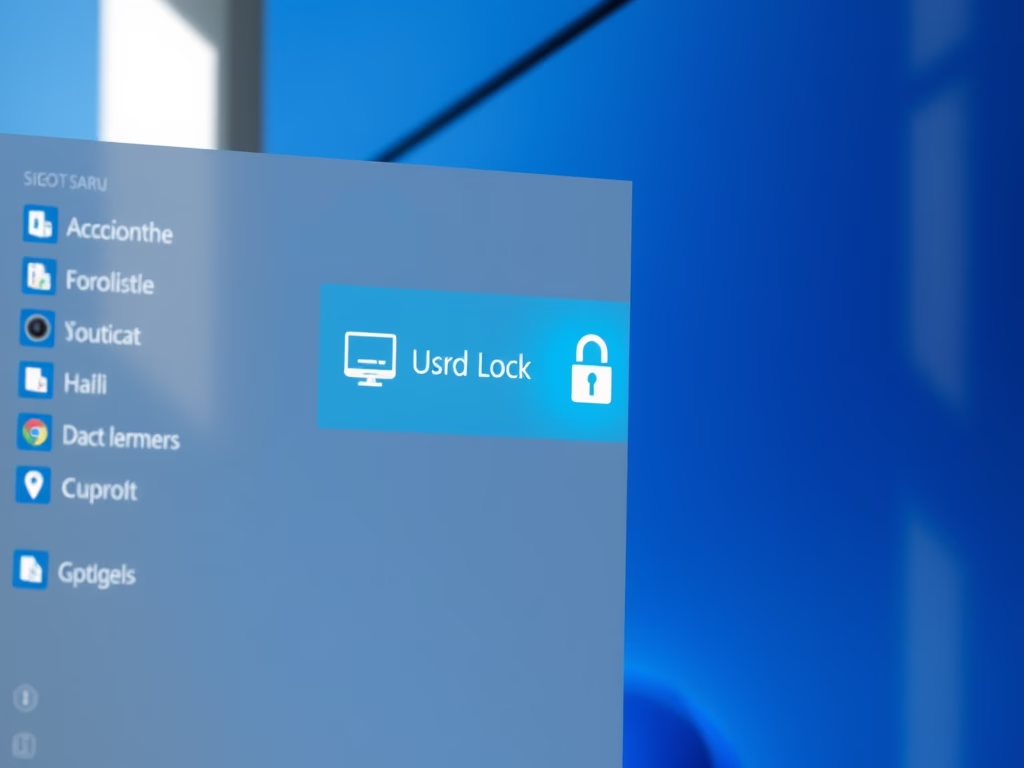
Adding the Lock shortcut to the Start menu power options in Windows 11 lets you secure your computer in two clicks whenever you step away. Lock sits next to Shut…
Every guide we’ve published, newest first. Filter by topic, or use search if you already know what broke.
3,348 tutorials · page 119 of 279
Adding the Lock shortcut to the Start menu power options in Windows 11 lets you secure your computer in two clicks whenever you step away. Lock sits next to Shut…
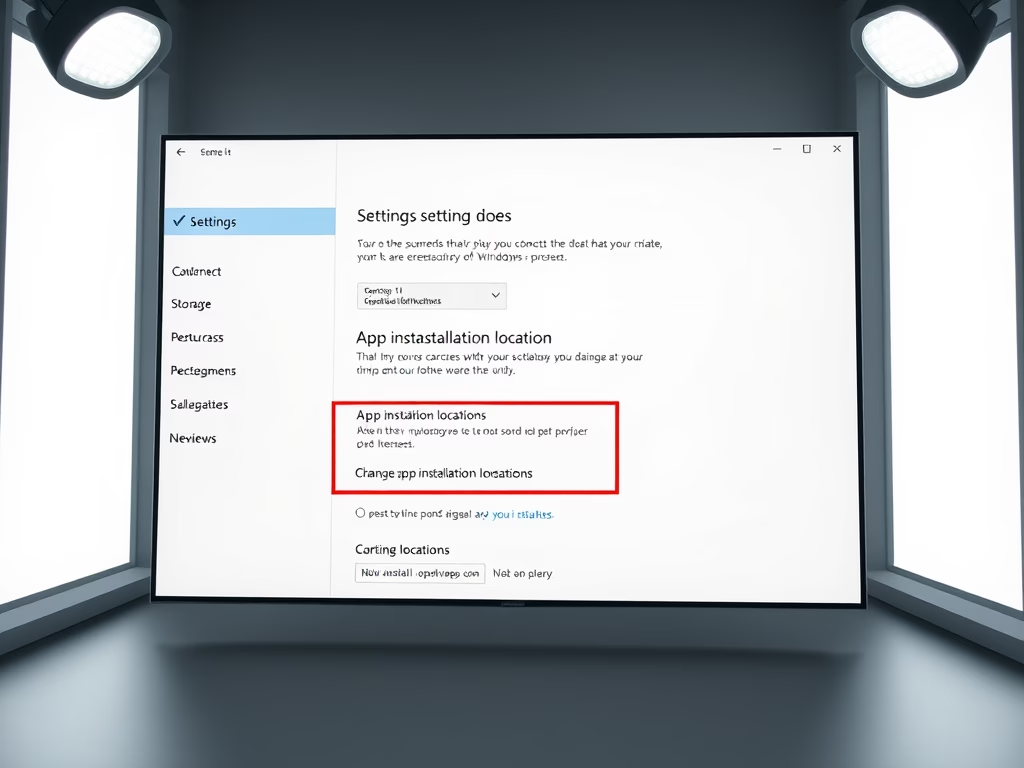
By default, Windows 11 installs every new Microsoft Store app on your system drive (C:). Over time that eats into your free space, especially if you install large apps and…
Bluetooth in Windows 11 lets you connect wireless accessories such as mice, keyboards and headphones without cables. Turning it off saves laptop battery and stops unwanted device connections. The quickest…
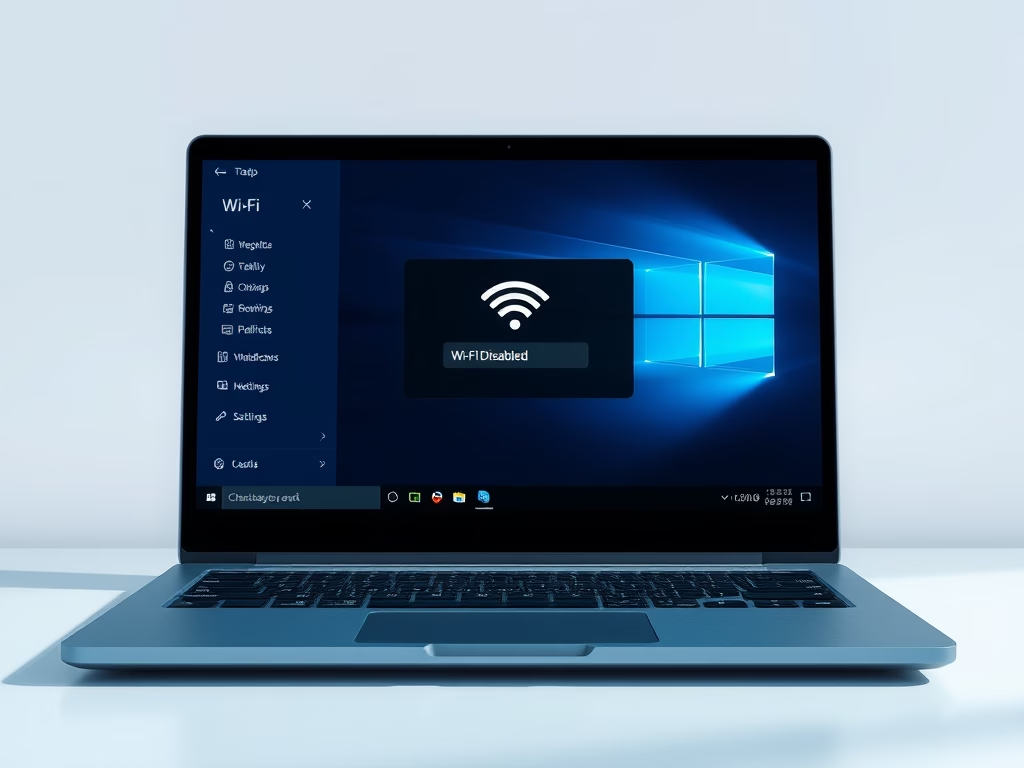
Windows 11 can connect to the internet wirelessly through your PC’s Wi-Fi adapter, with no cable involved. You can switch that connection on or off in a few seconds. The…
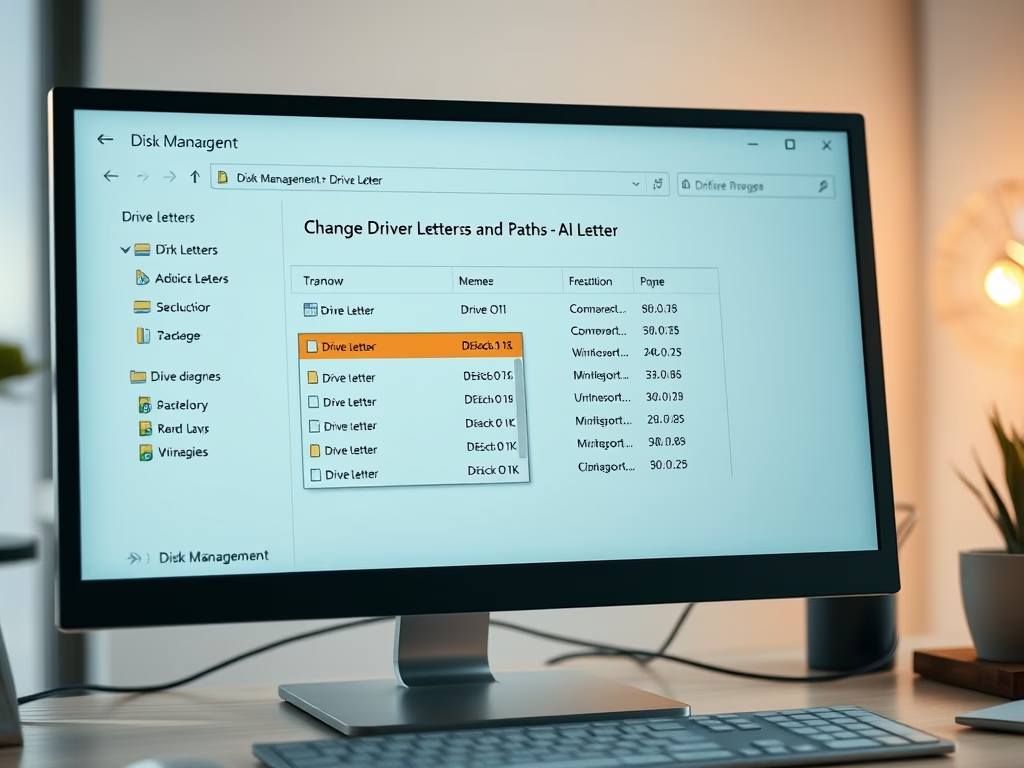
A drive letter in Windows 11 is a single letter from A through Z assigned to a hard drive, USB stick, SD card, or partition so the system can find…
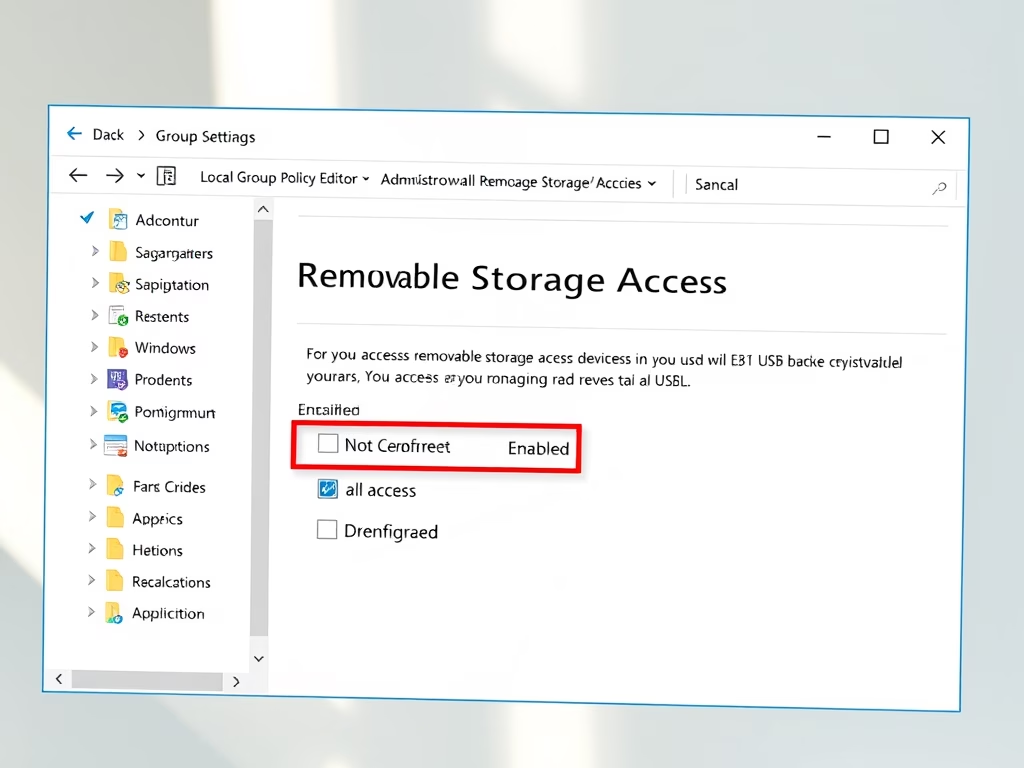
You can enable or disable access to removable storage devices in Windows 11 with the Local Group Policy Editor or the Registry Editor. Group Policy works on Pro, Enterprise, and…
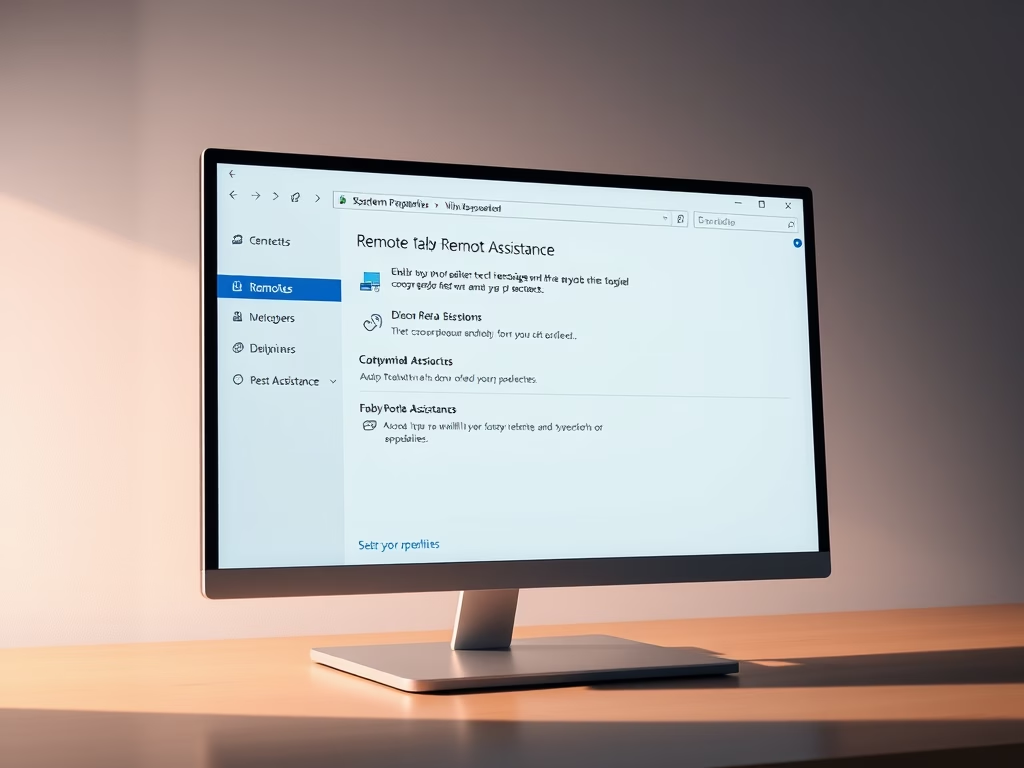
Remote Assistance in Windows 11 lets a trusted friend or IT helper connect to your PC from another location. They can see your screen, and with your permission take control,…
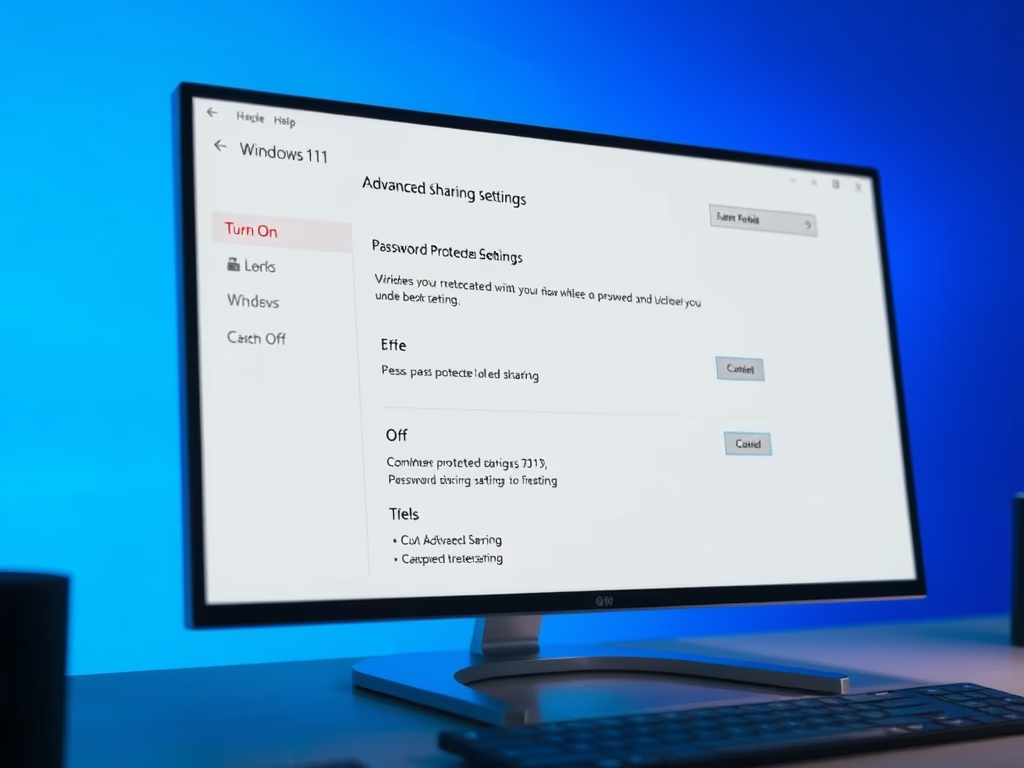
Password protected sharing in Windows 11 is a switch in Settings › Network & internet › Advanced network settings › Advanced sharing settings, in the All networks section. To turn…
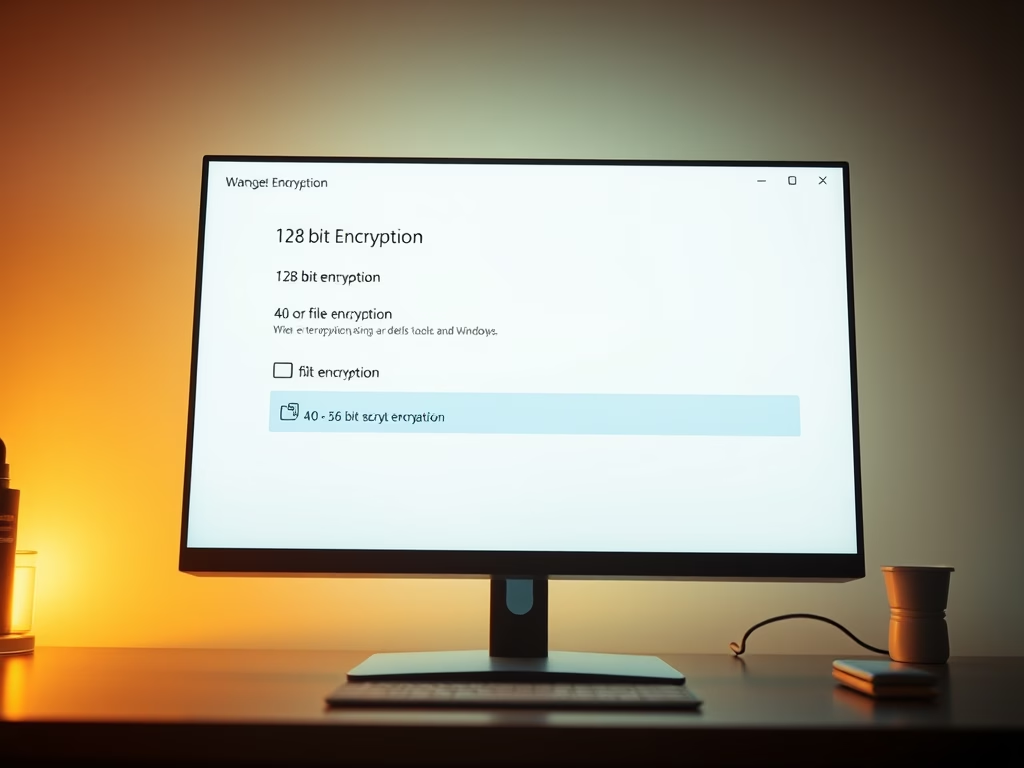
The encryption level for file sharing connections controls how strongly Windows 11 scrambles data when you share files or printers over a network. It applies to the connection between your…
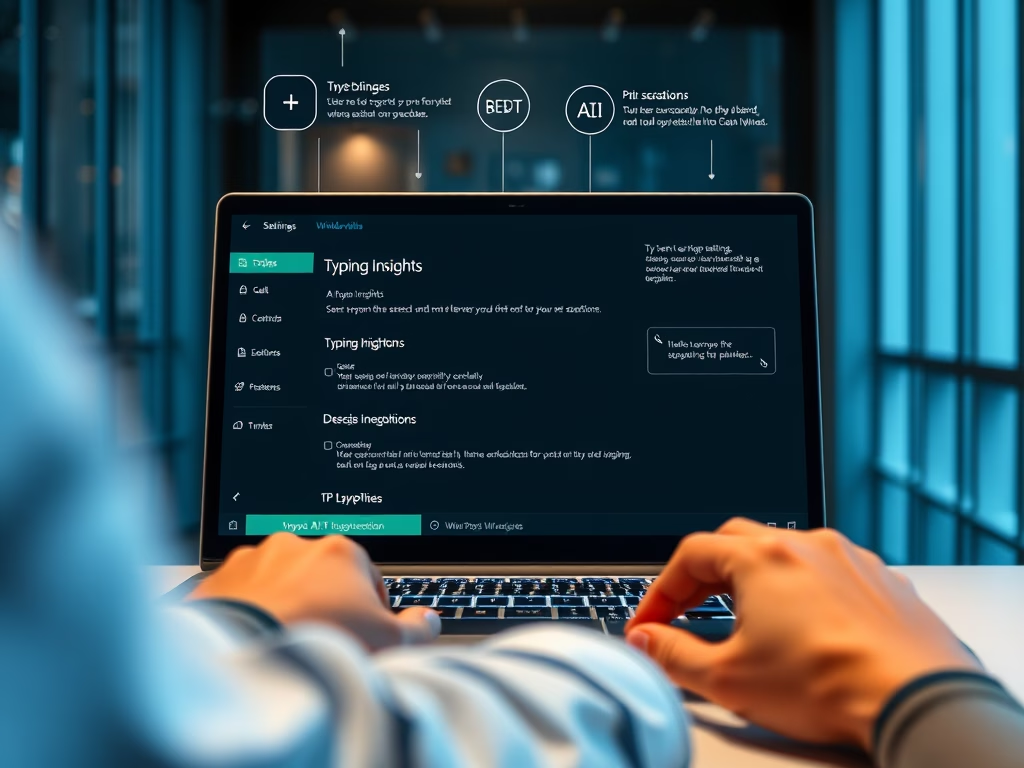
Typing Insights is a Windows 11 feature that tracks your typing habits to improve touch keyboard word predictions and spelling corrections. Turning on this tool helps you type faster by…
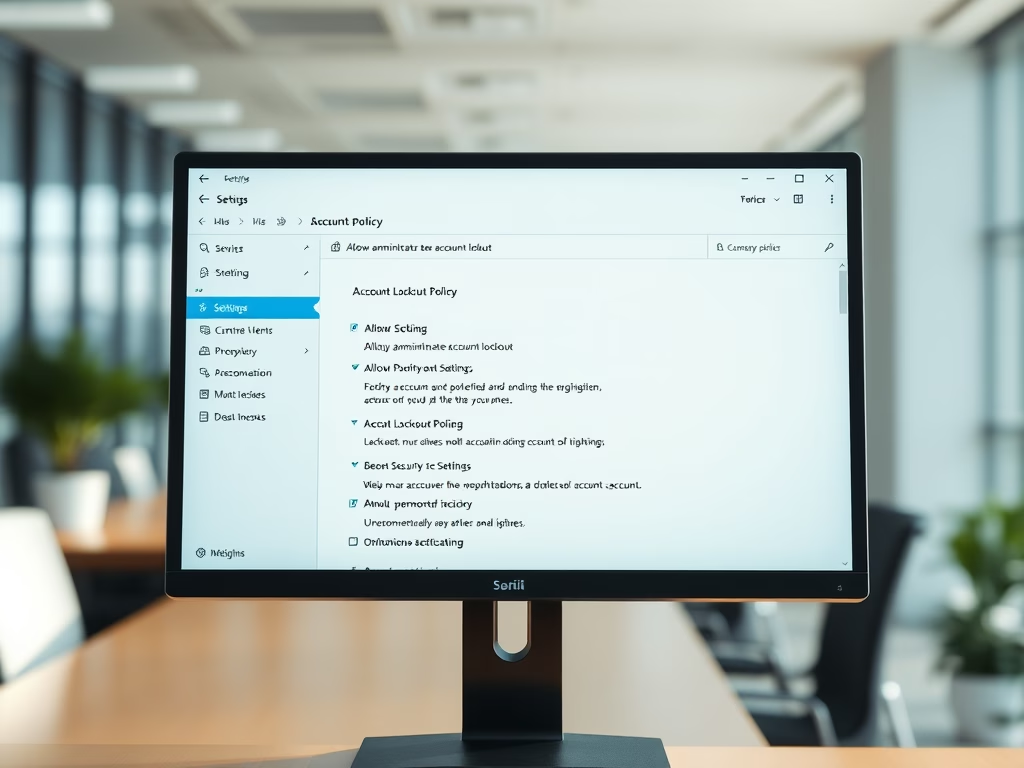
Built-in administrator account lockout in Windows 11 stops hackers from guessing your main admin password by locking the account after 10 failed login attempts. This protects your PC from brute-force…
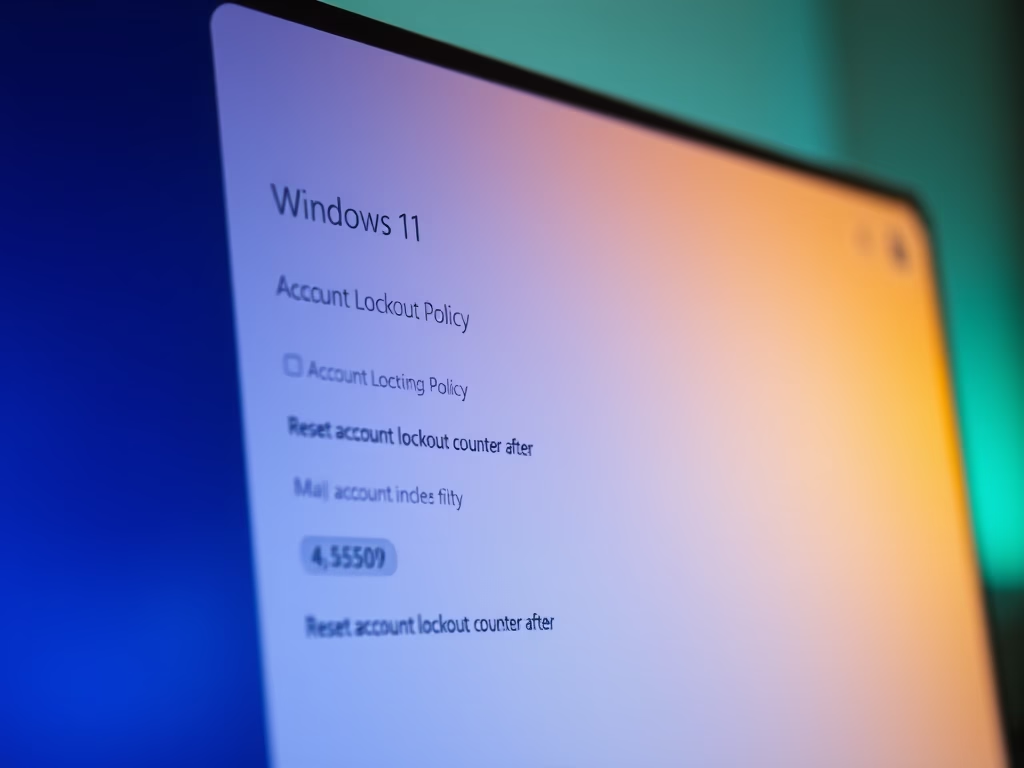
The “Reset account lockout counter after” setting in Windows 11 controls how long Windows remembers your failed sign-in attempts. Once that time passes with no new failures, the counter goes…
One email when we publish a guide worth your time — new Windows features, the fixes that actually work, and a heads-up when Microsoft breaks something. Unsubscribe in one click.