


How to Automatically Turn Off Your Screen with Presence Sensing in Windows 11
Presence sensing in Windows 11 automatically turns off your screen when you walk away from your PC. This smart feature uses a presence sensor,…
Step-by-step guides for Windows, Linux, networking and everything tech — written by experts, verified for accuracy.
Most recently published
Presence sensing in Windows 11 automatically turns off your screen when you walk away from your PC. This smart feature uses a presence sensor,…
Microsoft Store suggested search results in Windows 11 let you see app recommendations right in the Windows Search box. You can easily choose to…
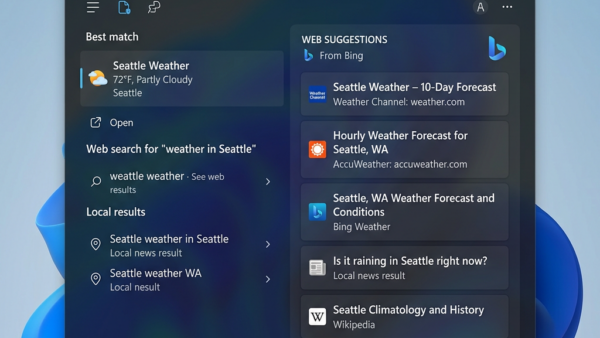
Windows Search helps you find things on your computer and the web. When you type in the search bar, it can show you apps,…
Setting different background images for each monitor in Windows 11 lets you personalize your multi-display setup. This feature allows each of your screens to…
Windows 11 desktop background fit settings control how your chosen image appears on screen. These options determine if the image stretches, crops, or shows…

Changing your Windows 11 background lets you customize your computer's look with personal photos, solid colors, or even a daily rotating selection of images.…
Making everything bigger on your Windows 11 PC involves adjusting the display scaling. Display scaling in Windows 11 changes the size of text, apps,…
Your PC's processor has multiple "cores," which are like little brains inside the main brain that handle tasks. Finding out how many cores your…