How to Manage Most Used Apps on Windows 11 Start Menu
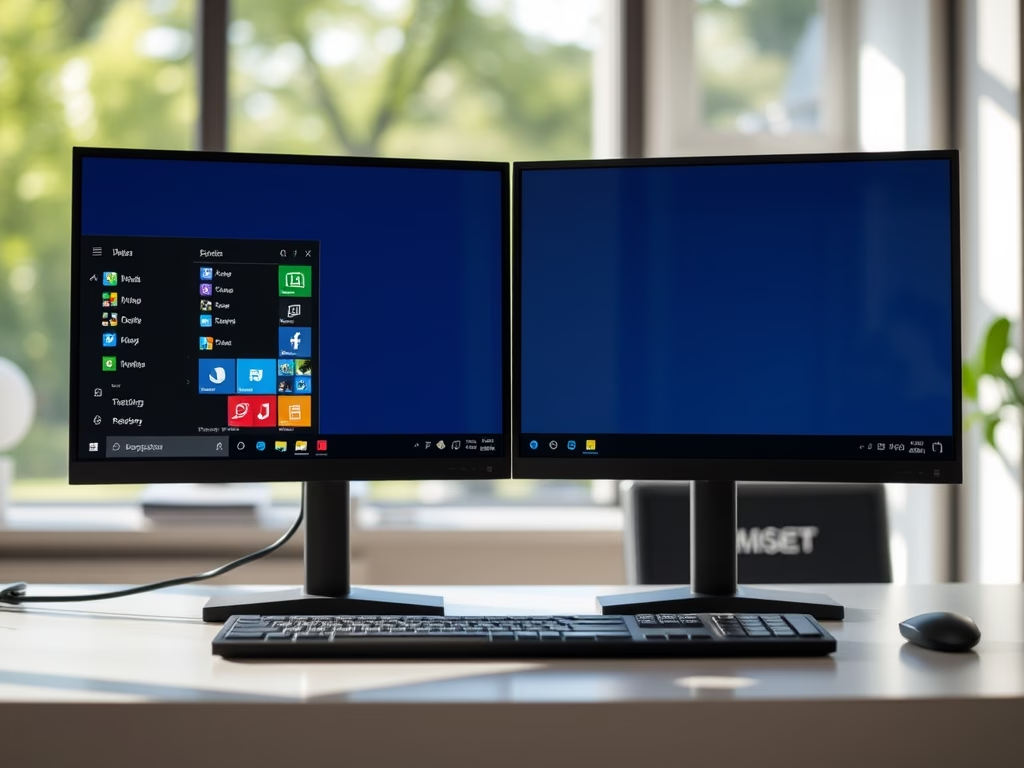
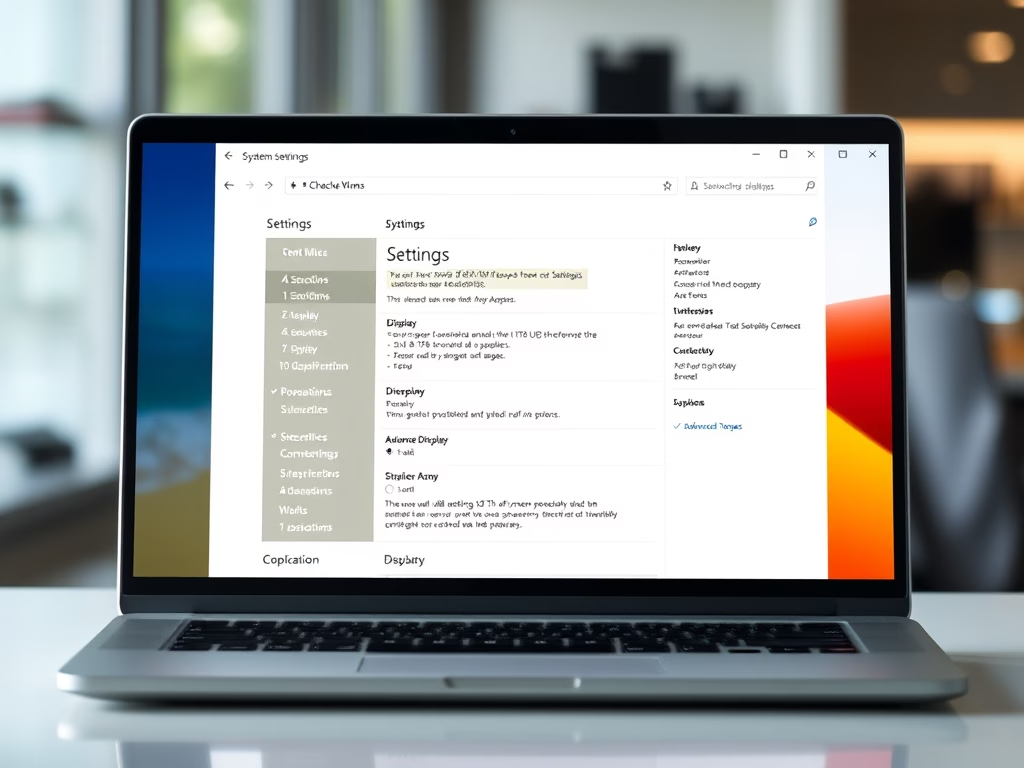
The post guides Windows 11 users on how to display or hide the 'Most used apps' list in the Start menu. It details sections of the Start menu, including Pinned, All apps, and Recommended, and instructs on extending each section to include more apps. It further provides procedures to turn on/off the list, accessed in the 'All apps' section, under System Settings, utilizing Windows' centralized configurations.
January 3, 2022
Read more →