Richard

Richard✓ Verified Author

Richard

Tech Writer, IT Professional

Richard, a writer for Geek Rewind, is a tech enthusiast who loves breaking down complex IT topics into simple, easy-to-understand ideas. With years of hands-on experience in system administration and enterprise IT operations, he’s developed a knack for offering practical tips and solutions. Richard aims to make technology more accessible and actionable. He's deeply committed to the Geek Rewind community, always ready to answer questions and engage in discussions.

2540 Articles4 Topics
Windows 11Ubuntu LinuxCMSApps and Browsers
Windows 3 min read
How to Show Phone Links Notifications on Windows 11 Taskbar

The article advises on how to manage the 'Show badges for unread messages and notifications on your PC's taskbar' feature on the Phone Link app in Windows 11. This feature, aimed at enhancing privacy, can be toggled on or off and displays the number of unread messages and notifications from a linked phone on the PC's taskbar.

November 14, 2023 Read more →

Browsers 3 min read
Enable Early Edge Releases: A Guide for Windows Insider Users

This post details how to enable or disable early preview options for Microsoft Edge releases for Windows Insider Program members. Previously, to test early versions, a separate Canary version of Edge was required, but now testing can be done directly in the Edge app. Early previews allow members access to new features before general release, offer the opportunity to provide valuable feedback, and keep users up-to-date with fresh innovations.

November 13, 2023 Read more →
Windows 3 min read
How to Replace Image Background in Windows 11 Photos App

The article provides a guide on how to replace an image background using the Microsoft Photos app in Windows 11. This app, having a built-in feature for background replacement, can be used to remove unwanted objects, change to an appealing background, or make professional images for online use. Techniques include using the 'Edit image' button, selecting 'Replace' option, manually adjusting the color codes, and applying the background brush tool. Lastly, changes should be saved as a copy.

November 12, 2023 Read more →
Windows 3 min read
How to Remove Image Background in Windows 11 Photos App

The Microsoft Photos app in Windows 11 now allows users to remove an image background without third-party tools. By selecting the image within the app and clicking the Edit image button, users can use the Background brush tool to isolate the image's subject, resulting in cleaner, professional-looking photos. Changes can be saved directly within the app, making the process simple and accessible.

Windows 3 min read
How to Pin or Unpin Copilot in Windows 11

The article provides instructions for pinning or unpinning the new Copilot side panel on the Desktop in Windows 11 for easy access. Introduced in Windows 11 build 23493, the Copilot feature enables interaction with the Bing Chat AI chatbot using natural language for system settings changes and multi-app usage. Users gain additional flexibility and convenience with the ability to keep Copilot constantly visible or only appear when the Copilot button is clicked.

Browsers 4 min read
How to Export Favorites in Microsoft Edge

The article details how to export "Favorites" to an HTML file in the Microsoft Edge browser, a feature that allows users to save and organize frequently visited websites. This method aids in easily transferring the saved websites to a new device, which works as a backup in case the saved websites are lost or need to be shared. The process involves accessing the "Favorites" pane and selecting "Export favorites," which can later be imported onto another device.

November 10, 2023 Read more →
Windows 3 min read
How to Show Week Numbers in Outlook Calendar on Windows 11

The article describes how to toggle "Week numbers" visibility in the new Outlook Calendar on Windows 11. This feature, useful for scheduling and planning, shows the current week of the year on the calendar. The guide elaborates on opening the application, navigating to the Calendar settings, and enabling the "Show week numbers" option.

November 9, 2023 Read more →
Windows 3 min read
How to Control Windows Copilot Startup Settings

The article describes how to enable or disable the "Open Copilot when Windows starts" feature in Windows 11. As of build 23493, users can interact with Bing Chat AI through a Copilot button that appears on the taskbar. Copilot allows users to change settings and execute commands using natural language. Users can toggle its automatic start feature on or off through the Windows Settings app, a preference that depends on individual usage patterns and requirements.

November 8, 2023 Read more →
Browsers 4 min read
How to use Dark Theme in Google Chrome

This post provides instructions on how to change Google Chrome's theme to dark mode. Chrome doesn't have a specific dark theme, but it can be switched to dark mode by adjusting the device's color and theme settings. Changing theme color in Chrome can make the browser more visually appealing, lessen eye strain in low-light settings, or allow users to customize the browser based on their personal style.

Browsers 4 min read
How to Change Browser Theme in Google Chrome

The article explains how to customize the theme of a Google Chrome browser for a more personalized browsing experience. Themes are stored in your Google Account for consistent appearance on different devices. The process includes navigating to 'Customize and Control', selecting 'Settings' and 'Appearance', and then choosing a theme from the store. To undo changes, click 'Reset to default' under 'Appearance'.

Browsers 2 min read
How to use the Dark Theme in Microsoft Edge

This article guides users through the process of enabling the dark theme in the Microsoft Edge browser, available in Windows 11. The dark theme substitutes the standard bright background color with a darker hue, providing a visually comfortable interface in low-light conditions. Switching between light and dark modes in Edge is straightforward, easily accomplished in a few clicks via the Appearance settings.

Browsers 2 min read
How to Change Browser Theme in Microsoft Edge

This article details how a user can change browser themes in the Microsoft Edge browser to customize their browsing experience. Users can select from available themes or add custom themes from the Microsoft Edge Add-On Store and Chrome Web Store. The process involves opening settings, selecting the Appearance tab, and choosing the preferred theme, which automatically applies.

November 7, 2023 Read more →
Browsers 1 min read
How to Turn “Show tab actions menu” On or Off in Microsoft Edge

The article provides a guide on how to enable or disable the "Tab actions menu" in the Microsoft Edge browser, which is the default browser in Windows 11. This feature offers quick access to various tab-related actions such as viewing recently closed tabs, grouping similar tabs, and more. Enabling or disabling it depends on user preference and can help create a more streamlined browsing experience.

Browsers 1 min read
How to Turn “Show new tab menu” On or Off in Microsoft Edge

The Microsoft Edge browser in Windows 11 features a new function, the "New tab menu", enabling faster creation of new tab groups and easier access to browsing history and recent tabs. This feature, aiding in workflow efficiency and organization, can be toggled on or off in the toolbar customization under the appearance settings.

November 5, 2023 Read more →
Ubuntu Linux 3 min read
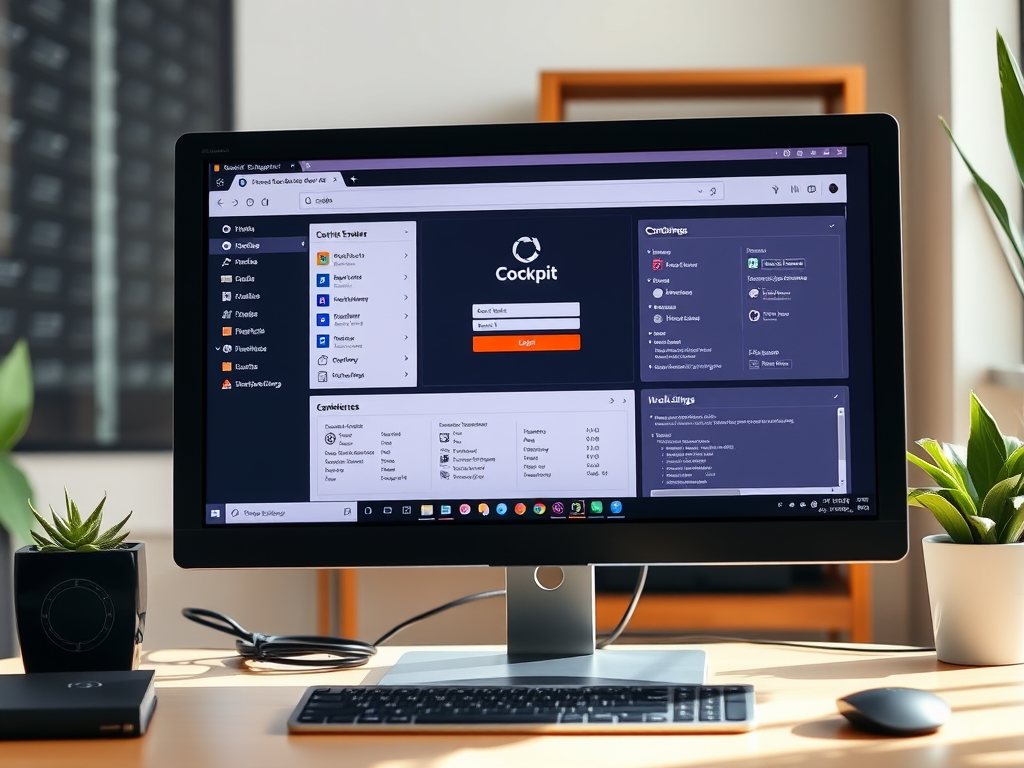
How to Install Cockpit Web Console on Ubuntu Linux

The article provides a guide on installing and utilizing the Cockpit web interface on Ubuntu Linux. Cockpit is a user-friendly, web-based server interface that enables easy management of Ubuntu Linux servers. The article outlines the reasons for using Cockpit, provides step-by-step installation instructions, and describes its operation via network port 9090.

Exit mobile version