Category: Windows
-

Date:
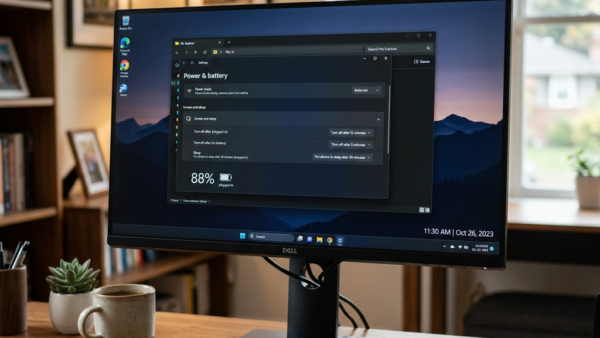
How to Enable or Disable USB Selective Suspend Windows 11
Geek Rewind› Windows This tutorial will show you how to turn on or off USB selective suspend for a power plan in…
-

Date:
How to Show All Windows on Alt+Tab Across Desktops
Geek Rewind› Windows This tutorial will show you how to show all open windows when you press Alt+Tab or Ctrl+Alt+Tab. You can…
-

Date:
How to Show All Open Windows on Taskbar on All Desktops in Windows 11
Geek Rewind› Windows This tutorial will show you how to display all open windows on your taskbar. You can choose to see…
-

Date:
How to Turn On or Off Archive Apps in Windows 11
Geek Rewind› Windows This tutorial will show you how to turn archive apps on or off. You can do this for your…
-

Date:
How to Disable Touchpad With Mouse in Windows 11
Geek Rewind› Windows This tutorial shows you how to turn on or off the touchpad on your Windows 11 computer when a…
-

Date:
How to Change Hover Activate Window Time in Windows 11
Geek Rewind› Windows This tutorial shows you how to change how long your mouse needs to hover over a window before it…
-

Date:
How to Enable or Disable Safeguard Holds in Windows 11
Geek Rewind› Windows This tutorial will show you how to enable or disable safeguard holds for feature updates in Windows 11. Feature…
-

Date:
How to Enable or Disable Copilot to Read and Edit Text in Shared Apps in Windows 11
Geek Rewind› Windows What is Copilot? Microsoft Copilot is an AI assistant built into Windows 11. It helps you with everyday tasks…
-

Date:
How to Enable or Disable Password Expiration in Windows 11
Geek Rewind› Windows This tutorial will show you how to enable or disable password expiration for an account in Windows 10 and…
-

Date:
How to Change Preferred Band for Wi-Fi adapter in Windows 11
Geek Rewind› Windows This tutorial will show you how to change the preferred band (6GHz, 5GHz, or 2.4GHz) for your Wi-Fi adapter…