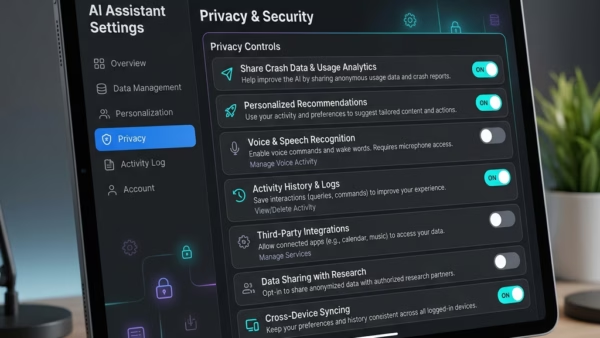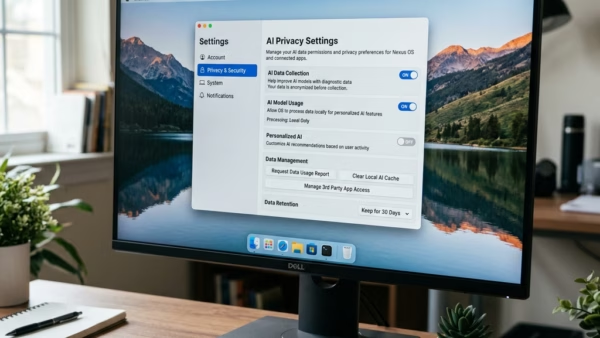
This guide explains how to control whether your computer allows you to delete the diagnostic data collected by Microsoft. Windows collects this information to fix bugs, keep your system secure,…
Article based on Windows 10/11, including improving device performance, hardening device security, adding and managing accounts, and more.
This guide explains how to control whether your computer allows you to delete the diagnostic data collected by Microsoft. Windows collects this information to fix bugs, keep your system secure,…
This guide shows you how to delete your search history in Windows 11. Windows saves your recent searches on your computer to help you find apps and files faster next…
This guide explains how to set up WSL on your Windows 11 computer. Why use WSL? WSL lets you run Linux tools and apps right on your Windows computer. You…
This guide explains how to remove the Windows Subsystem for Linux (WSL) from your computer. Why remove WSL? You may want to remove WSL if you no longer need to…
By default, Microsoft Edge saves every file you download into a folder called “Downloads.” If you want your files to go somewhere else, like a project folder or an external…
Microsoft Edge offers an AI-powered translation tool that provides real-time audio dubbing and subtitles. This feature helps you understand content in foreign languages without leaving your browser. Why use this…
The Share menu in Microsoft Edge lets you quickly send links to other apps, nearby devices, or email. You can also use it to generate QR codes. Why enable or…
This guide explains how to turn the Developer Mode setting on or off in Microsoft Edge for Windows 11. Extensions Extensions are small tools that add new features to your…
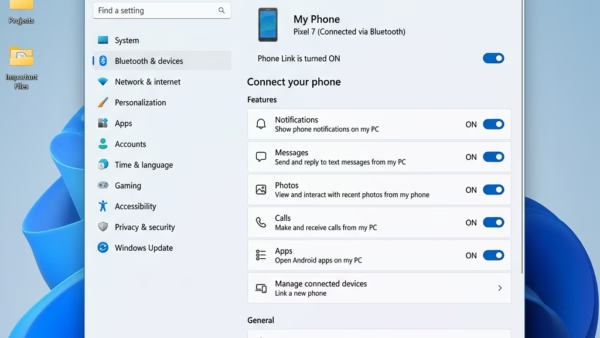
This guide explains how to pick which apps send alerts from your Android phone to your 11 PC using the Phone Link app. Why do this? You might want to…
This guide explains how to control where your cursor starts when you open a new Copilot tab in Microsoft Edge. You can choose to have it focus on the page…
This guide explains how to turn the Copilot Actions feature on or off in Microsoft Edge. This feature allows the AI to perform tasks for you while you browse the…
Microsoft Edge includes a special look called the Copilot theme. This guide explains how to turn this visual style on or off for your user account. Why use the Copilot…
This guide explains how to turn the Copilot Journeys feature on or off in the Microsoft Edge browser on Windows 11. Why use Copilot Journeys? Browsing the web often involves…
Microsoft Edge is now more than just a browser. It uses AI to help you search, shop, and stay organized. One of the newer features is the Copilot new tab…
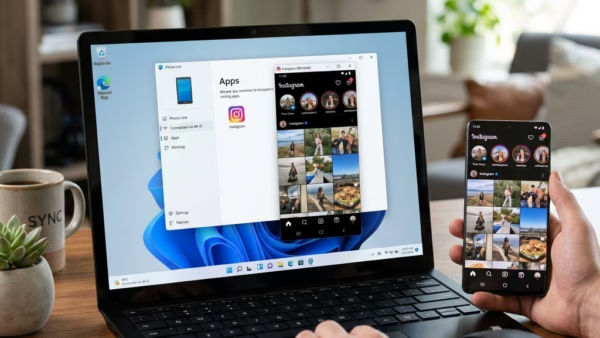
This guide explains how to change your settings so Android apps always open in a larger, expanded window when using the Phone Link app on your PC. Why do this?…