





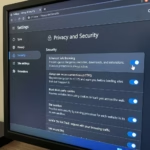
How to Switch to Device-Based Authentication in Microsoft Edge
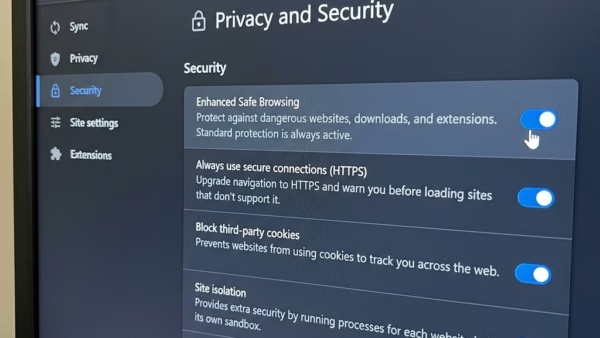
Switching to device-based authentication in Microsoft Edge uses your Windows login (like a PIN or Windows Hello) to protect your saved passwords. Microsoft is…
Step-by-step guides for Windows, Linux, networking and everything tech — written by experts, verified for accuracy.
Most recently published
Switching to device-based authentication in Microsoft Edge uses your Windows login (like a PIN or Windows Hello) to protect your saved passwords. Microsoft is…

You can arrange your Favorites alphabetically in Microsoft Edge to keep your saved websites organized. Microsoft Edge uses "Favorites" to let you quickly access…

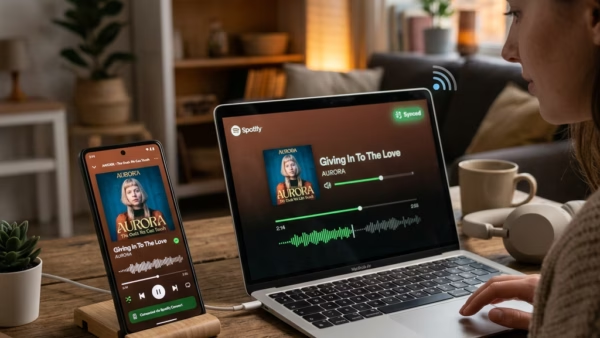
You can control your music and podcasts directly from your PC using Microsoft's Phone Link app. Phone Link allows you to manage your phone's…
You can turn the Phone Link Instant Hotspot on or off in Windows 11 to easily share your phone's internet connection with your PC.…

You can optimize Windows 11 performance to speed up your PC by disabling startup programs, managing background apps, and freeing up disk space. Windows…
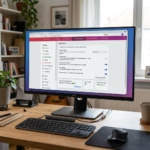
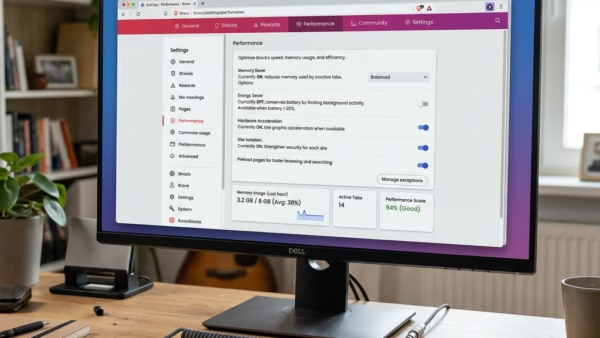
You can keep specific websites active even when Microsoft Edge's Energy Saver mode is enabled to prevent them from sleeping or slowing down.Microsoft Edge's…

You turn on or off the "Use Energy Saver even when connected to power" feature in Microsoft Edge to manage your PC's power consumption…

You can change how long before a tab goes to sleep in Microsoft Edge by adjusting the "Tab sleep duration" setting. Sleeping Tabs is…