Tag: Windows 11
-

Date:
How to Improve Recall Snapshots Filtering on Windows 11
This guide explains how to enable or disable the “Help improve Recall snapshots filtering” feature in Windows 11, which allows anonymous sharing…
-

Date:
How to Turn On or Off Recall in Windows 11
Recall is a new feature in Windows 11 that captures snapshots of your screen, enabling users to later search for previously viewed…
-

Date:
How to Easily Turn On the Windows 11 App Resume Feature
Apps Resume is a Windows 11 feature that allows users to continue working on OneDrive files from their phone on a PC.…
-

Date:
How to Open Folders in New Tabs in Windows 11 File Explorer
Windows 11 introduces a feature allowing users to open folders in new tabs within File Explorer, enhancing file management. To enable it,…
-

Date:
Secure Your Data with Cipher on Windows 11
When files are deleted in Windows 11, they are not permanently removed but marked as available. The Cipher tool can overwrite this…
-

Date:
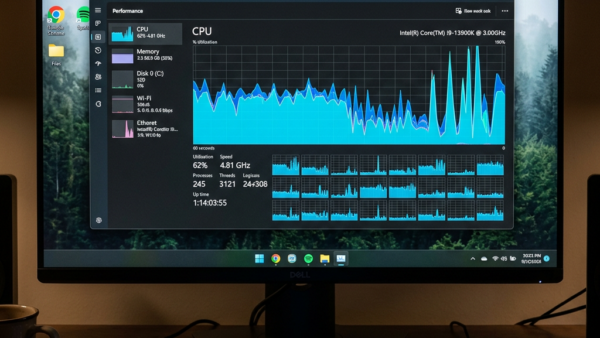
Make Windows 11 Run Smoother: Easy CPU Scheduling Tips
To optimize your Windows 11 computer’s performance, adjust CPU scheduling to prioritize either active applications or background tasks. This can be done…
-

Date:
How to Remove the Home Folder from Windows 11 File Explorer
This guide outlines steps to hide or restore the Home folder in Windows 11’s File Explorer. Users can modify the Windows Registry…
-

Date:
How to Show Multiple Time Zones on Windows 11
This guide explains how to view multiple time zones on a Windows 11 PC. Users can add up to two extra clocks…
-

Date:
How to Show Full Folder Path in Windows 11 File Explorer
This guide explains how to display the full folder path in Windows 11 File Explorer for better navigation. Users can enable this…
-

Date:
How to Manage Advanced Camera Settings in Windows 11
Windows 11 offers updated camera settings allowing users to enhance video quality with effects and maintain privacy. Features include a Multi-app camera…