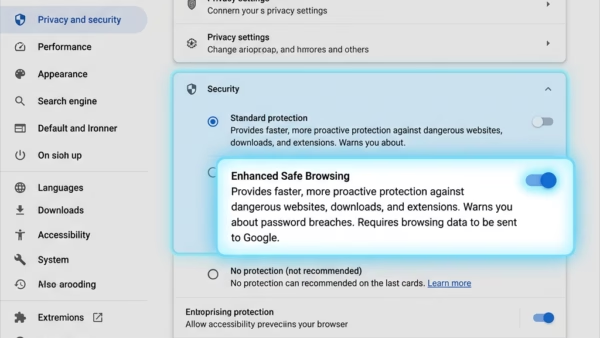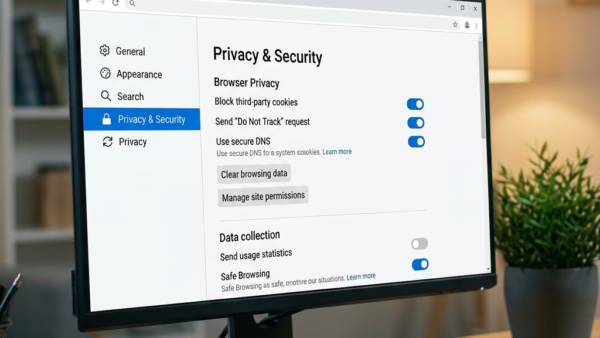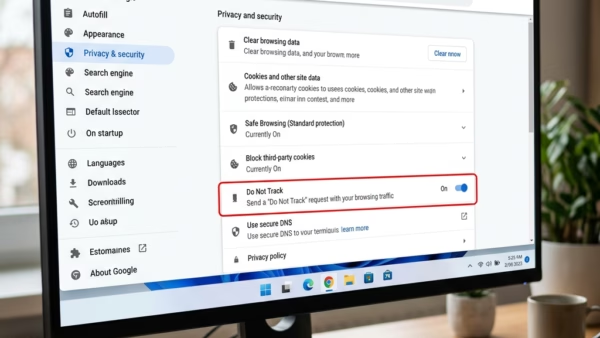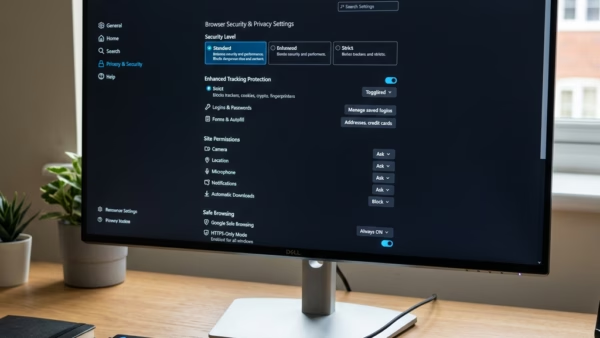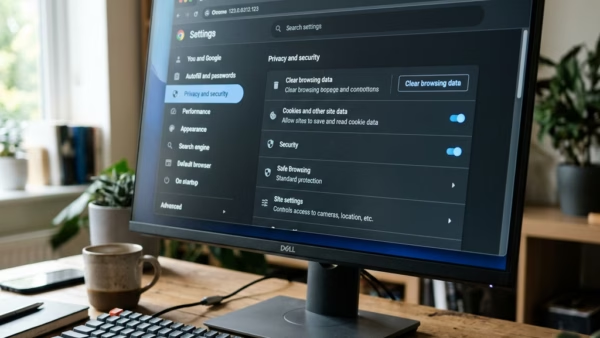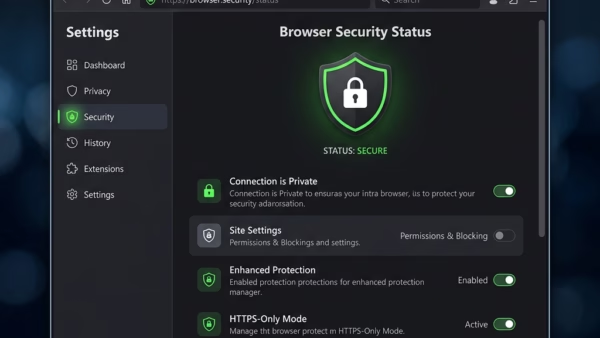
Microsoft Edge security features are built-in tools that block dangerous websites, stop malware downloads, and keep your personal data safe while you browse. Windows Defender SmartScreen, the main protection engine…
214 tutorials · page 4 of 18
Microsoft Edge security features are built-in tools that block dangerous websites, stop malware downloads, and keep your personal data safe while you browse. Windows Defender SmartScreen, the main protection engine…
Changing your default search engine in Microsoft Edge switches the search provider that handles every query you type into the address bar. Microsoft Edge version 90 or newer lets you…
Local network access in Microsoft Edge is a security setting that controls how websites connect to smart devices on your home network like printers and streaming boxes. Added in version…
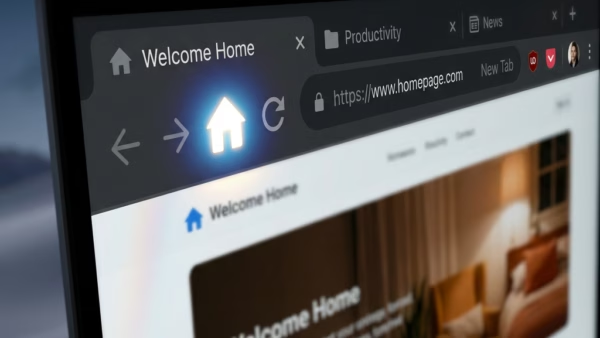
Your Microsoft Edge home page is the website that loads automatically the second you open the browser. Changing this page lets you jump straight to your favorite news site, email…
The “Create Podcast” feature in Microsoft Edge turns any webpage into spoken audio using AI, letting you listen to long articles, news stories, and blog posts instead of reading them…
Copilot in Microsoft Edge on Windows 11 creates instant bullet-point summaries of long web pages so you can skip reading every word. This built-in AI tool sits right in the…
Microsoft Edge sharing data with other Windows features sends your browsing habits, including your most visited websites, from the browser to Windows 11 and Windows 10 to personalize your PC…
Password Monitor in Microsoft Edge is a built-in security tool on Windows 11 that checks your saved login details against a public list of over 500 million leaked credentials. This…
Show frequent sites in Microsoft Edge displays your most visited websites right inside the taskbar jump list on Windows 11. Right-clicking the Edge taskbar icon brings up this list of…
Automatically upgrading to passkeys in Microsoft Edge swaps your old text passwords for secure digital keys that block phishing scams. Available since Microsoft Edge version 121, this feature suggests or…
Importing bookmarks and login details from an export file into Microsoft Edge moves all your saved website links and passwords straight into the browser at once. This tool accepts HTML…
Importing favorites and passwords in Microsoft Edge moves saved website links and login details from Chrome or Firefox in under 60 seconds. This built-in tool copies bookmarks, saved passwords, and…
One email when we publish a guide worth your time — new Windows features, the fixes that actually work, and a heads-up when Microsoft breaks something. Unsubscribe in one click.